7.4 Grinding Parameters
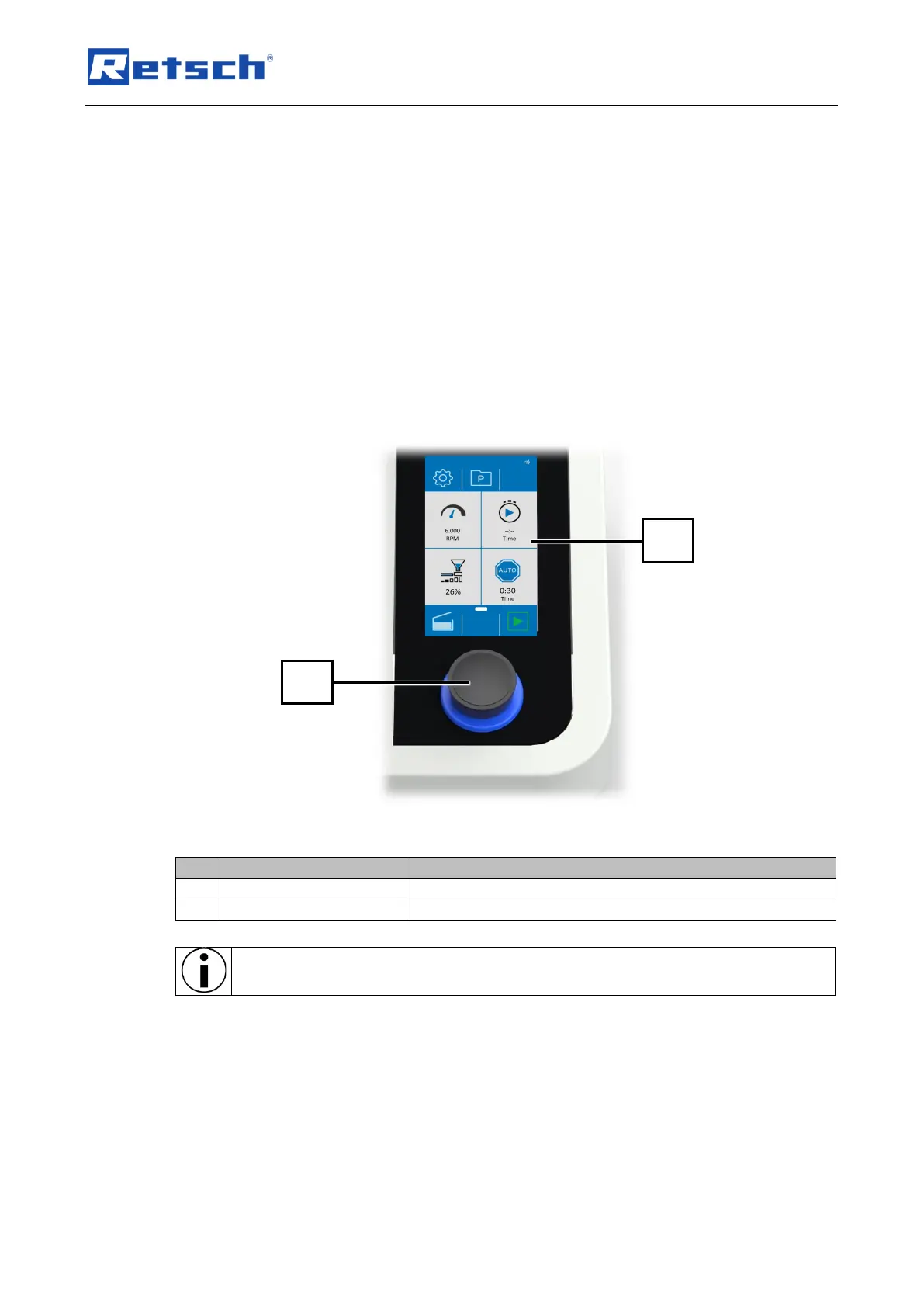
The parameters can be set and changed via the "Parameter settings and display" (T3) operating
area.
7.4.1 Adjustable Parameters
The following parameters can be set by entering values with the control dial:
• Speed in rpm.
• Delayed start in mm:ss (minutes/seconds)
• When operating with DR 100 connected: Feed rate of the DR 100 feed unit in % (0 to
max. speed in %)
• When operating with DR 100 connected: Automatic stop in mm:ss (minutes/seconds)
The background of the control dial lights up in blue when the touch display is used to
select a section with values that are editable via the control dial.



 To Next Page