Controlling the device using the touchscreen display
61
7.7 System settings
The system settings can only be accessed in manual mode.
Press the button.
Swipe from right to left or from left to right to access the various windows of the system settings.
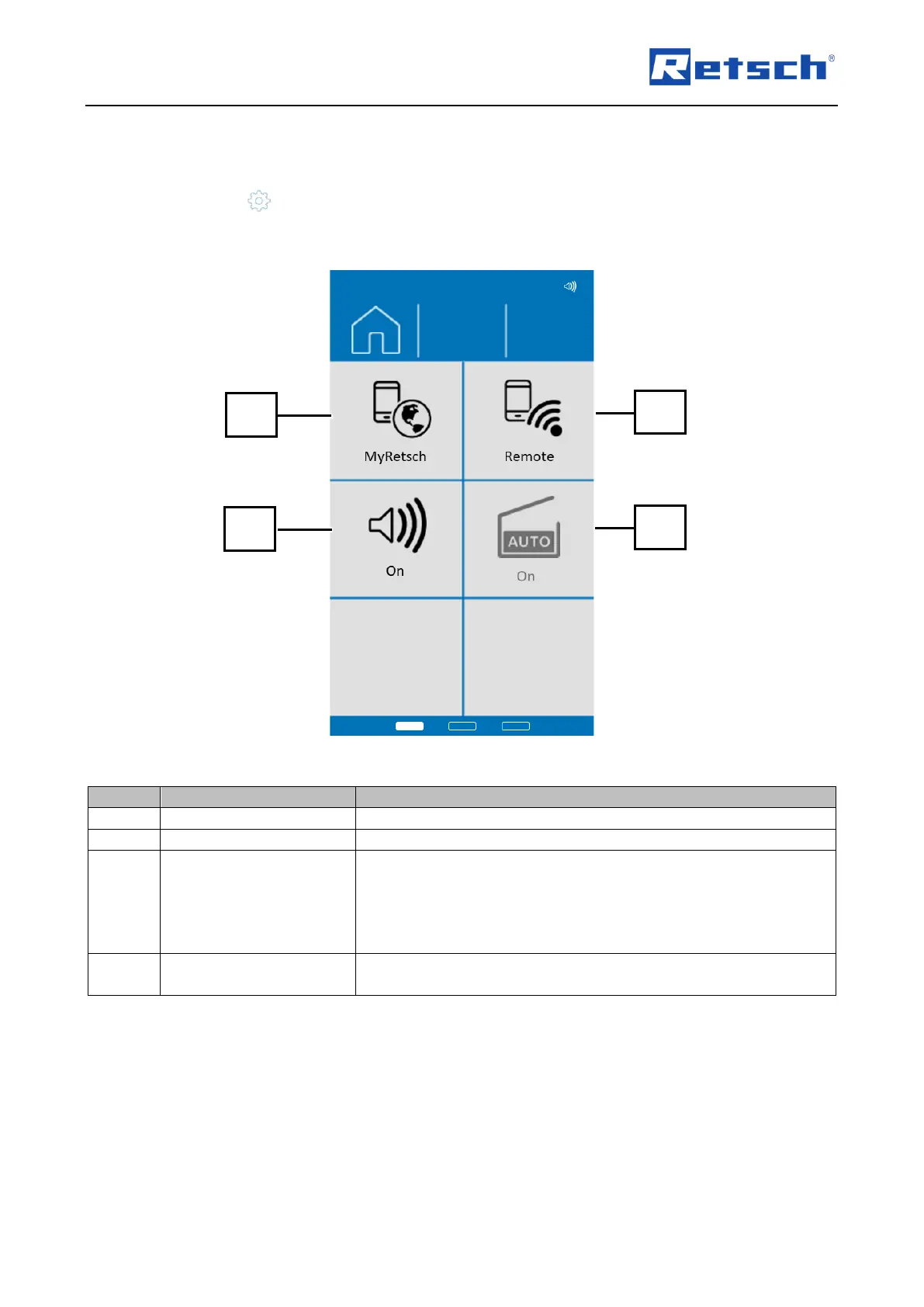
Fig. 39: Overview 1 System settings
Displays a QR code in the display.
Signalling device (on/off)
This can be used to switch the signal device on or off.
When this function is selected, the device is paired with a
smartphone, tablet or PC.
The device can then only be operated by smartphone, tablet or PC.
On the device itself, the process can only be interrupted by pressing
the stop button.
Automatic opening (on/off)
Automatically unlocks the device hood at the end of a grinding
process.



 To Next Page