Installing additional equipment
71
9 Installing additional equipment
Thanks to Retsch additional equipment, the ZM 300 Ultra Centrifugal Mill can be flexibly
adapted to different working conditions.
The following additional equipment is available for the Retsch ZM 300 Ultra Centrifugal Mill:
• Paper filter bag with support and through cassette
• Cyclone separator with collecting vessel and through cassette for dust extraction or a
filter bag
• DR 100 feed unit with stand
For installation of the additional equipment, this manual provides an adapted and
suitable description which, however, does not include all details.
For this reason, also observe the assembly instructions for installation of additional
equipment.
9.1 Paper filter with support
The device can be fitted with a paper filter as collecting receptacle. With the paper filter, it is
possible to collect a large quantity of sample material.
9.1.1 Installing the paper filter
During installation, also follow the assembly instructions for the additional equipment.
Install the paper filter bag as follows:
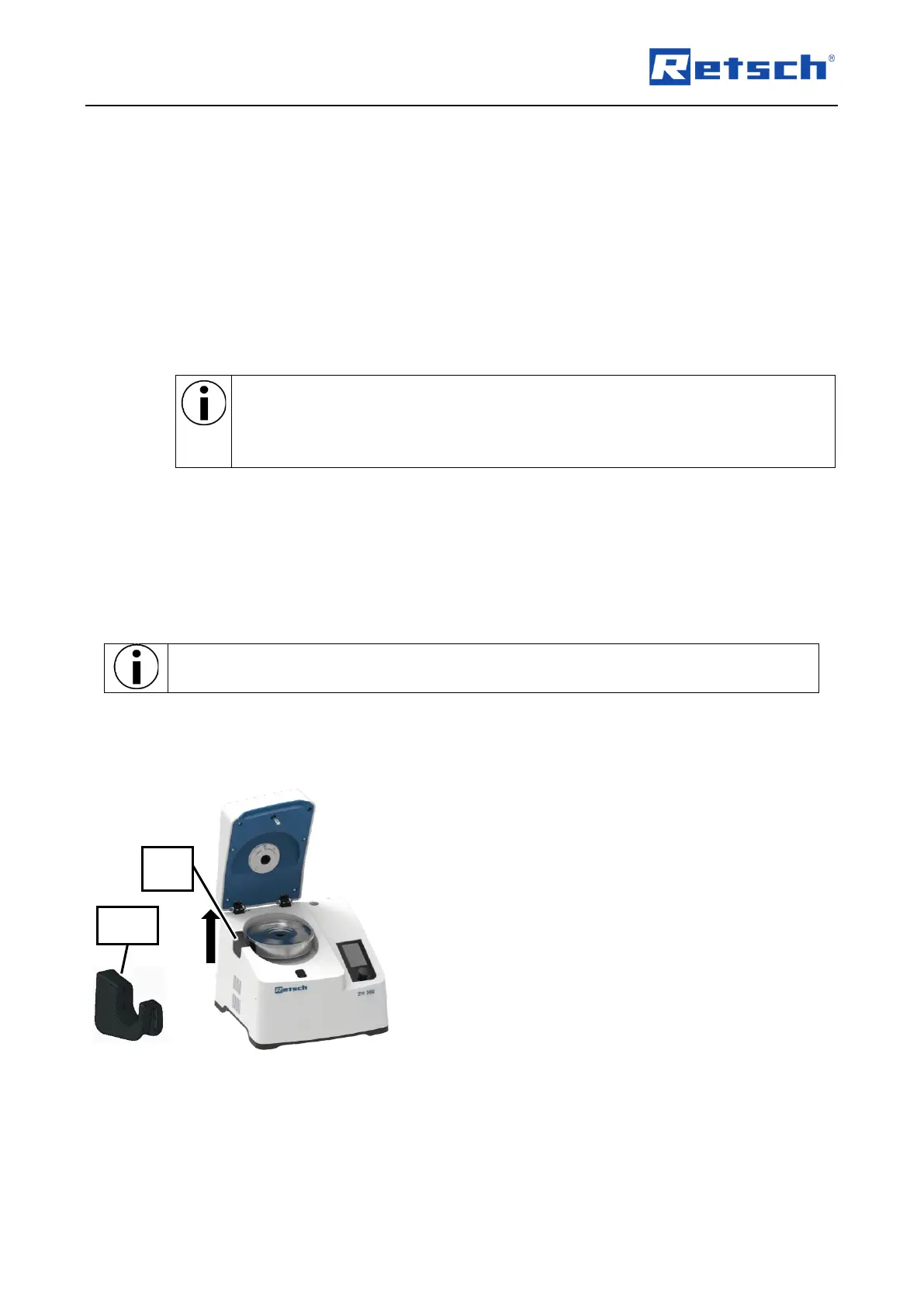
Fig. 45: Device with cassette and grinding tools
1. Switch on the device.
2. Open the device hood (2).
3. Switch off the device while the device hood
(2) is open.
➔ The device is switched off and the device
hood (2) is open.
4. If inserted, remove the grinding tools and
cassette (26) from the interior (10) (Fig. 45).
5. Pull out the rubber sleeve (9) upwards
(arrow) (Fig. 45).
6. Push in the through sleeve for the cyclone
(9.1).
7. Place the through cassette (26.1) at the
position of the standard cassette (26).
8. Insert the grinding tools and close with the
lid.



 To Next Page