6.4 Closing the device cover
Closing and locking the device hood are only possible when the device is connected
to the power supply and switched on.
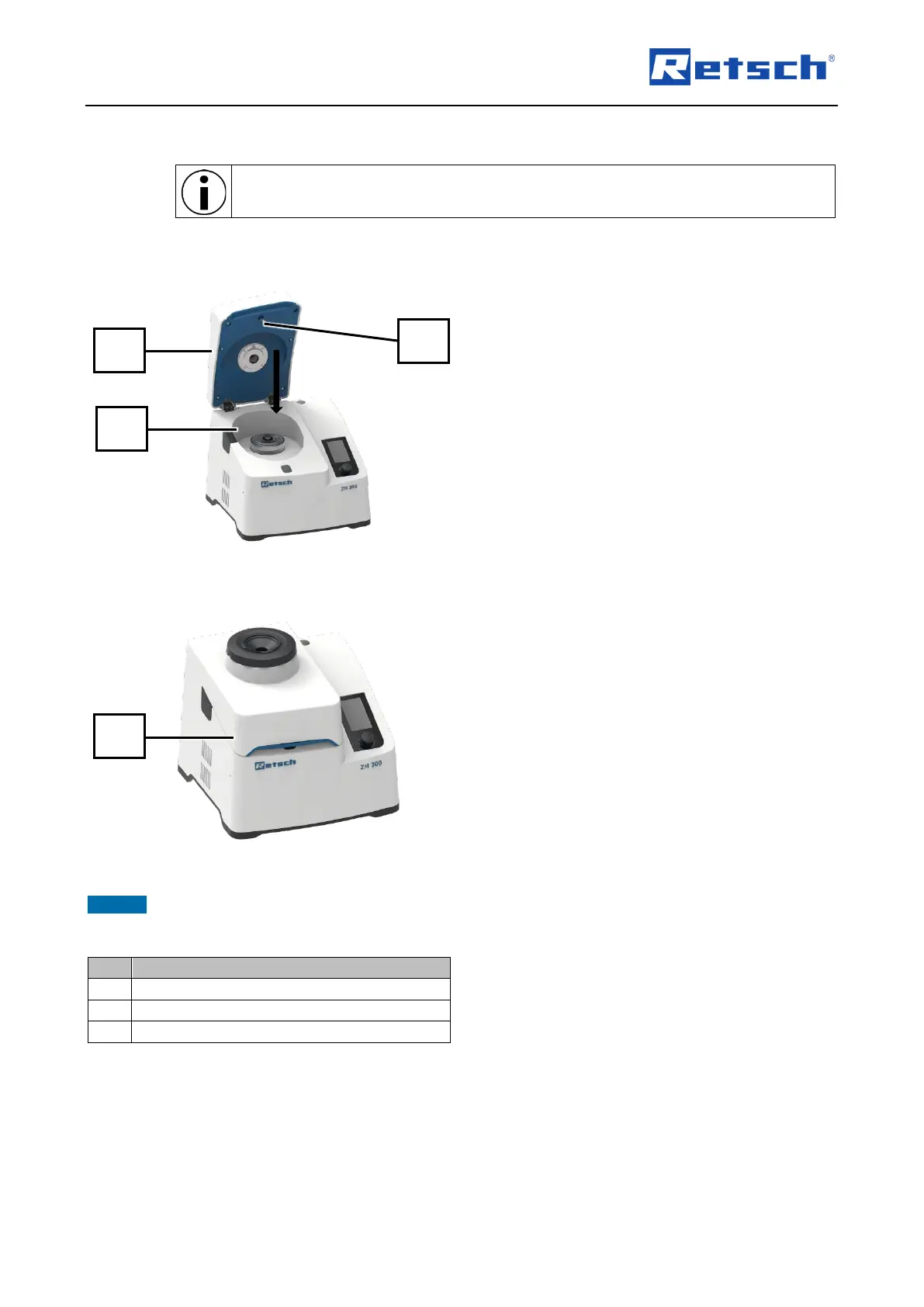
Close the interior as follows:
Fig. 14: Device with open device hood
1. Close the device hood (2) by hand and
hold it in closed position.
➔ The device emits an acoustic signal.
Fig. 15: Device with closed device hood
➔ The device hood (2) is automatically locked
by the locking pin (8) and the interior (10) is
closed (Fig. 15).
➔ The device again emits an acoustic signal.
NOTICE The device hood should only be fully locked when the device is being used. Permanent locking
leads to increased wear of the lid seal.



 To Next Page