Controlling the device using the touchscreen display
53
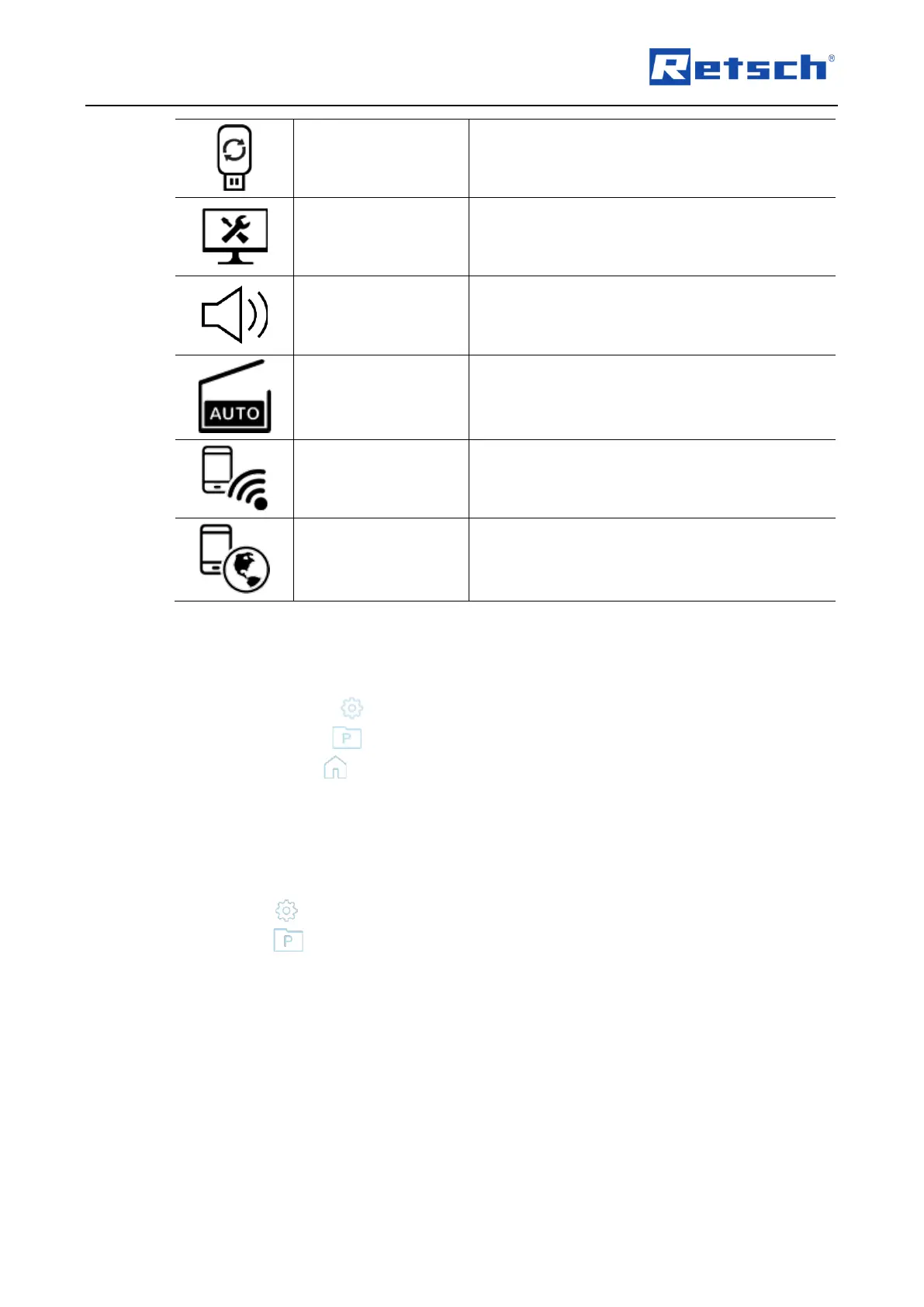
Software update of the device via USB medium
Access to service environment
Signalling device
(on/off)
Setting the signalling device (on/off).
Switching on or off the automatic opening function.
If the function is switched on, the hood is opened
automatically at the end of grinding.
Pairing the device with a mobile terminal device.
Displays QR code on the display for access to the
web portal.
7.3 Operating modes and navigation
The following operating modes can be selected via the navigation area (T2) of the touch display:
• System settings
• Program mode
• Manual mode
7.3.1 Navigation between Operating Modes
Enter the desired grinding parameters in the "Parameter settings and display"(T3) area to
perform manual grinding.
Press the button to access the system settings.
Press the button to access the program settings.



 To Next Page