Controlling the device using the touchscreen display
52
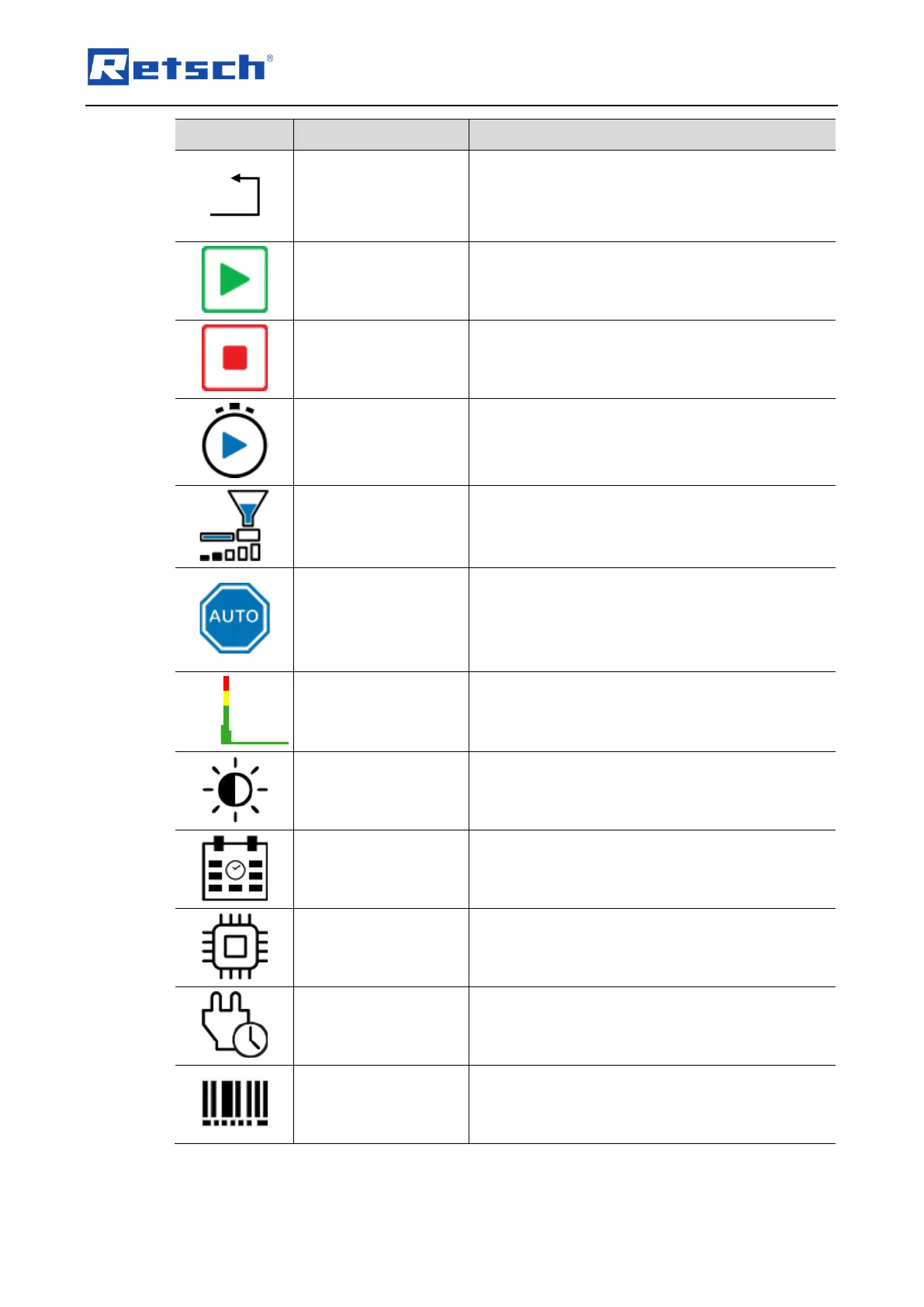
Cancel input / return to the previous menu.
Starts the grinding process.
Stops the grinding process.
Time until the start of the grinding process.
Setting the conveying speed of the DR 100 feed
unit. Function can only be selected when the DR
100 feed unit is connected and switched on.
Automatic stop of the device after mm:ss. The
device detects when there is no more sample
material and stops automatically after the specified
time. This function can only be selected when the
DR 100 feed unit is connected and switched on.
Shows the load on the drive during a grinding
process.
Setting of the display brightness.
Setting of the date and time.
Display of the installed software version.
Display of operating hours.
Display of the device serial number.



 To Next Page