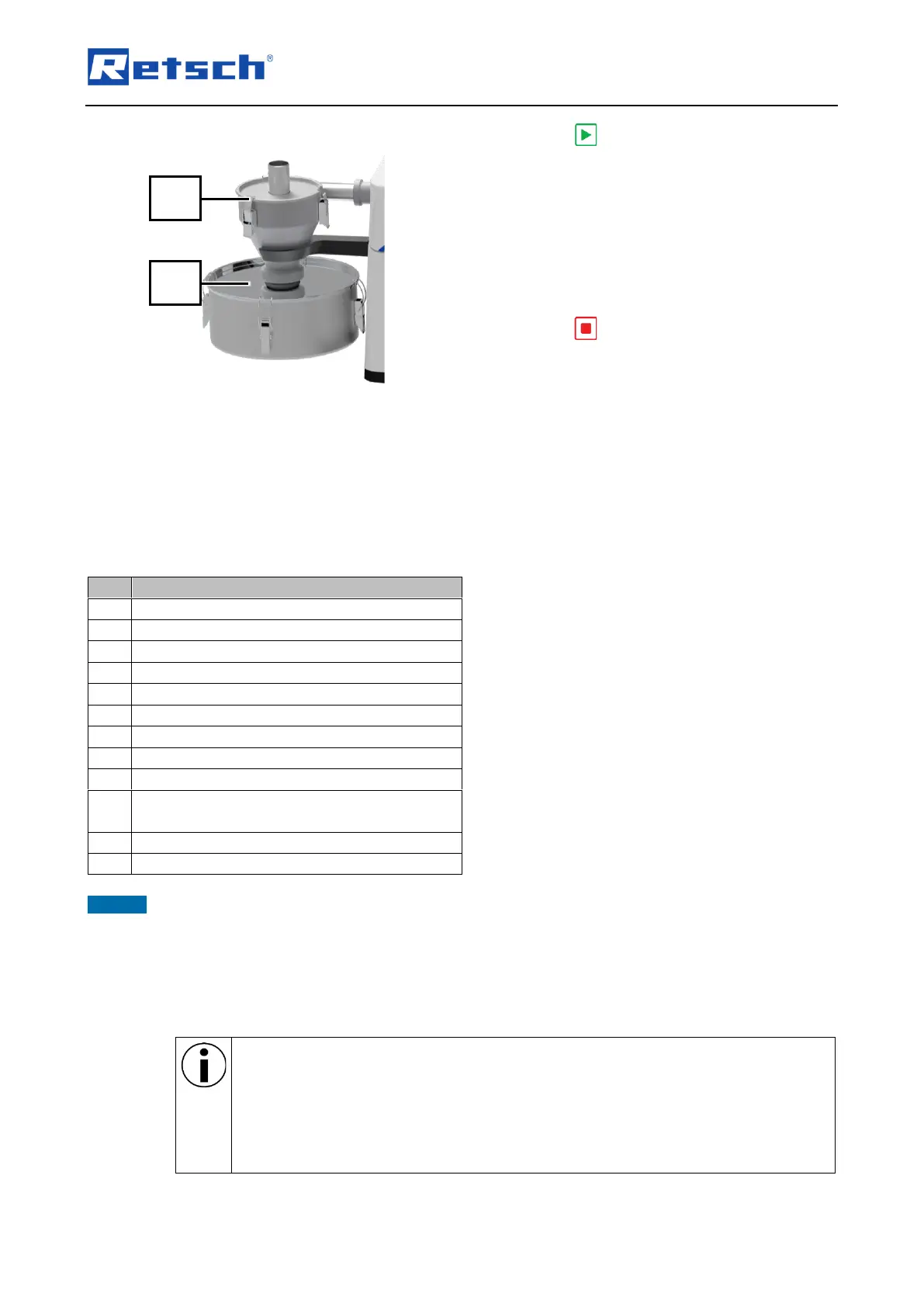
Fig. 29: Device with cyclone separator
12. Press on the touch display (6) to start
the grinding process.
13. The sample material is automatically fed in
via the chute (28) of the DR 100 feed unit
(33) and ground.
14. Observe the performance indicator on the
touch display (6) to assess the uniformity of
the grinding process.
➔ The sample material is ground.
15. Press on the touch display (6) to stop
the grinding process.
16. Optional: Use the “Automatic stop” setting
so that the process is stopped
automatically by the device and the feed
unit.
17. Remove the sample material from the
collection receptacle (30) of the cyclone
separator (29) (Fig. 29).
➔ The sample material is ready for further
processing.
Chute of the DR 100 feed unit
Collection receptacle of cyclone separator
Hopper of the DR 100 feed unit
Toggle screw for unscrewing or screwing
down the hopper
Display of the DR 100 feed unit
NOTICE For explanation on manual operation of the DR 100, please refer to the DR 100 manual.
6.8 Sample material with recommended grinding gear
Below is a list of recommendations on which grinding tools to use according to the sample
material in order to achieve the best result.
The following list does not take into account all possible materials, but serves for
orientation. A detailed database and references can be found at:
• www.retsch.de
• myRetsch portal (see "Controlling the device with the touch display/ myRetsch")
For further assistance, please contact our application laboratory, our field service
consultant or an authorised representative.



 To Next Page