Controlling the device using the touchscreen display
50
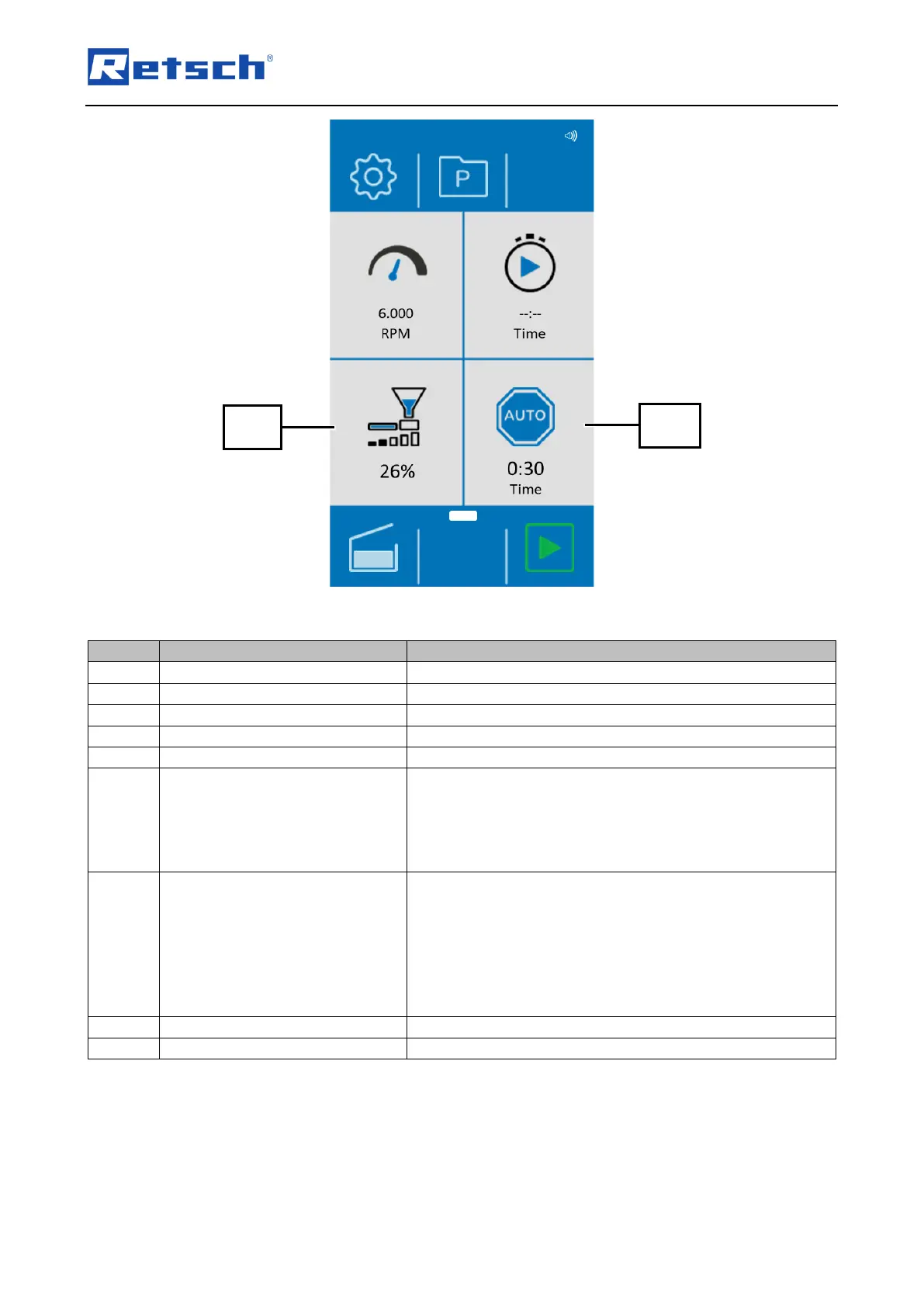
Fig. 33: Display with connected DR 100 after closing the lid
Automatic lid opening switched on – Acoustic signal on/off.
Access to the system settings.
Access to program settings.
Displays the set speed (6,000 - 23,000 rpm).
Device start in minutes/seconds (mm:ss).
Setting the conveying speed of the DR 100 feed unit. This
function can only be selected when the DR 100 feed unit is
connected and switched on. The conveying speed set
manually on the feed unit is overwritten by the value set on
the device when the grinding process is started at the device.
Automatic stop of the device after mm:ss.
The device detects when there is no grinding load and
automatically stops the grinding process and the sample
material feed after the specified time. This function can only
be selected when the DR 100 feed unit is connected and
switched on. This function is only active when the grinding
process is started via the device.
Opens the lock of the device hood.
Starts the grinding process.



 To Next Page