RichAuto S & T Co., Ltd
Add: 5th
floor, No.4 building, No 4. Yard, life Rd, life science park, beiqing St., changping district Beijing, China
Tel:010-53275118 Fax:010-53275110/53275111 Web site:www.richnc.com.cn
29
The under arrow indicates the output level:Set output voltage signal terminal
status. The top four: 0、1、2、3 positions correspond spindleOn/Off、multi-speed 1、
multi-speed 2、multi-speed 3 siganl,5、6:4、5 positions correspond alarm LED、
work LED signal.
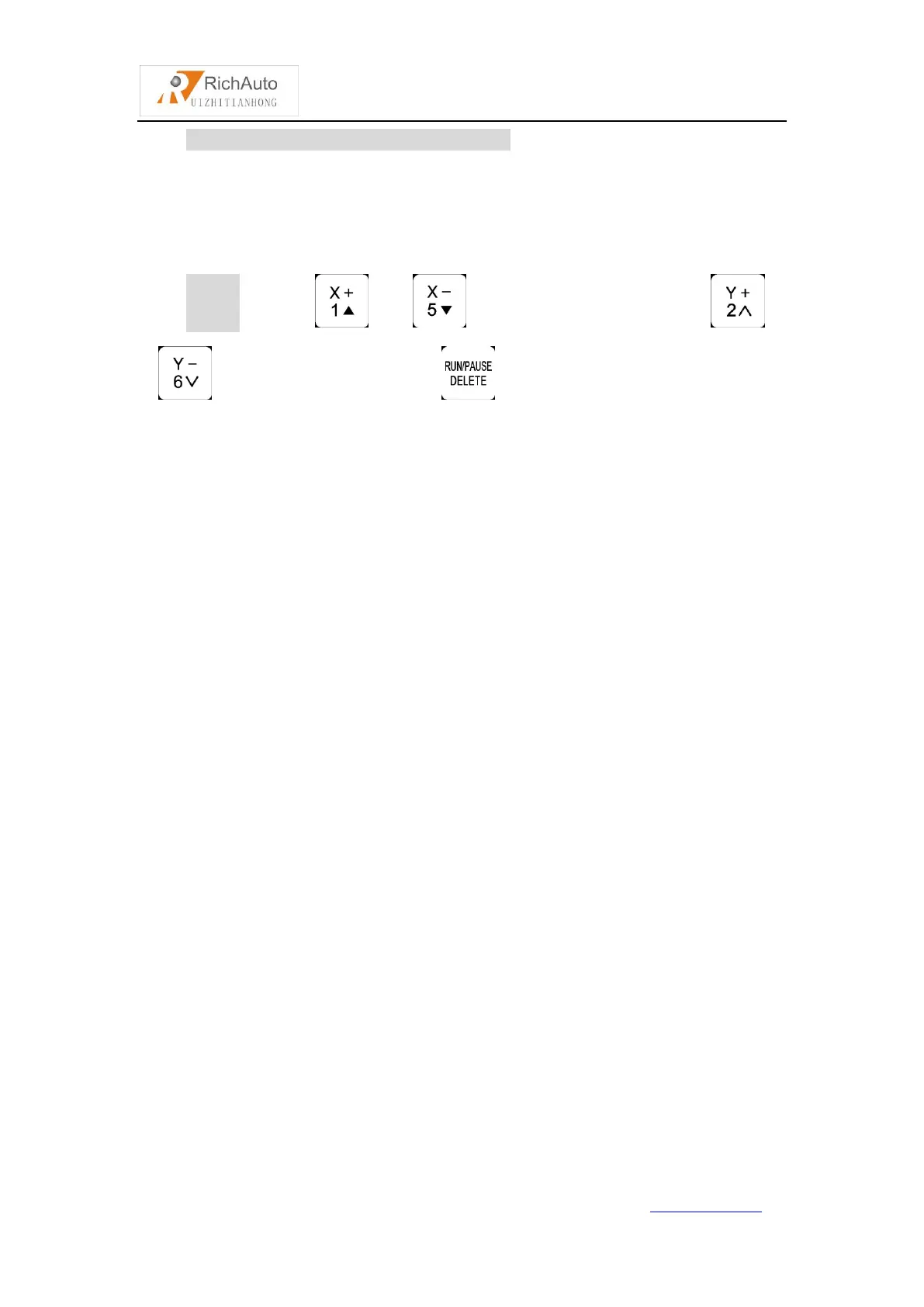
Setting:Press“ ”/“ ” to move around,Press “ ”、
“ ”to move up and down,press“ ” to change the direction of the arrow.
8. C.A.D. Thickness:Unit:mm
This thickness should input by actual,if it is bigger than the actual theckness ,Z
axis may cut too much;if smaller, Z axis can’t touch workpiece. This parameter can
only take effect when user use auto toolsetting function.
9. Max Spd Limit(Max Speed Limit):Unit:mm/minute
Set machine top speed, it only take effect during processing, system default
max speed X,Y is“60000000 mm/minute”, “Z+” is “1800 mm/minute”, “Z-” is “3000
mm/minute”.
10. DistTime Limit:Unit:second
Users select diatance mode,and if the machine does not move in a certain period
of time(system default is 30 seconds),the system will go back to continuous mode to
prevent Z-axis collision risk because of the customer forgot to switch back to
continuous mode and set a large distance value.
11. InputConfi(Input Port Configuration):
To open or prohibit input signal,if the interface board does not connect X5-X8
signals,users can prohibit X5-X8 signals.



 To Next Page