You can search by the registered name, user code, fax number, folder name, e-mail address, or IP-
Fax destination.
5. Press [Folder].
6. Press the protocol which is not currently selected.
A confirmation message appears.
7. Press [Yes].
8. Press [OK].
9. Press [User Tools] (
) on the top right of the screen.
10. Press [Home] ( ) at the bottom of the screen in the center.
Entering the Path to the Destination Manually
When Using the Scanner Application
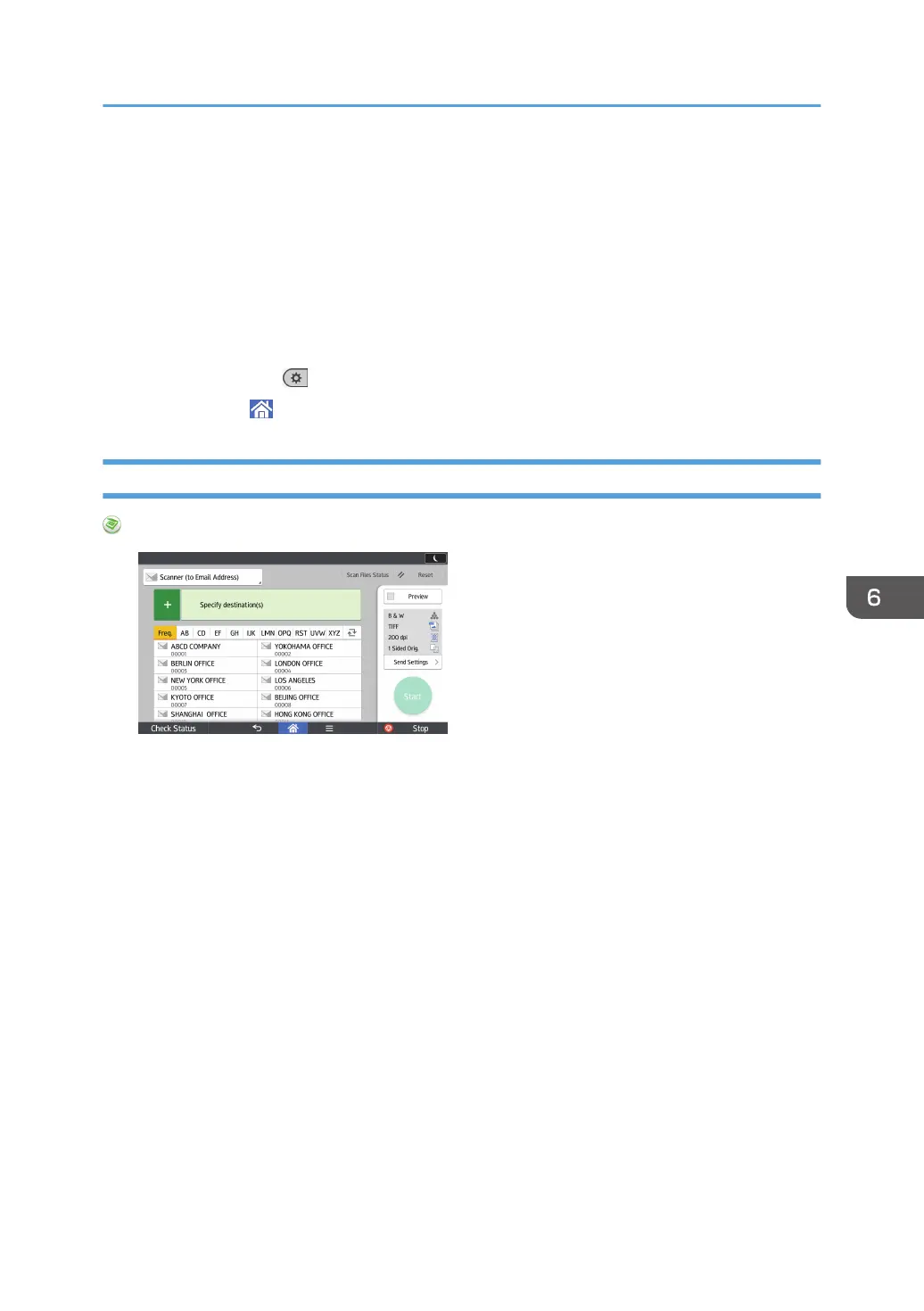
About how to use the application's screen, see page 60 "[Scanner] Screen".
Basic Procedure When Using Scan to Folder
123



 To Next Page