• Counter
• Inquiry
• Address Book Management
• Tray Paper Settings
• Current Job / Job History
• During interrupt copying
• During On-hook dialing for fax transmission
• The [Home] screen is set as the default screen when the machine is turned on. You can change this
default setting under Function Priority. See "Screen Features", Connecting the Machine/ System
Settings.
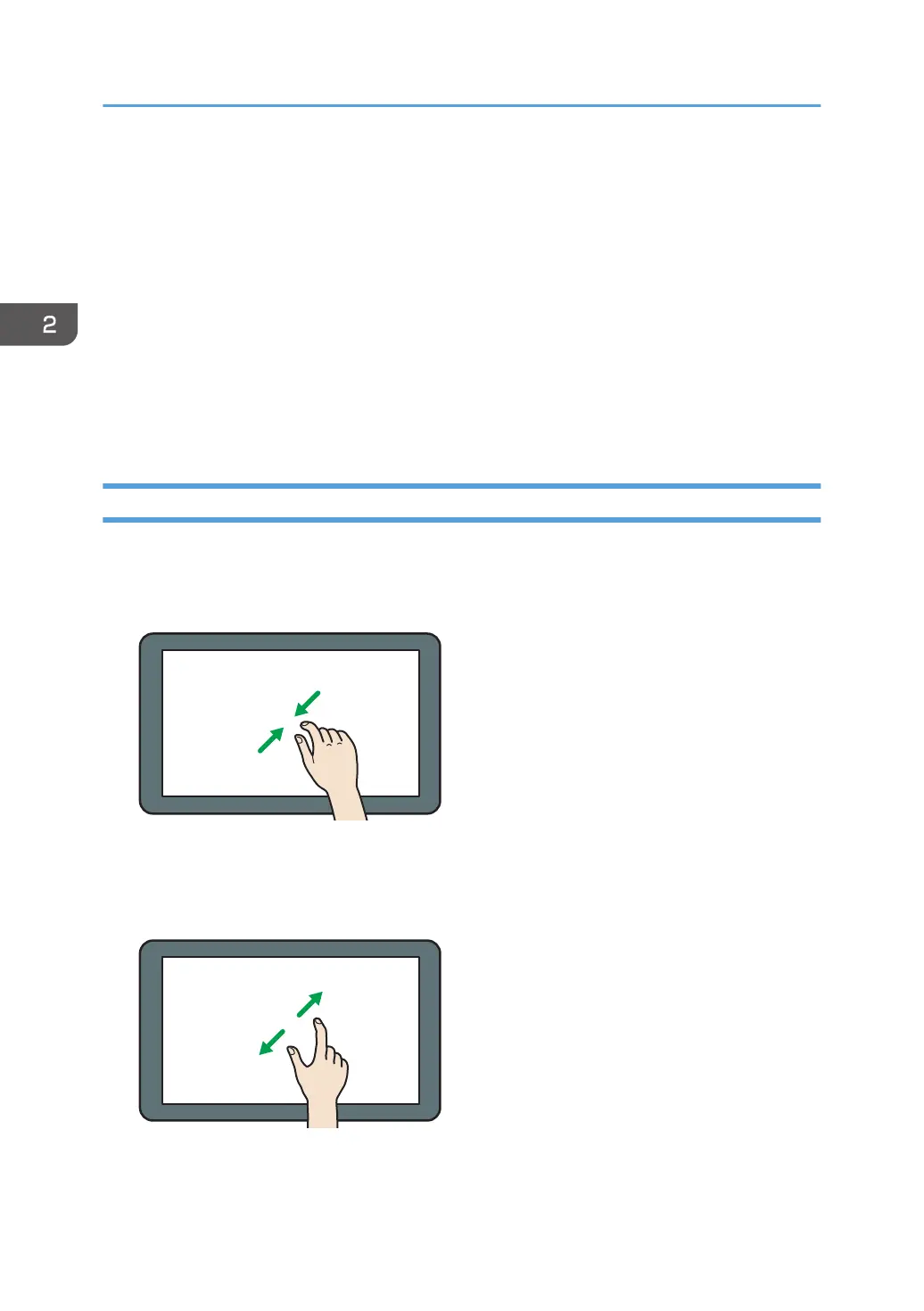
Possible Operations on the Standard Application Screen
• Pinch-in
Place your thumb and forefinger on the screen, and then pinch the fingers together to zoom out the
screen. Double-tapping can also be effective for this operation.
• Pinch-out
Place your thumb and forefinger on the screen, and then spread the fingers apart to zoom in the
screen. Double-tapping can also be effective for this operation.
• Flick
2. Getting Started
48



 To Next Page