Printing Stored Documents
Prints stored documents on the Document Server.
The items you can specify on the printing screen are as follows:
• Paper tray
• The number of prints
• [2 Sided Copy Top to Top], [2 Sided Copy Top to Bottom], [Booklet], [Magazine]
• [Finishing] ([Sort])
• [Cover/Slip Sheet] ([Front Cover], [Front/Back Cover], [Designate/Chapter], [Slip Sheet])
• [Edit / Stamp] ([Margin Adj.], [Stamp])
For details about each function, see the each section.
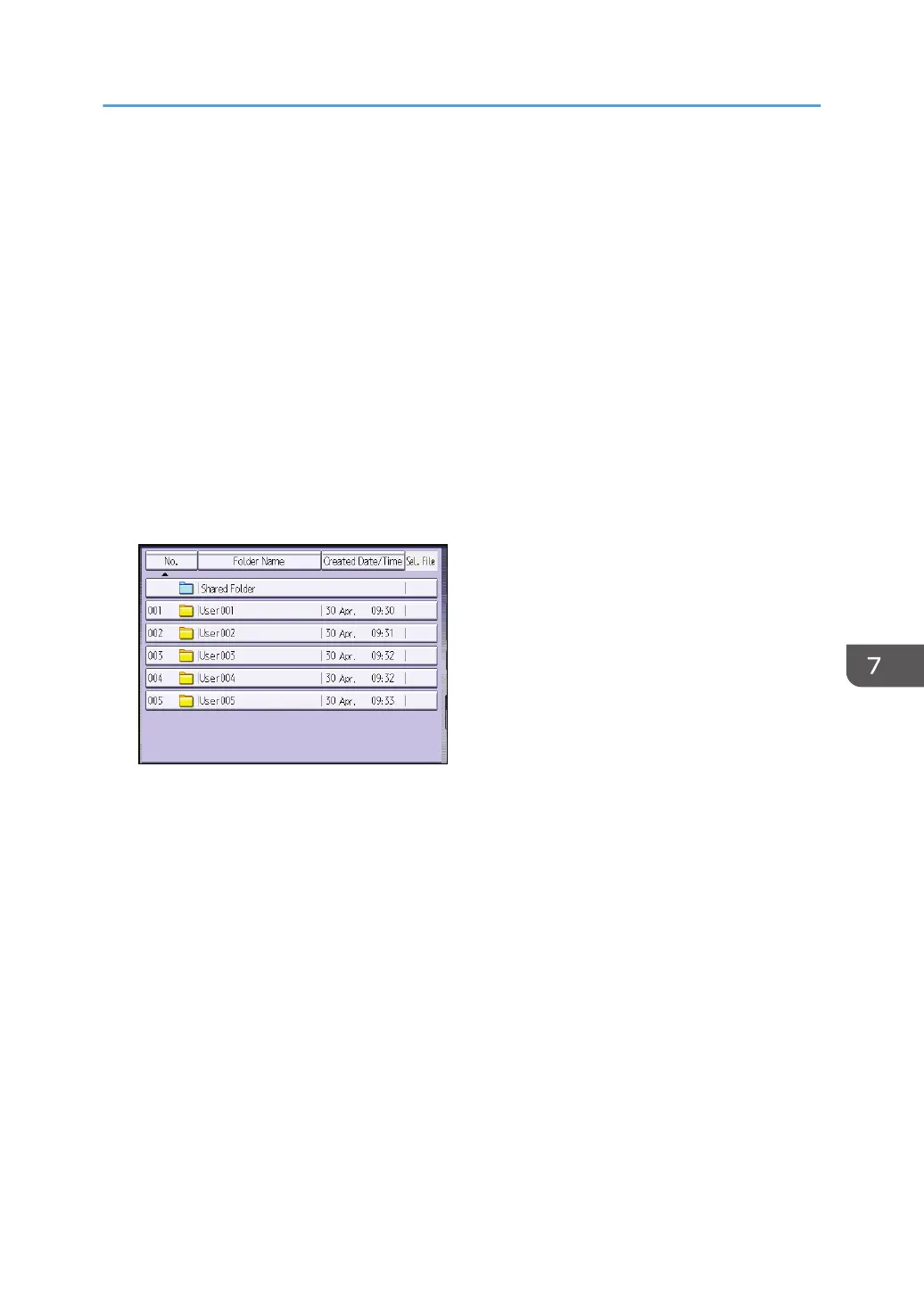
1. Select a folder.
2. Select a document to be printed.
3. When printing two or more documents at a time, repeat Step 2.
Up to 30 documents can be printed.
4. When specifying printing conditions, press [To Printing Screen], and then configure print
settings.
5. Enter the number of print copies with the number keys.
The maximum quantity that can be entered is 999.
6. Press [Start].
Printing Stored Documents
133



 To Next Page