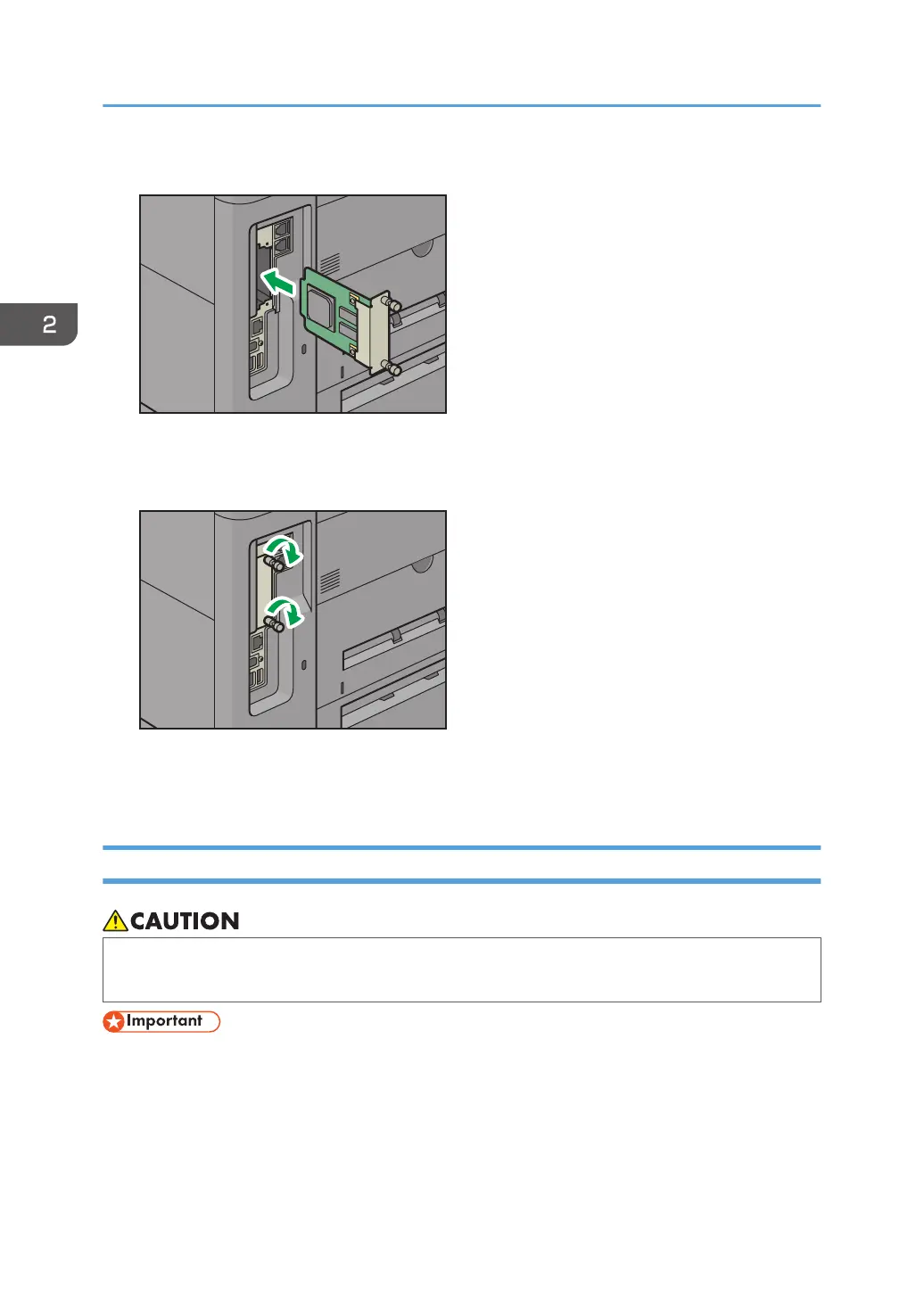
4. Fully insert the file format converter.
Check that the file format converter is firmly connected to the controller board.
5. Tighten two screws to secure the file format converter.
6. Plug in the power cord, and then turn on the machine.
7. Print the configuration page to confirm that the board was attached correctly.
Installing SD Card Options
• Keep SD cards out of reach of children. If a child swallows an SD card, consult a doctor
immediately.
• Do not subject the card to physical shocks.
1. Turn the machine off and unplug the power cord.
2. Getting Started
40



 To Next Page