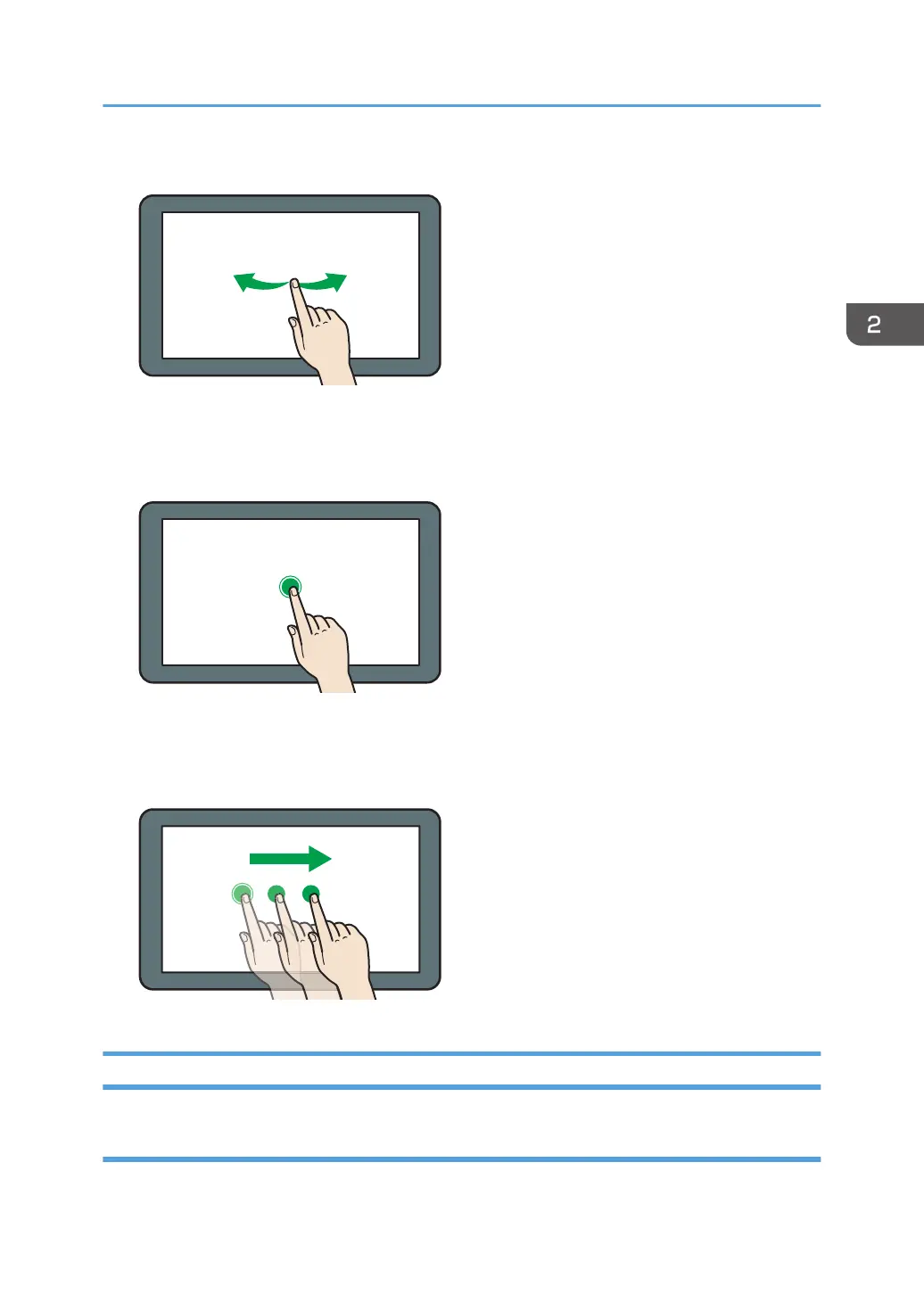
Flick your finger to the right or left on the screen to switch between screens.
• Long tap
Place your finger on the screen and hold it there until the next screen appears. You can display the
menu screen of the application you are using.
• Drag
Slide your finger while pressing the screen. You can move an icon to where you want to place it on
the screen.
Adding Icons to the [Home] Screen
Adding shortcuts to the [Home] screen
You can add shortcuts to the machine's functions.
How to Use the [Home] Screen
49



 To Next Page