Auto Reduce / Enlarge
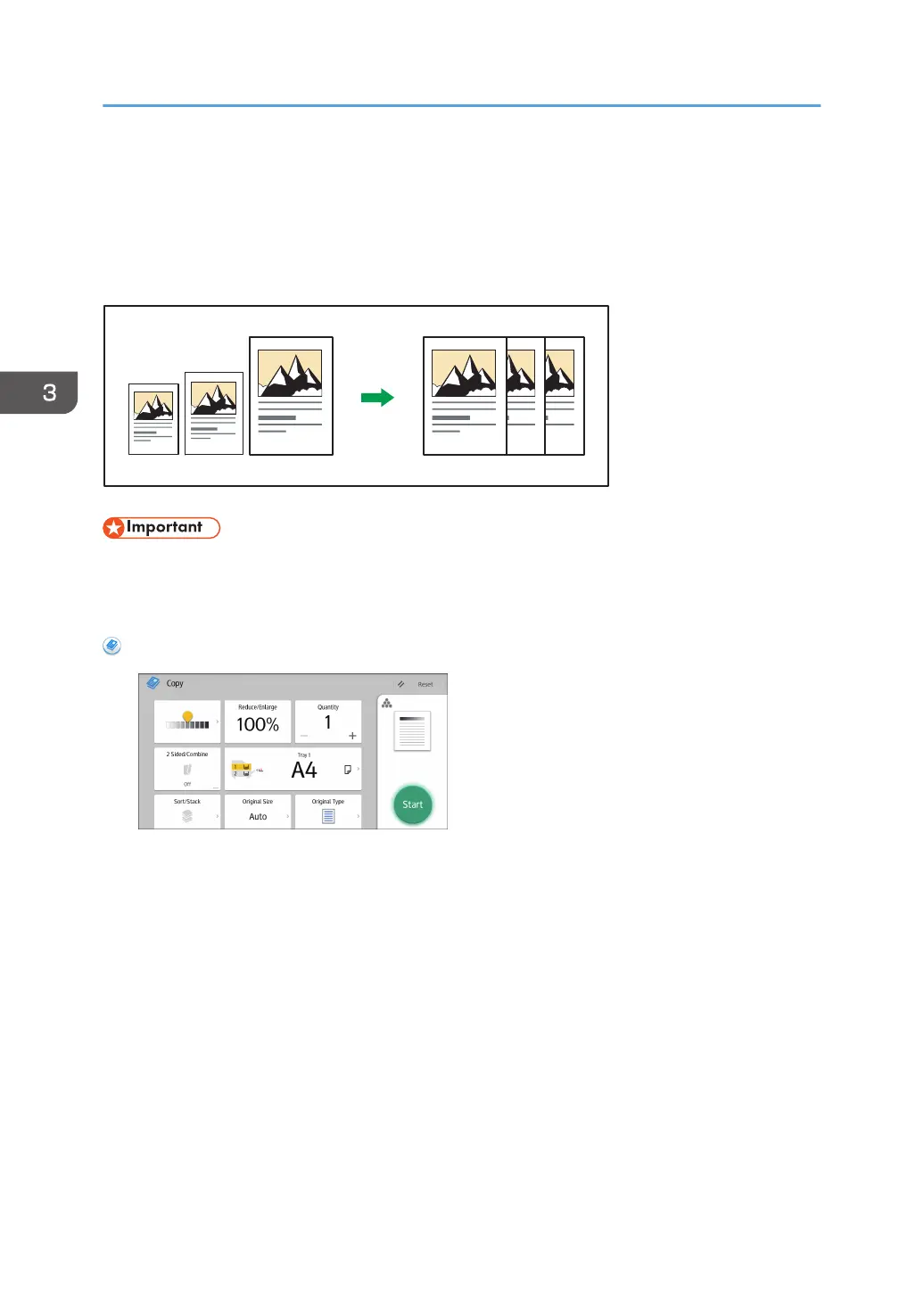
The machine automatically calculates the reproduction ratio based on the sizes of the originals and the
paper you have specified. The machine will rotate, enlarge, or reduce the image of the originals to fit
them to the paper.
• If you select a reproduction ratio after pressing [Auto Reduce / Enlarge], [Auto Reduce / Enlarge]
is canceled and the image cannot be rotated automatically.
This is useful to copy different size originals to the same size paper.
When Using the Copy Application
About how to use the application's screen, see page 53 "[Copy] Screen".
3. Copy
78



 To Next Page