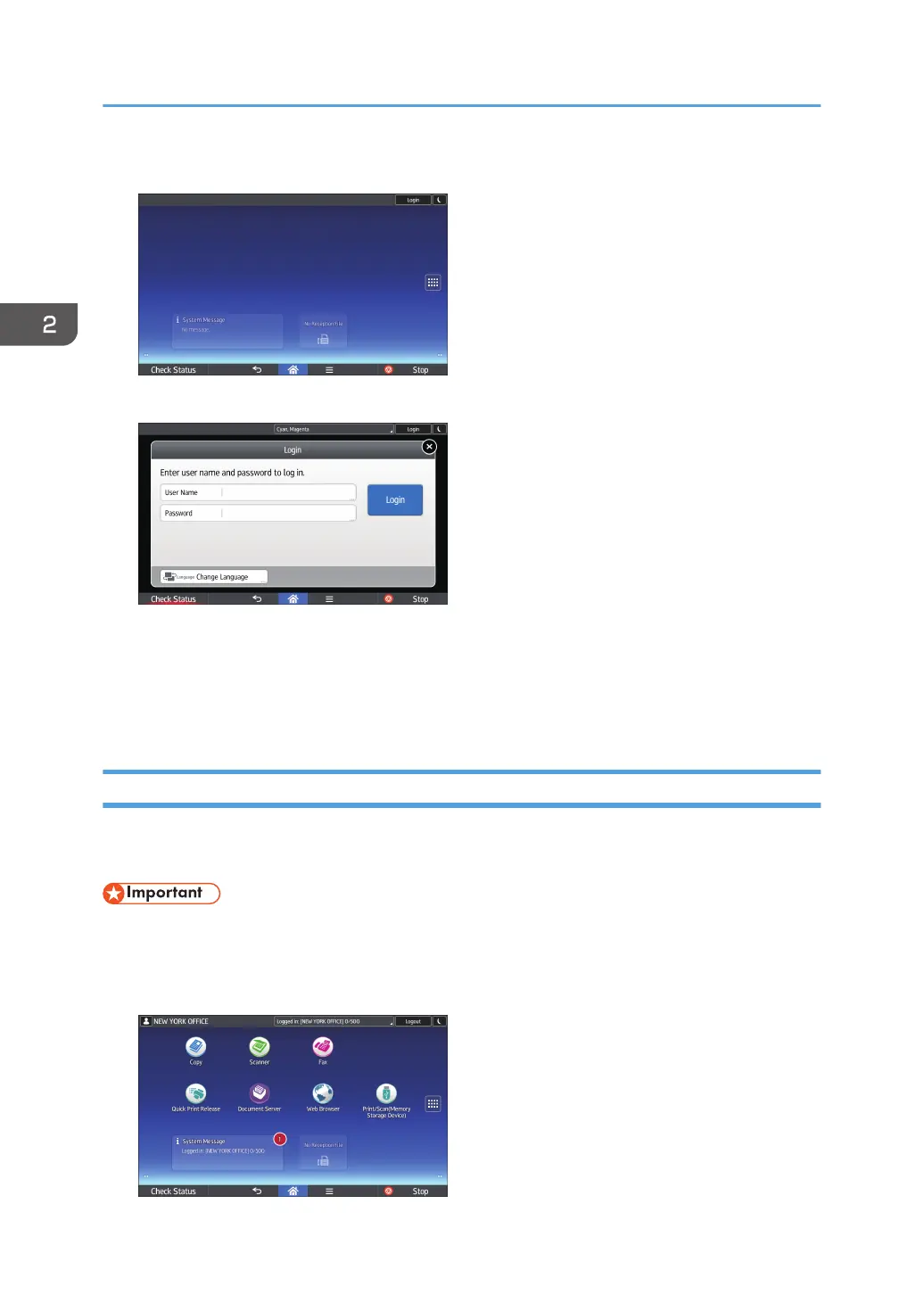
1. Press [Login] on the top right on the screen.
2. Press [User Name].
3. Enter a Login User Name, and then press [Done].
4. Press [Password].
5. Enter a Login Password, and then press [Done].
6. Press [Login].
Logging Out Using the Control Panel
This section explains the procedure for logging out the machine when Basic Authentication, Windows
Authentication, or LDAP Authentication is set.
• To prevent use of the machine by unauthorized persons, always log out when you have finished
using the machine.
1. Press [Logout] on the top right on the screen.
2. Getting Started
72



 To Next Page