No. Icon Description
11
Shows the destinations in the Address Book.
If a password or protection code is specified to a
folder destination, enter the password or protection
code on the screen displayed after tapping the
folder destination.
12
The sections of the Address Book.
13
Press to add a destination.
Destinations can be added as follows:
• Input destinations manually
• Select from the transmission history
• Specify a registration number from the
Address Book
• Search for a destination in the Address Book
or on the LDAP server
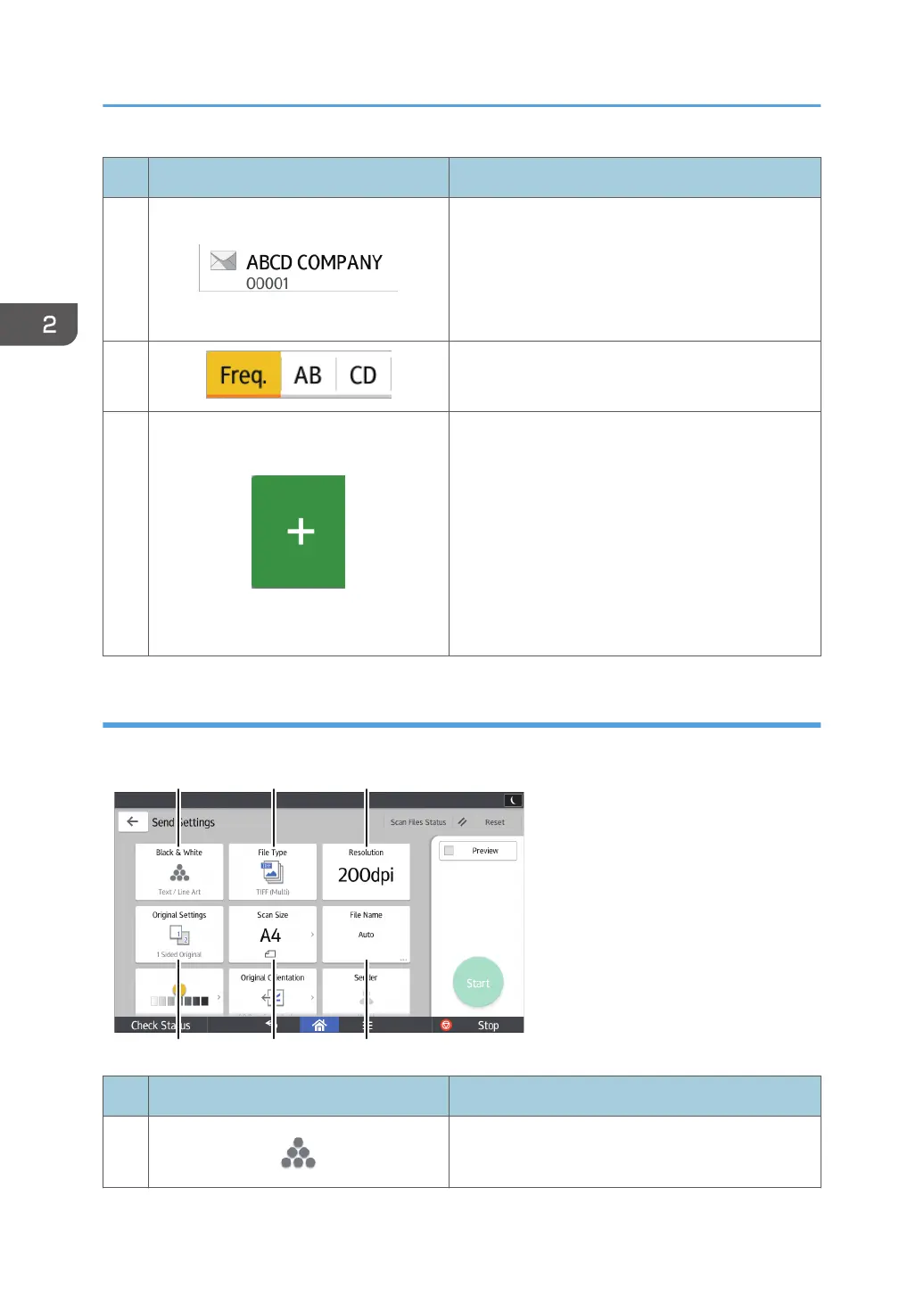
[Send Settings] screen
You can switch the four screens described in this section by flicking the screen up or down.
No. Icon Description
1
Press to select the settings that are appropriate for
the type of your original and the color mode.
2. Getting Started
62



 To Next Page