Troubleshoot a problem 127
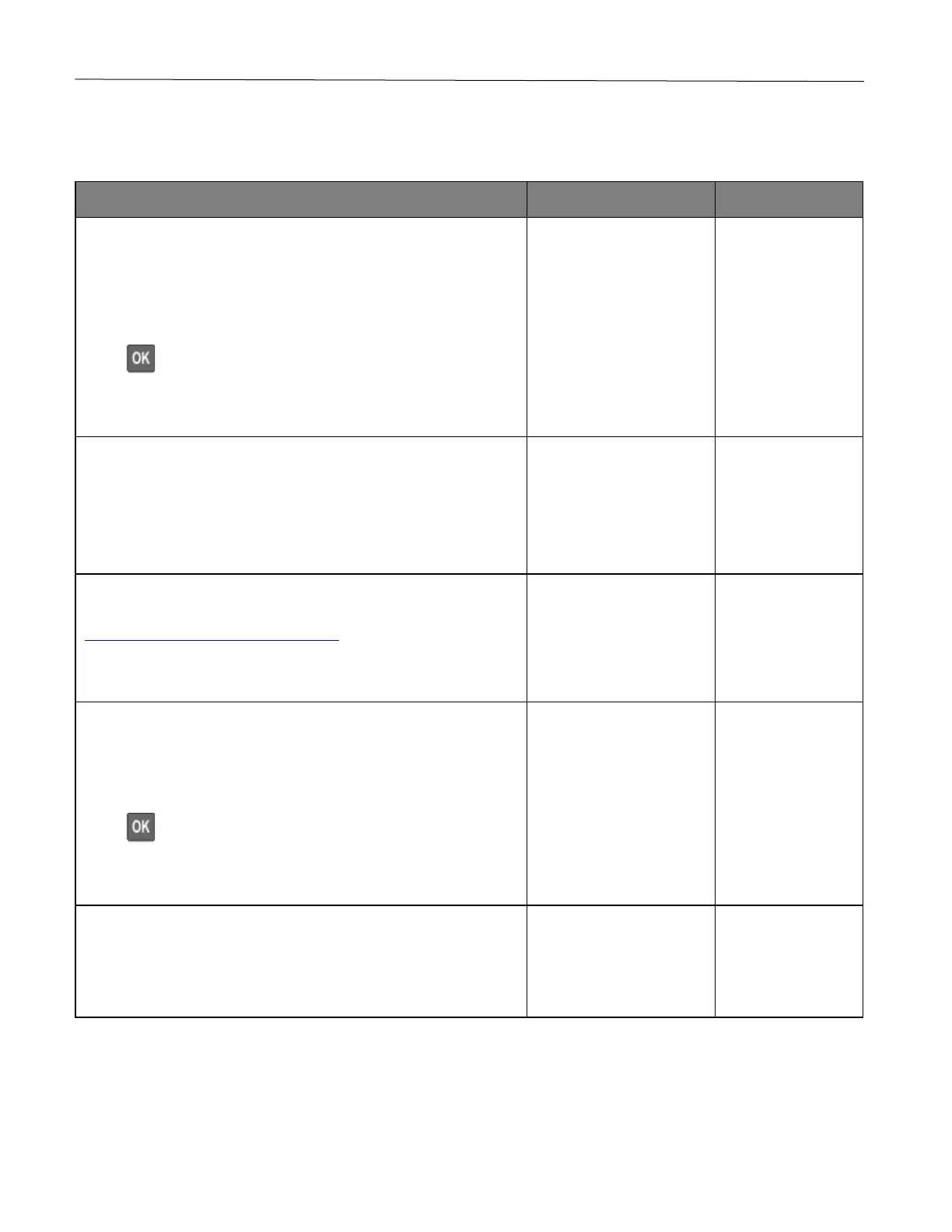
Cannot connect the printer to the Wi-Fi network
Note: This feature is available only in some printer models.
Make sure that Active Adapter is set to Auto.
From the control panel, navigate to:
Settings > Network/Ports > Network Overview > Active Adapter >
Auto
Press to navigate through the settings.
Can the printer connect to the Wi-Fi network?
Check if the correct Wi-Fi network is selected.
Note: Some routers may share the default SSID.
Are you connecting to the correct Wi-Fi network?
Connect to the correct Wi-Fi network. For more information, see
Connecting the printer to a Wi-Fi network.
Can the printer connect to the Wi-Fi network?
Check the wireless security mode.
From the control panel, navigate to:
Settings > Network/Ports > Wireless > Wireless Security Mode
Press to navigate through the settings.
Is the correct wireless security mode selected?
Select the correct wireless security mode.
Can the printer connect to the Wi-Fi network?










 To Next Page