Troubleshoot a problem 137
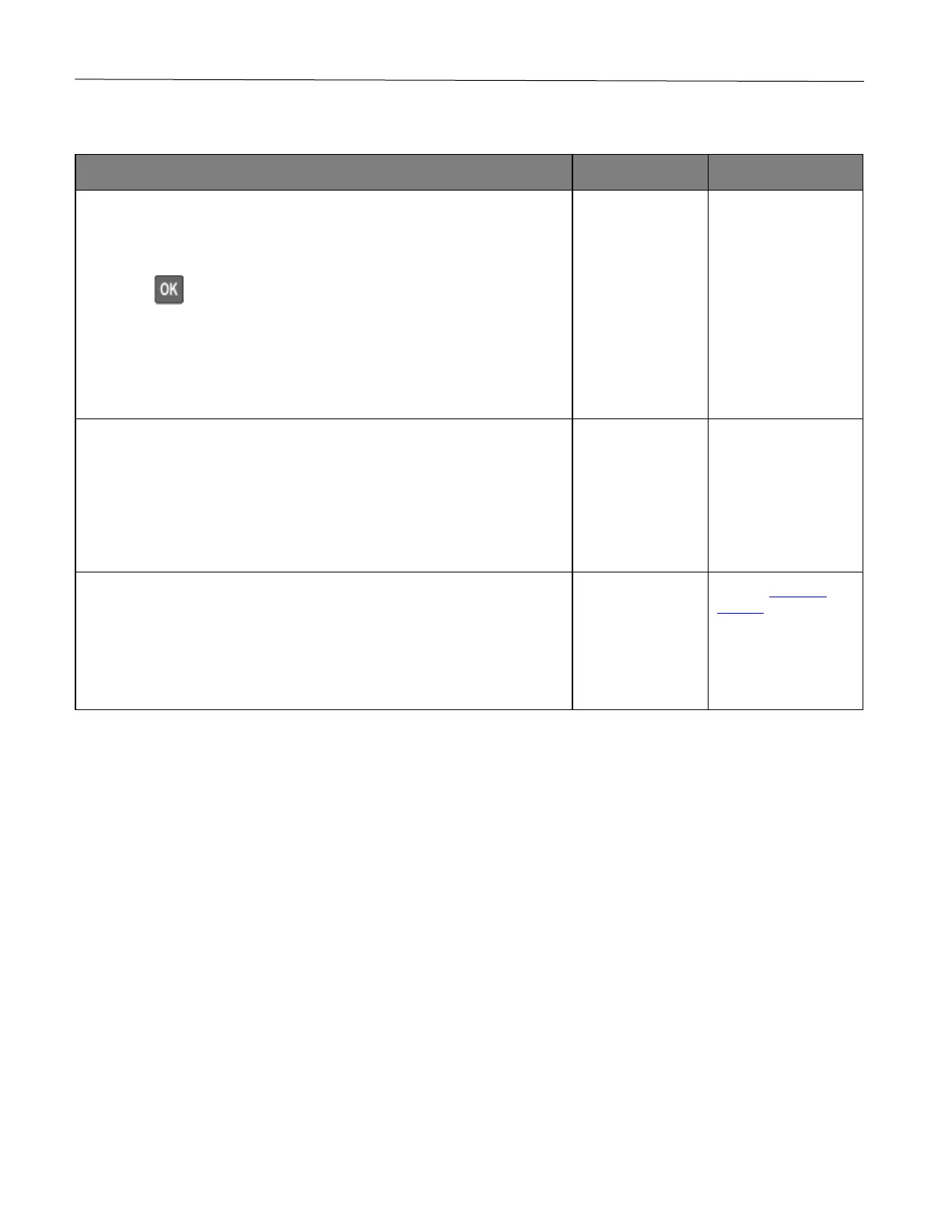
Collated printing does not work
1 From the control panel, navigate to:
Settings > Print > Layout > Collate
Press to navigate through the settings.
2 Select On [1,2,1,2,1,2].
3 Print the document.
Is the document collated correctly?
solved.
1 From the document that you are trying to print, open the Print dialog,
and then select Collate.
2 Print the document.
Is the document collated correctly?
solved.
1 Reduce the number of pages to print.
2 Print the document.
Are the pages collated correctly?
solved.
support.










 To Next Page