Use printer menus 73
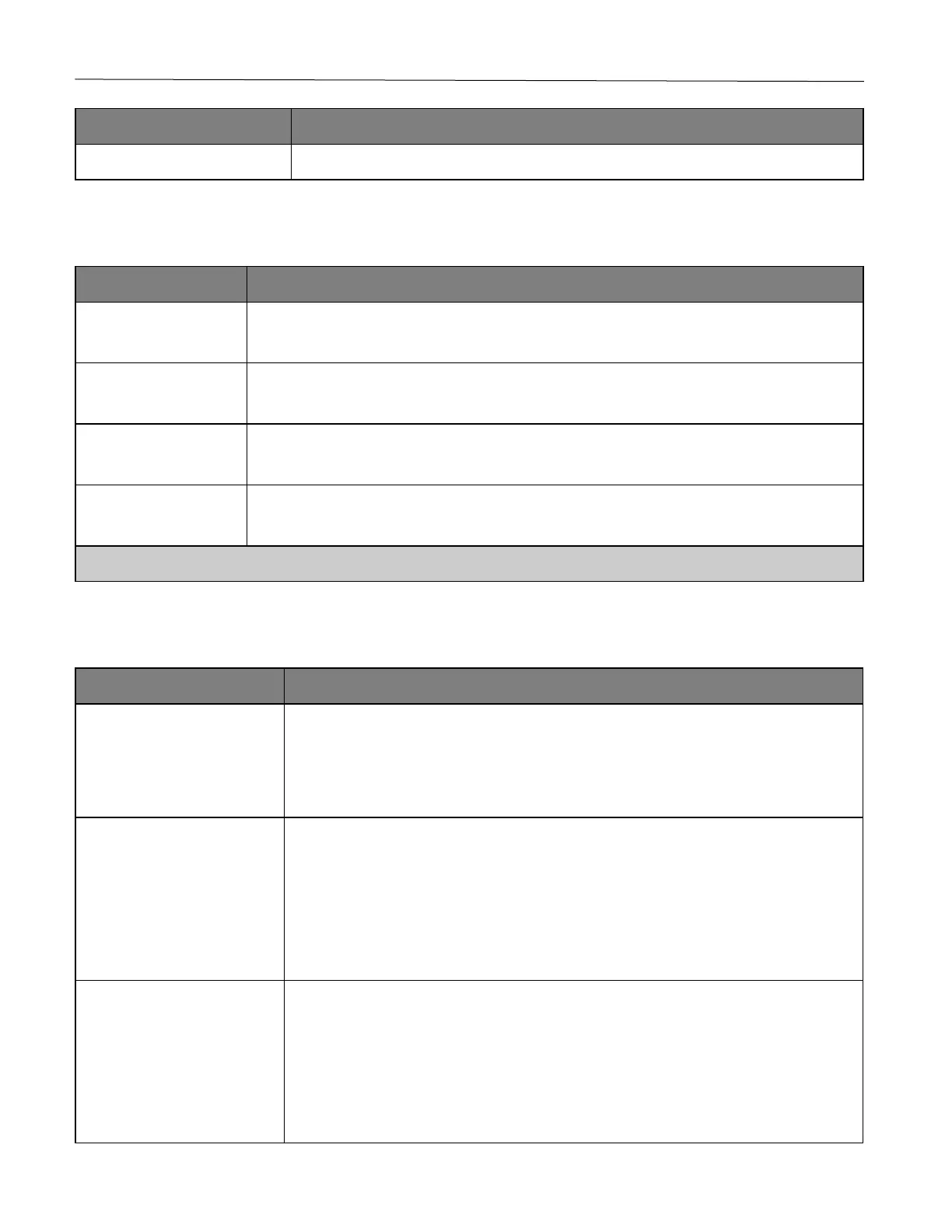
Load, delete, or view Certificate Authority (CA) certificates.
Login Restrictions
1–10 (3*)
Specify the number of failed login attempts before the user gets locked out.
1–60 minutes (5*)
Specify the time frame between failed login attempts before the user gets locked out.
1–60 minutes (5*)
Specify the lockout duration.
1–120 minutes (10*)
Specify the delay for a remote login before the user is logged off automatically.
Note: An asterisk (*) next to a value indicates the factory default setting.
Confidential Print Setup
2–10 (0*)
Set the number of times an invalid PIN can be entered.
Notes:
• A value of zero turns off this setting.
• When the limit is reached, the print jobs for that user name and PIN are deleted.
Confidential Job Expiration
Off*
1 Hour
4 Hours
24 Hours
1 Week
Set the expiration time for confidential print jobs.
Notes:
• If this menu item is changed while confidential print jobs reside in the printer memory,
then the expiration time for those print jobs does not change to the new default value.
• If the printer is turned off, then all confidential jobs held in the printer memory are
deleted.
Off*
1 Hour
4 Hours
24 Hours
1 Week
Set the expiration time for a print job that you want to repeat.










 To Next Page