4040+e_22.docx / 06.10.17
ROBERT RIELE GmbH & Co KG Page 11 3 - OPERATING ELEMENTS
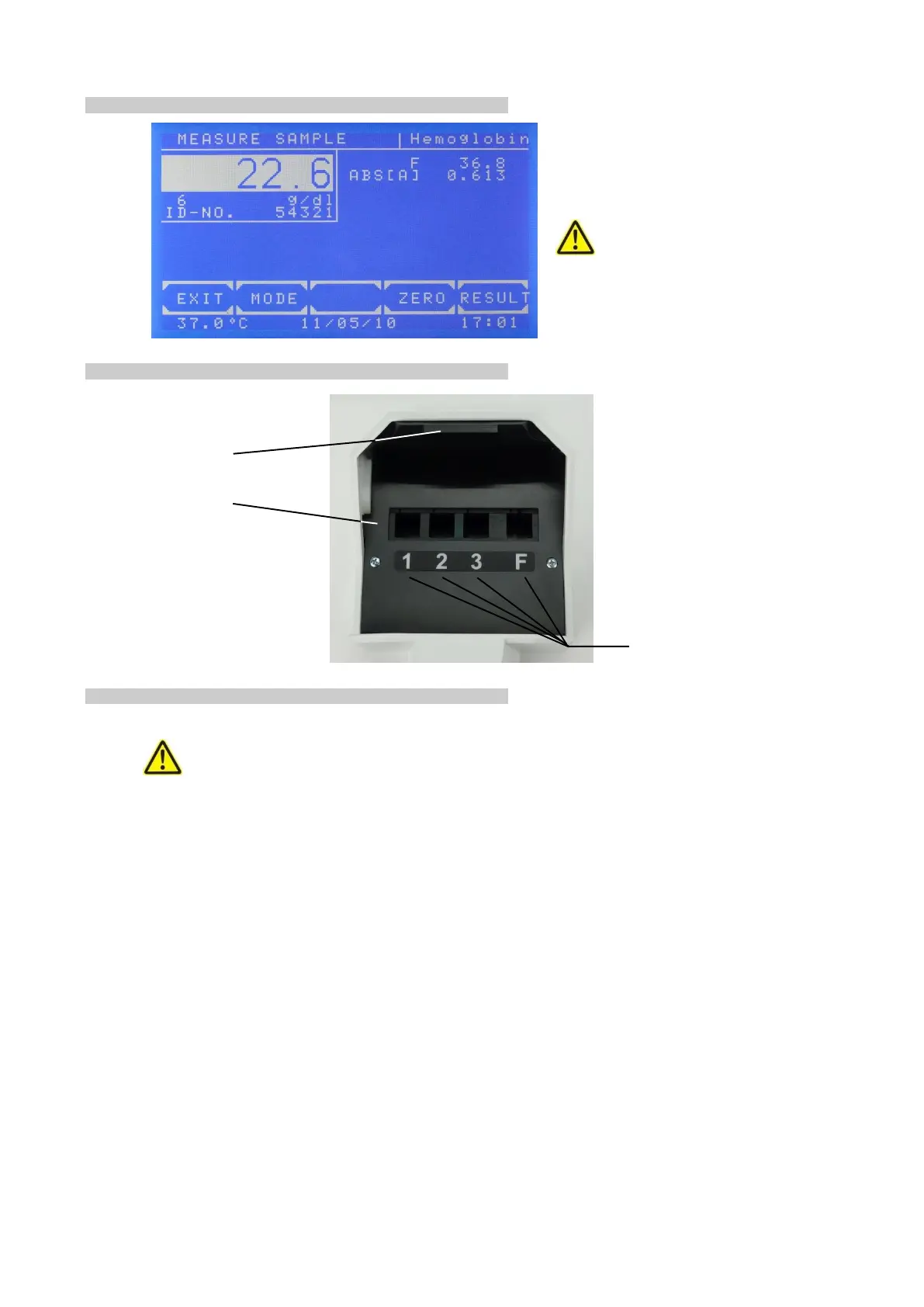
3.3 TOUCHSCREEN
The touchscreen shows applications and
information. It is contact-sensitive and reacts
to the pressure exerted on it. In order to
execute a function, the desired range on the
screen must be touched
The surface of the touchscreen may
be never touched with ball-point pen, pencil
or another pointed article!
3.4 WORKING AREA
3.5 CUVETTE COMPARTMENT
3.5.1 Working with standard cuvettes
The optical path is directed from the back to the front of the device. Insert single cuvette according to the
drawing OPTIC CONSTRUCTION in TECHNICAL DATA.
Trigger setting to zero by [ZERO].
Trigger a normal measuring by [RESULT].
3.5.2 Reducing the minimum measuring volume
The minimum measuring volume can be reduced from 500 µl to 250 µl.
Spacers can be inserted into the measuring cells.
channels 1-3 for 340 nm
channel F for the visible range



 To Next Page