4040+e_22.docx / 06.10.17
ROBERT RIELE GmbH & Co KG Page 44 7 - METHOD EDITOR
7 METHOD EDITOR
By the method editor the daily laboratory work can be substantially facilitated. Based on the 15 calculation
procedures up to 231 user-defined methods with their setting parameters can be saved. With the functions of the
editor a method can be established, changed or deleted.
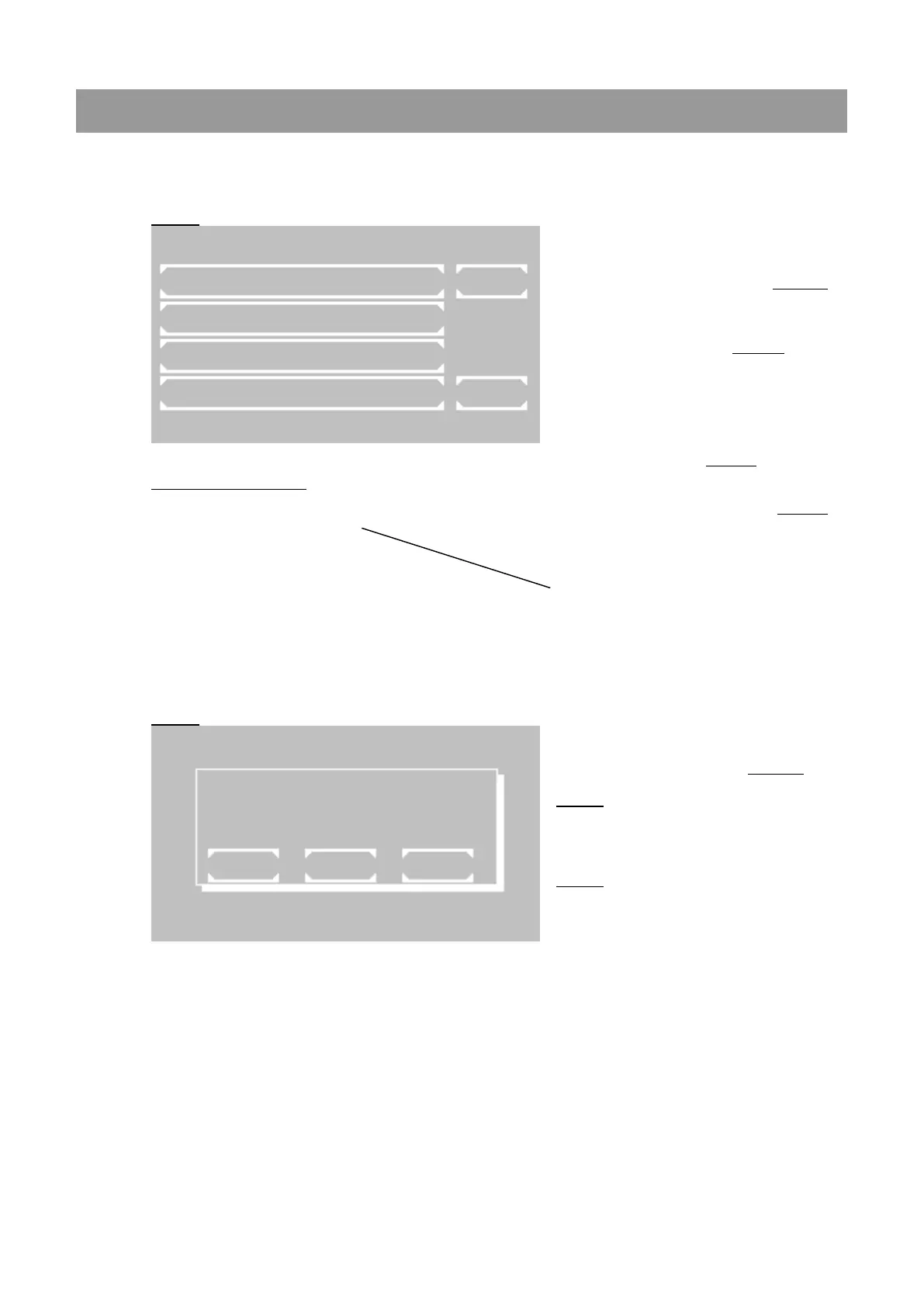
Fig. 6.1
Print-out of a method list:
METHOD 20: HEMOGLOBIN
F 29.4 405nm g/dl
METHOD 21: HDL-C
F 1.000 546nm mg/dl
METHOD 30: CREATININ
S 2.0 492nm mg/dl
METHOD 31: GOT
F–1746.0 340nm U/l
In the main window of the method editor
following options are available:
[METHOD COPY] Change to Fig. 6.2,
where different copy functions can be
selected.
[METH. EDIT] Change to Fig. 6.3, where
the number of the method to be edited is
queried. Afterwards all setting parameters of
the selected method can be changed.
[METHOD NEW] Change to selection of the
calculation procedure (see 6.3 SURVEY OF
THE METHODS). In Fig. 6.4 all setting
parameters can be edited.
[METHODE DELETE] Change to Fig. 6.3,
where the number of the method to be
deleted is queried. After a prompt for
confirmation the selected method is deleted.
(Basic and fixed methods cannot be
deleted).
[LIST] A list of all programmed methods can
be printed and transmitted via the serial
interface.
[EXIT] Return to main menu
[##] All methods from no 20 can be
copied to a new method no. First the method
to be copied is queried in Fig. 6.3. Its
parameters can be changed starting with
Fig. 6.4.
[LAST] The method used last can be copied
on a new method place. Its setting
parameters can be changed starting with
Fig. 6.4.
This function is very useful if a basic method
with new setting parameters was
successfully tested. These parameters can
be saved as a new method starting from no
20.
[EXIT] Return to main menu
M E T H O D N E W / C H A N G E / C O P Y
M E T H O D C O P Y L I S T
M E T H O D E D I T
M E T H O D N E W
M E T H O D D E L E T E E X I T
o 3 7 . 0 ° C i 3 7 . 0 ° C 0 7 / 2 4 / 2 0 1 7 1 0 : 1 4
M E T H O D C O P Y
E X I T L A S T



 To Next Page