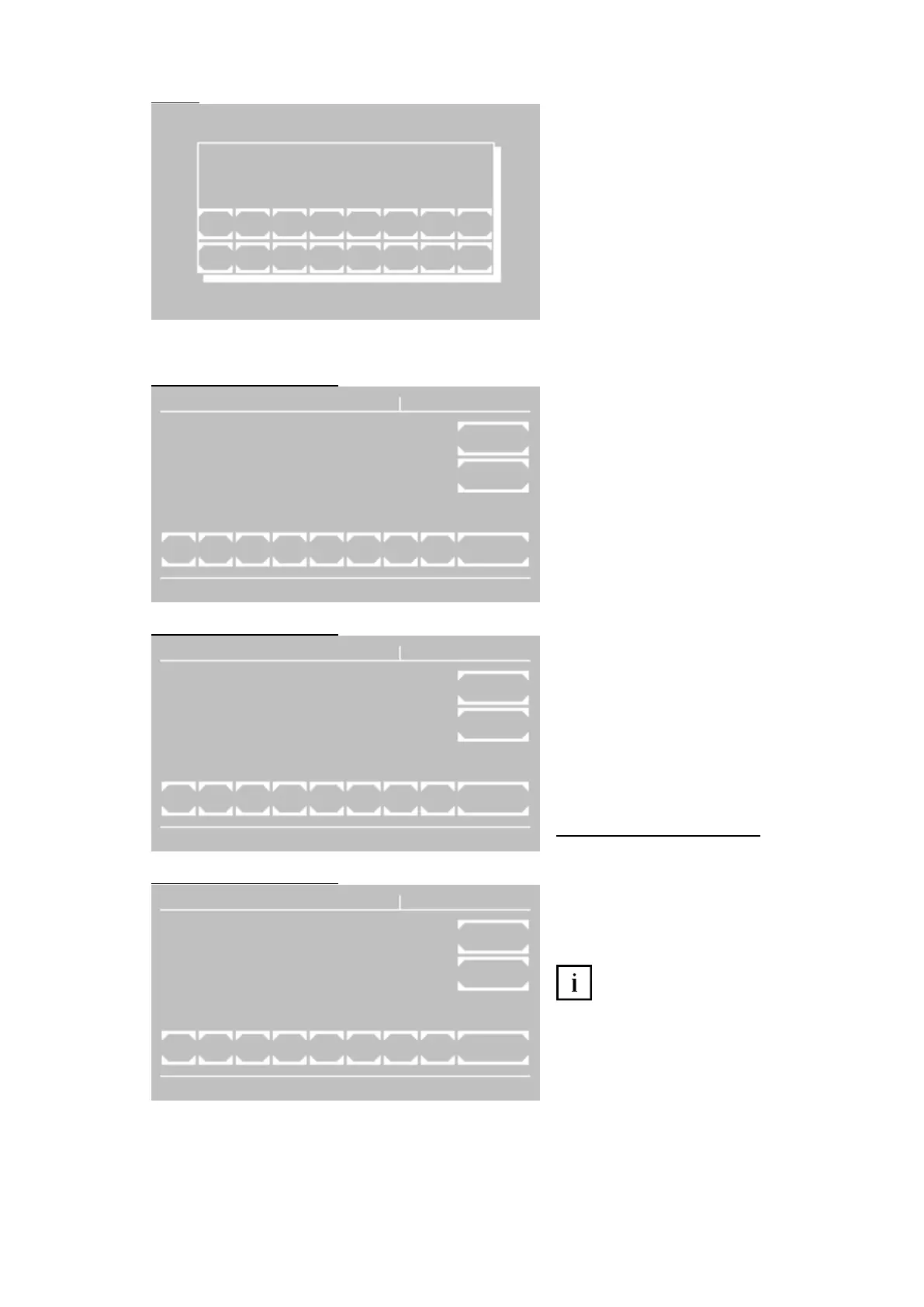
Inquiry window of the desired method.
The method used last is suggested. With [+]
or [-] the methods can be scrolled. A numeric
input of the method number is possible at
any time. A known method is indicated with
name and dimension.
[E] Select shown method
[ESC] Return to main menu
The parameter windows 1 and 2 show the
general method data.
The parameter window 3 has special
functions which are necessary for quality
control only (see below).
For each setting parameter a leading
identification number is shown. If the
identification number is selected on the
keyboard, the corresponding setting
parameter becomes configurable.
Number and kind of setting parameters
depend on the calculation procedure. So
identification numbers can be occupied
variedly. Characteristic numbers without
parameters do not have a function.
[EXIT] Return to main menu
[OK] Accept setting parameters (depending
on editor mode sometimes with query of
target method)
[P../3] Change to next parameter window
Specifics in parameter window 3:
At least one control serum must be defined,
before data can be entered (see chapter
8.2.6 Quality control).
If at least one control serum with its setpoint
and range is entered, corresponding
memory of the quality control is reserved for
this method. So it can be supervised with
integrated quality control.
If both ID identifications are deleted,
then also all data and reserved memory of
this method in the quality control are
deleted!
M E T H O D E D I T R V ( x ) ( N A M E )
1 - W A V E L E N G T H
2 - F A C T O R ( S T A N D A R D ) E X I T
3 - T E M P E R A T U R E
4 - D E L A Y
5 - U N I T O K
6 -
7 - D E L T A ( I N C U B A T I O N )
8 - T I M E / D E L T A ( R E A C T I O N )
1 2 3 4 5 6 7 8 P 1 / 3
M E T H O D E D I T R V ( x ) ( N A M E )
1 - M I N . V A L U E
2 - M A X . V A L U E E X I T
3 - M I N . R ^ 2
4 - M E T H O D N A M E
5 - M U L T I M E A S U R E O K
6 -
7 - M U L T I - S T A N D A R D
8 - B I C H R O M A T I C
1 2 3 4 5 6 7 8 P 2 / 3
M E T H O D E D I T R V ( x ) ( N A M E )
1 - I D S 1
2 - M I N . V A L U E S 1 E X I T
3 - R E Q U I R E D S 1
4 - M A X . V A L U E S 1
5 - I D S 2 O K
6 - M I N . V A L U E S 2
7 - R E Q U I R E D S 2
8 - M A X . V A L U E S 2
1 2 3 4 5 6 7 8 P 3 / 3



 To Next Page