4040+e_22.docx / 06.10.17
ROBERT RIELE GmbH & Co KG Page 46 7 - METHOD EDITOR
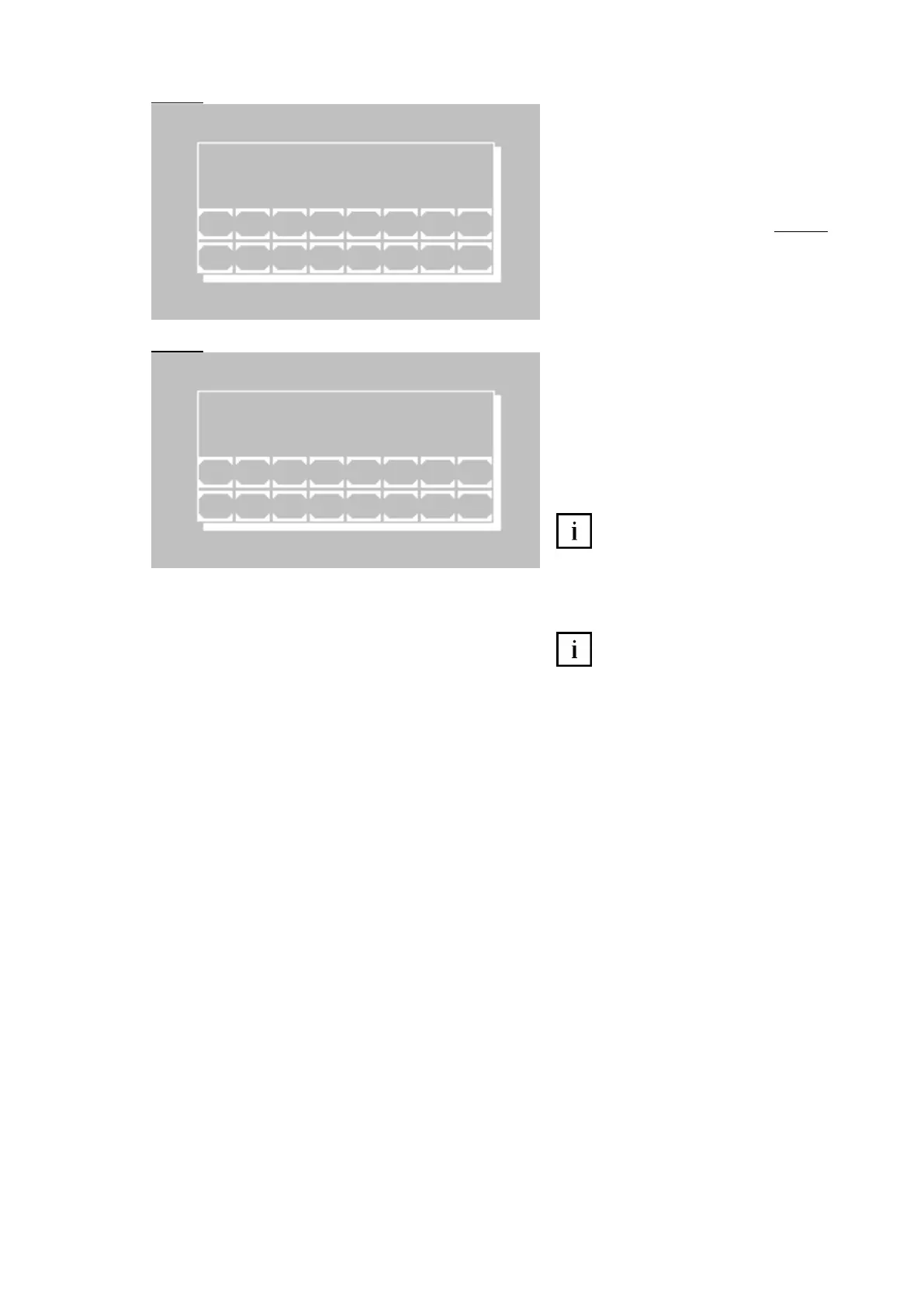
Query of the desired method number, under
which the new method is to be stored. The
next free method number is indicated. How-
ever each free method number can be
selected within the range of 20 to 250.
[E] Store method with selected number. In
case of multi-standard method Fig. 6.8
follows.
[ESC] Break storage and return to editor
menu
For a method with multi-standard there is
the editor window for the curve bases.
[P+] and [P-] Consecutive numbering of the
current bases
[A/C] Switch input between A for
absorbance and C for concentration
[E] Accept the edited value
Input and confirmation of a single “0”
at A lead to the deletion of the current pair of
points. In order to set the value to zero enter
e.g. “0.0”.
[ESC] End input and save curve data
For measuring in a multi-standard
method at least 2 bases with A and C must
be defined!
M E T H O D N O .
N E X T F R E E N O . x x
1 2 3 4 5 6 7 8
E S C 9 0 . + - E
C U R V E N O . x x
P 1 A - 0 0 0 0 0 N E W A
C - 0 0 0 0 0
1 2 3 4 5 6 7 8
E S C 9 0 . P + P - A / C E



 To Next Page