4040+e_22.docx / 06.10.17
ROBERT RIELE GmbH & Co KG Page 47 8- UTILITY PROGRAMS
8 UTILITY PROGRAMS
8.1 SELECTION OF UTILITY PROGRAMS
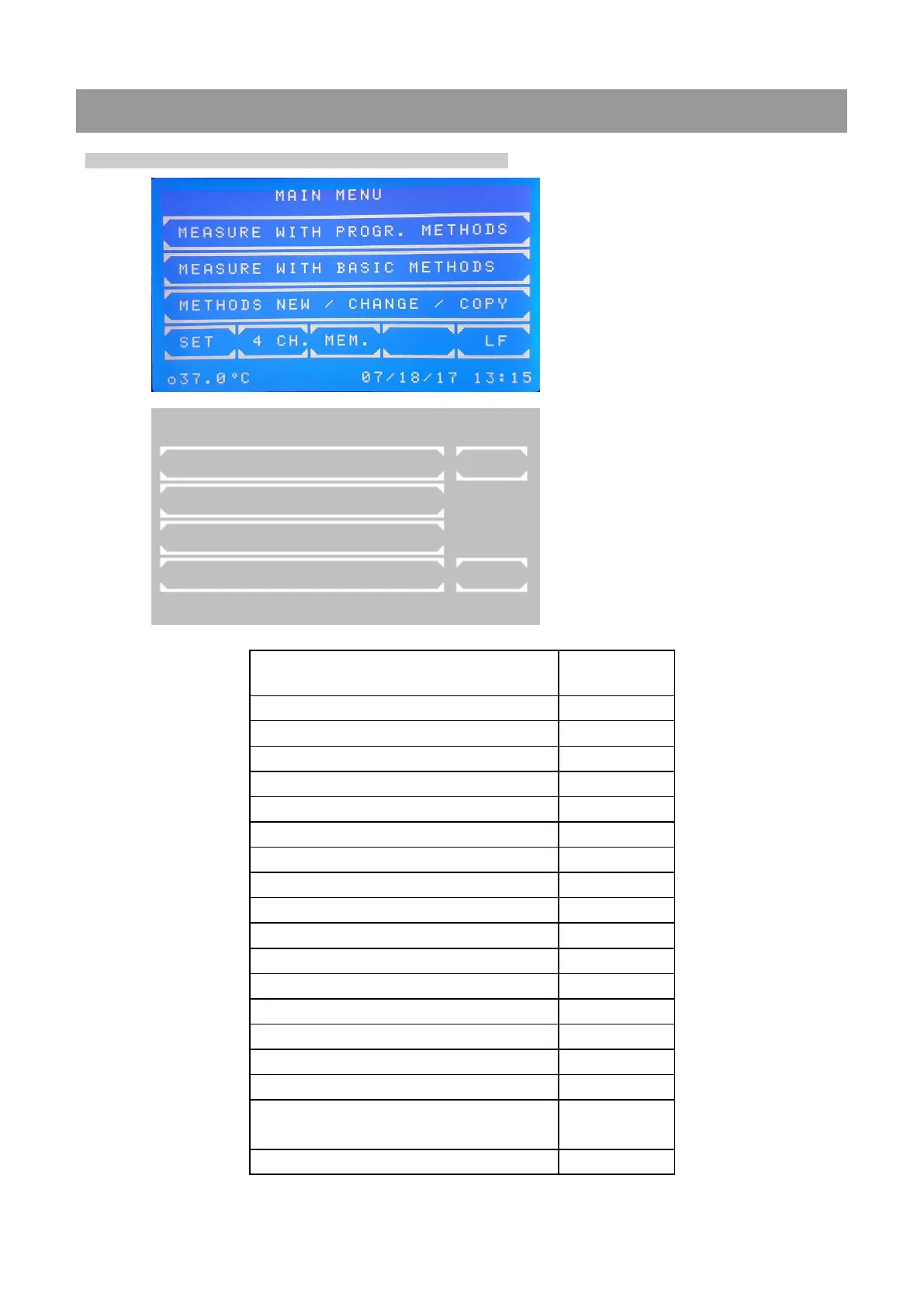
Main menu:
Utility programs are necessary for the
adjustment and maintenance of the
photometer.
Page 1 of utility programs:
Scrolling through all utility programs is
possible by [PAGE]. The current page is
shown at the right upper screen corner. By
[EXIT] the program returns to the main
menu.
A utility program is selected by pressing the
relating key.
U T I L I T I E S P A G E 1 / 5
O P T I C A D J U S T M E N T P A G E
M U L T I - S T A N D A R D
P R I N T E R
B A R C O D E E X I T
o 3 7 . 0 ° C i 3 7 . 0 ° C 0 7 / 2 4 / 2 0 1 7 1 0 : 1 4



 To Next Page