4040+e_22.docx / 06.10.17
ROBERT RIELE GmbH & Co KG Page 60 8- UTILITY PROGRAMS
8.2.15 Date / Time
The current status of the date/time display is
indicated in the first line by OFF or ON.
Change setting by [SELECT].
With activation of the clock date and time
can be changed by [OK]. Each entry of day,
month, year, minute and second must be
confirmed by [E].
If a value is to be changed, then all
values are to be entered again!
NO. ABS. RESULT
- - - - - - - - - - - -
1 0.675 19.8
TIME: 11:21:32
When printer ON via [MODE] [PRN]
after a measurement the current time can be
printed out by [TIME].
The current status of the language is
indicated in the first line.
The setting can be changed by [SELECT]
Following options are possible:
LANGUAGE : ENGLISH
LANGUAGE : GERMAN
Save setting permanently by [OK].
The setting is temporarily saved up to next
switch-off of the device by [END].
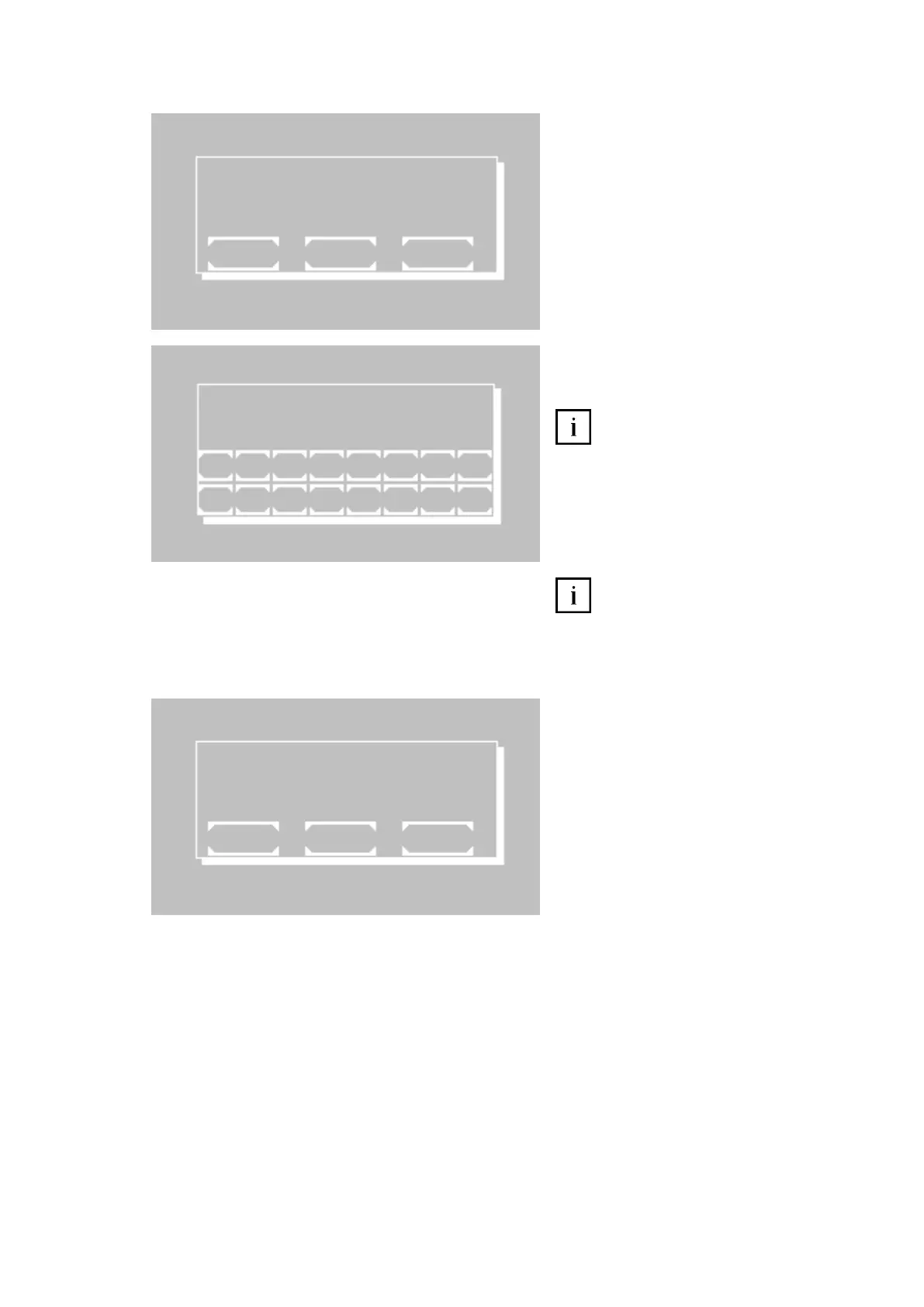
D A T E / T I M E O N
E X I T O K S E L E C T
L A N G U A G E : E N G L I S H
E X I T O K S E L E C T
D A T E T I M E
m m / d d / y y h h : m m : s s
1 0 / 2 7 / 1 0 1 5 : 3 5 : 0 0
1 2 3 4 5 6 7 8
E S C 9 0 . + - E



 To Next Page