4040+e_22.docx / 06.10.17
ROBERT RIELE GmbH & Co KG Page 59 8- UTILITY PROGRAMS
8.2.14 Touchscreen adjustment
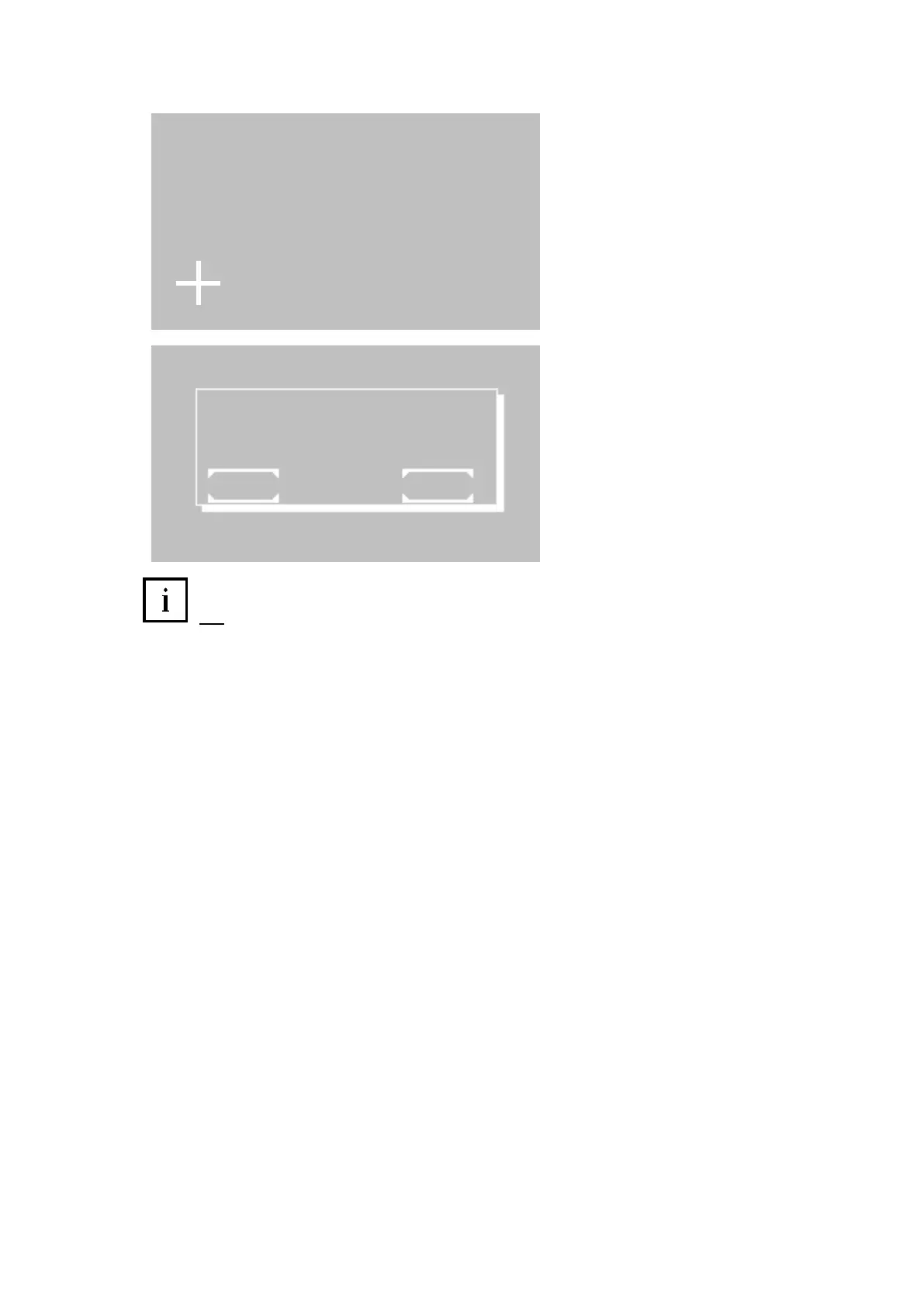
By this function the touchscreen can be
adjusted. After call of the function a white
cross is shown in the left lower corner of the
screen. Touch the intersection point in the
cross with a non-scratching plastic tip
(touchscreen pen, pipette tip) as exactly as
possible. In the first line the coordinates are
shown as X- and Y-value. The input will be
accepted and the coordinate display will be
reset after a time out of 10s. Then the cross
is shown in the right upper corner. Touch the
intersection point. After a timeout of 10s the
memory inquiry follows.
Save the adjustment by [OK].
Reject the adjustment by [EXIT].
Hint: If the device is maladjusted, this function can directly be called during the switching on routine:
Switch on the device. After greeting screen (chapter 2.3 - INSTALLATION) is displayed keep the touchscreen
pressed. After some seconds a deep signal tone sounds and the text message “TOUCHSCREEN ADJUSTMENT”
will be shown at the first line of the greeting screen. Release the touchscreen within one second. Execute the
adjustment of the touchscreen as described above.
X 0 Y 0
T O U C H S C R E E N A D J U S T M E N T
P R E S S E X A C T L Y T H E C R O S S P O I N T
T I M E 1 0
S A V E T S A D J U S T M E N T
E X I T O K



 To Next Page