Operating Progeny Analyzers 34
1006232_RevD
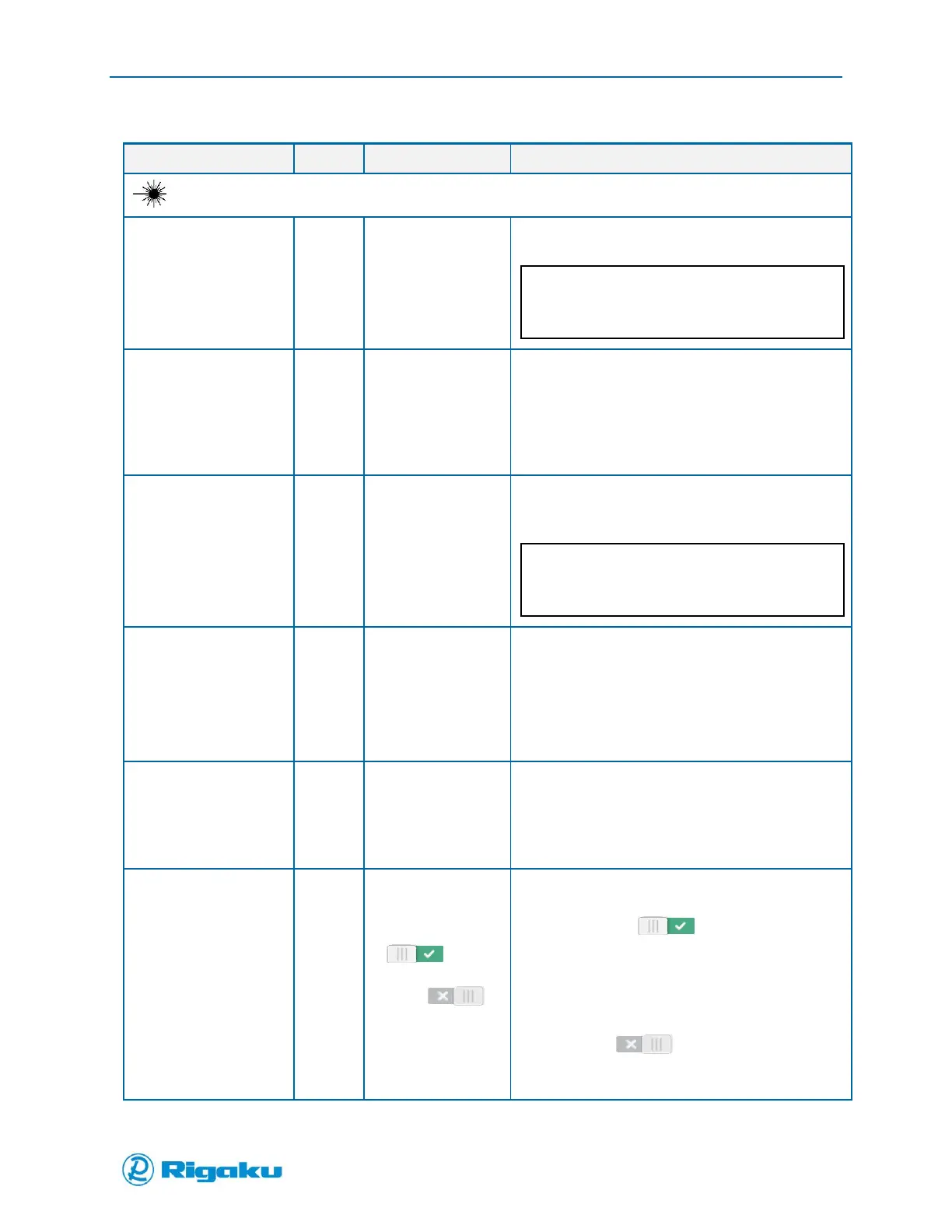
Table 1. Available Properties for Analyze and Application Scans
Auto Power Setting
from 30-490 mW
Note: Progeny LT
range is 30-300 mW
Power settings is determined automatically by
analyzing the spectral response of the sample
When Auto Collect is enabled (ON) Power
settings is disabled.
300 mW
(default)
Range:
30 mW (min)
490 mW (max)
300 mW for LT
Opens a settings screen through which you can
scroll to select the value.
Settings available at increments of 5 mW.
Auto Exposure
range from 50-
30,000 ms
Exposure time and Averages is determined
automatically by analyzing the spectral response of
the sample
When Auto Exposure is enabled (ON), Exposure
and Averages settings are disabled.
1,000 ms
(default)
Range:
5 ms (min)
30,000 ms
(max)
Opens a settings screen through which you can
scroll to select the value.
Settings available at the following increments:
10 ms increments from 10 — 1,000 ms
100 ms increments from 1,000 — 30,000
ms
1 count
(default)
Range:
1 count (min)
30 count (max)
Opens a settings screen through which you can
scroll to select the value.
Settings available at Increments of 1
count.
Take Background
Every Scan
This feature minimizes the effect of possible
instrument drift on scan results.
Default is (On).
When On, the instrument will collect a
new dark background spectrum with
every measurement and subtract that
from the spectrum collected with the
laser on.
When (Off), the instrument will
use the most recently collected dark
background spectrum.



 To Next Page