Advanced Options 46
1006232_RevD
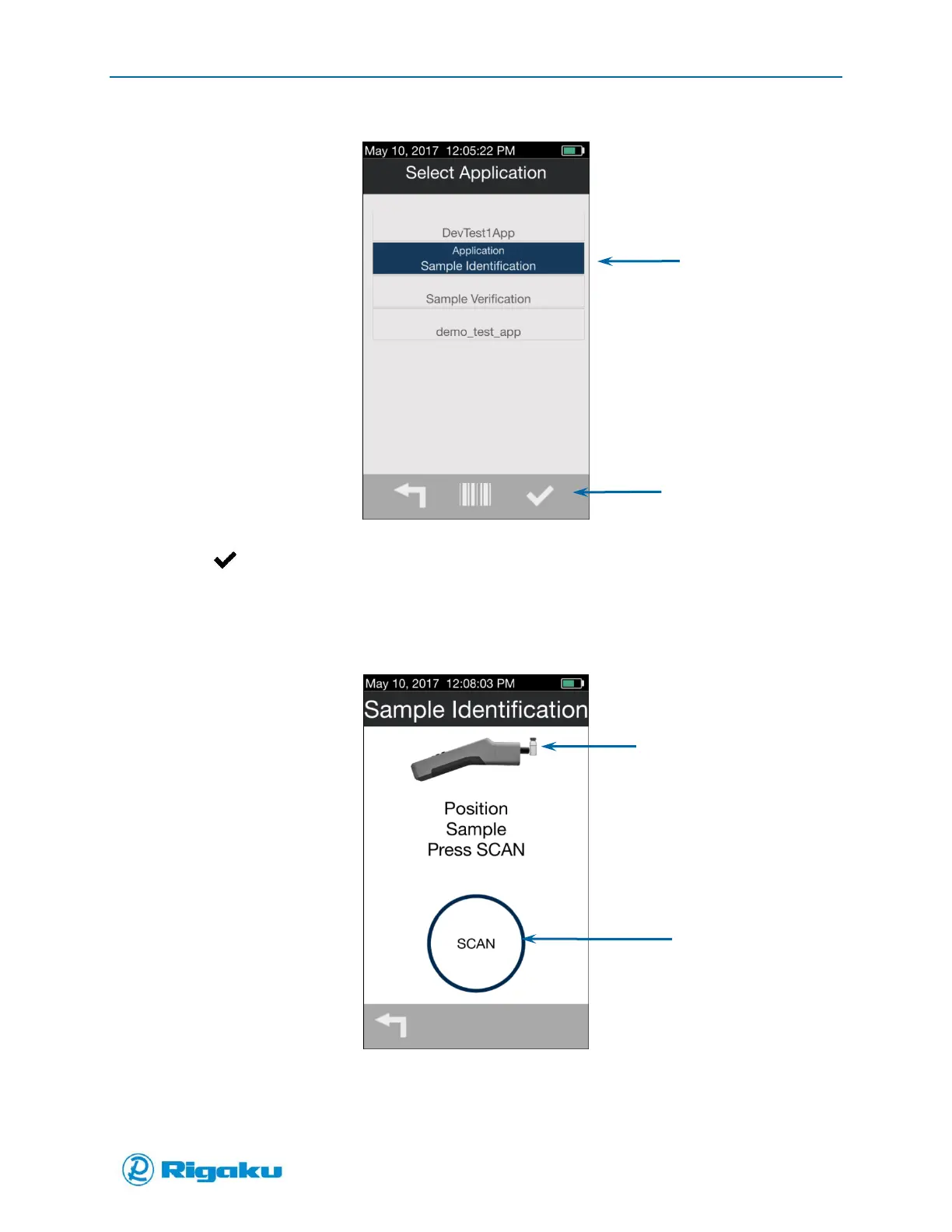
Figure 23. Select Application Screen with Identification App Selected
4. Select (Enter) to launch the application.
The confirmation screen shows the laser warning (Figure 20).
5. Select OK/ARM LASER to display the application’s scan screen (Figure 24).
Figure 24. Identification Application Scan Screen
6. Select the Scan soft key to start the sample-analysis cycle.
7. When the sample-analysis cycle completes the scan results screen displays (Figure 25).



 To Next Page