Batch Collection 86
1006232_RevD
8. Input the number of containers and select (Enter) to display the Enter the Number of
Measurements Per Container prompt.
9. Input the number of Measurements Per Container and select (Enter).
Note: The maximum batch scan size is 149,985 (9999 containers x 15 measurements per container
allowed).
10. Select (Enter) to display any pre-configured Custom Prompt.
11. Select (Enter).
12. Select OK/ARM LASER to display the application’s scan screen for the selected substance.
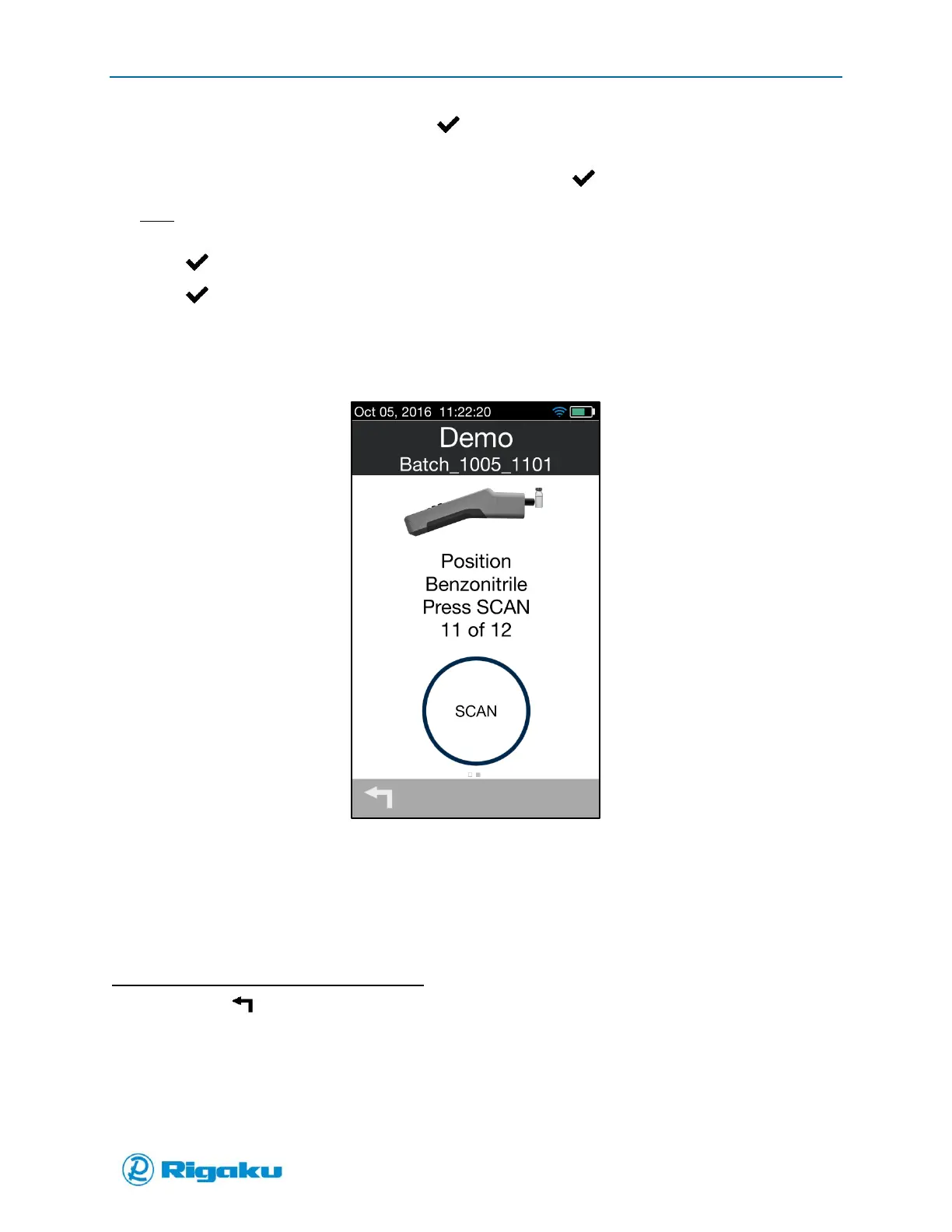
13. Select Scan (Figure 55).
Figure 55. Batch Mode Scan Screen
The user will be led step-by-step through the entire batch collection. The user is given the option to
add memos to the batch collection upon completion of the batch, or if the batch is terminated prior
to completing all scans.
14. Once all Batch scans are complete, the Results screen displays with a summary of the information.
To cancel the Batch during the Batch process:
1. Click the (Return) arrow to display an “Are you sure? Screen (Figure 56).



 To Next Page