RIGOL
1-2 © Copyright RIGOL Technologies, Inc. 2007.
User’s Guide for DS1000 Series
The Front Panel and the User’s Interface
One of the first things you will want to do with your new oscilloscope is to become
acquainted with its front panel. This chapter will help you be familiar with the layout
of the knobs and keys and how to use them. Read the chapter carefully before
further operations.
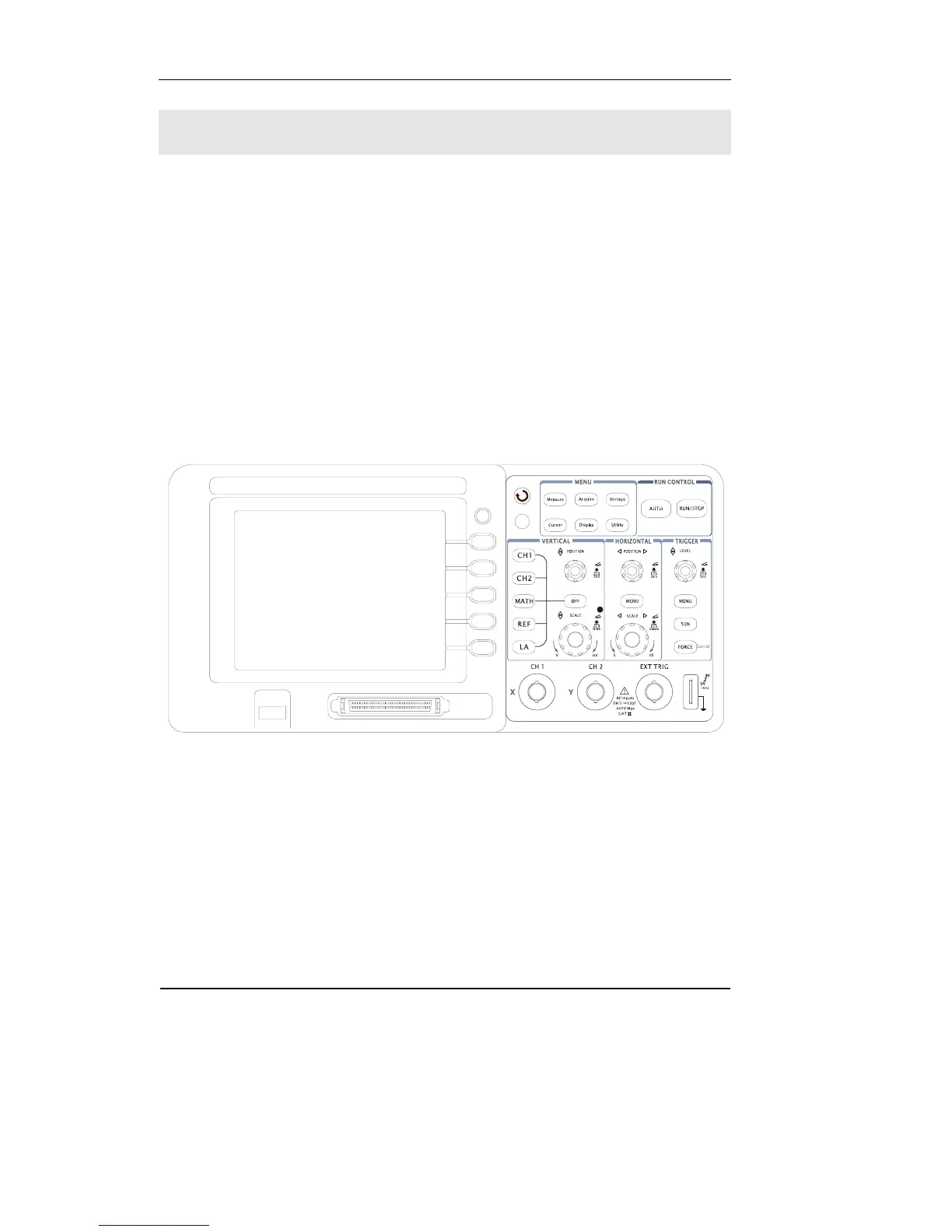
The front panel has knobs and buttons. The knobs are used most often and are
similar to the knobs on other oscilloscopes. The buttons not only let you use some of
the functions directly but also bring up soft button menus on the screen, which allow
you access to many measurement features associated with advanced functionalities,
math, and reference or run control features.
Figure 1-1
Front Panel of DS1000-Series Oscilloscope
DS1000 series oscilloscopes provide an easy-to-use user interface, the definitions of
the buttons and the knobs are as follows:
Menu buttons: Associated with Measure, Cursor, Acquire, Display, Storage, and
Utility menus.












 To Next Page