RIGOL
2-84 © Copyright RIGOL Technologies, Inc. 2007.
User’s Guide for DS1000 Series
Waveform recorder
Waveform recorder can record input waveform from CH1 and CH2, with a maximum
record length of 1000 frames. This record performance can also be activated by the
Pass/Fail test output, which makes this function especially useful to capture
abnormal signals in long term without keeping an eye watching it.
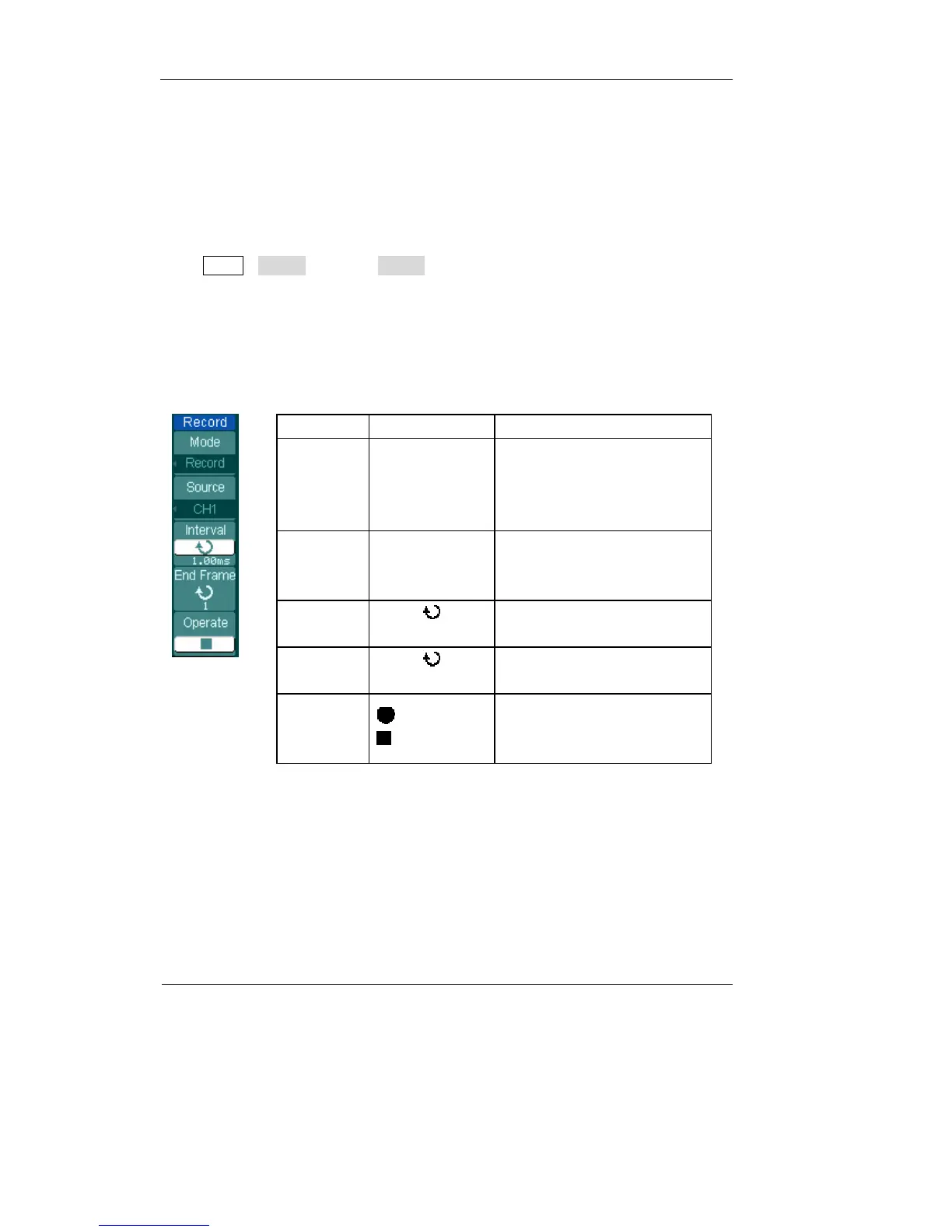
Press Utility→Record→Mode→Record to go to the following menu
Waveform recorder: Record the waveforms with specified interval.
Figure 2-101 Table2-65
Menu Settings Comments
Mode
Record
Play back
Storage
OFF
Select record mode
Select play back mode
Select storage mode
Turn off all recorder functions
Source
CH1
CH2
P/F-OUT
Select record source channel
Interval
<1.00ms-1000s>
Set time interval between
record frames
End Frame
<1-1000>
Set number of record frames
Operate
(Run)
(Stop)
Record stopped, press to
Start recording
Recording, press to stop












 To Next Page