RIGOL
© Copyright RIGOL Technologies, Inc. 2007. 2-79
User’s Guide for DS1000 Series
Mask setting
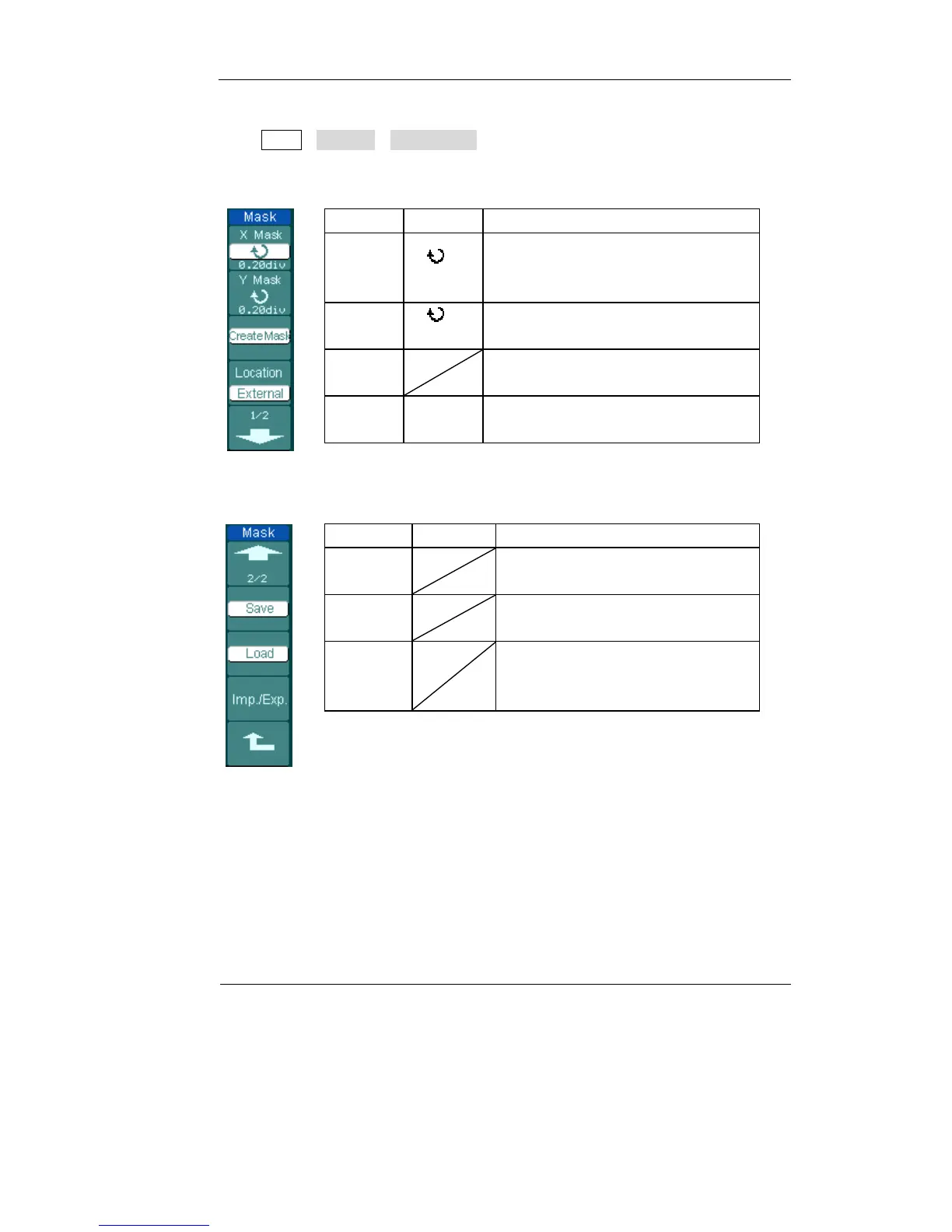
Press Utility→Pass/Fail→Mask Setting to go to the following menu.
Figure 2-95 Table 2-60
Menu Settings Comments
X Mask
< x div>
Set horizontal clearance to the
waveform
(0.04div-4.00div)
Y Mask
< y div>
Set vertical clearance to the waveform
(0.04div-4.00div)
Create
Mask
Create a test mask according to the
above clearance
Location
Internal
External
Set the memory location of the mask
files.
Figure 2-96 Table 2-61 when the save as Internal memory
Menu Settings Comments
Save
Store created test mask into internal
memory
Load
Recall mask setting file from
internal memory
Imp./Exp.
Go to import/export menu (same as
REF import/export menu. See table
2-10)












 To Next Page