RIGOL
© Copyright RIGOL Technologies, Inc. 2007. 2-7
User’s Guide for DS1000 Series
3. Probe Attenuation Setting
When using a probe, the oscilloscope allows you to select the attenuation factor for
the probe. The attenuation factor changes the vertical scaling of the oscilloscope so
that the measurement results reflect the actual voltage levels at the probe tip.
To change (or check) the probe attenuation setting, press the CH1 or CH2 button
(according to which channel you are using), toggle the Probe soft button to change
the attenuation factor to match the probe you are using.
This setting remains in effect until changed again.
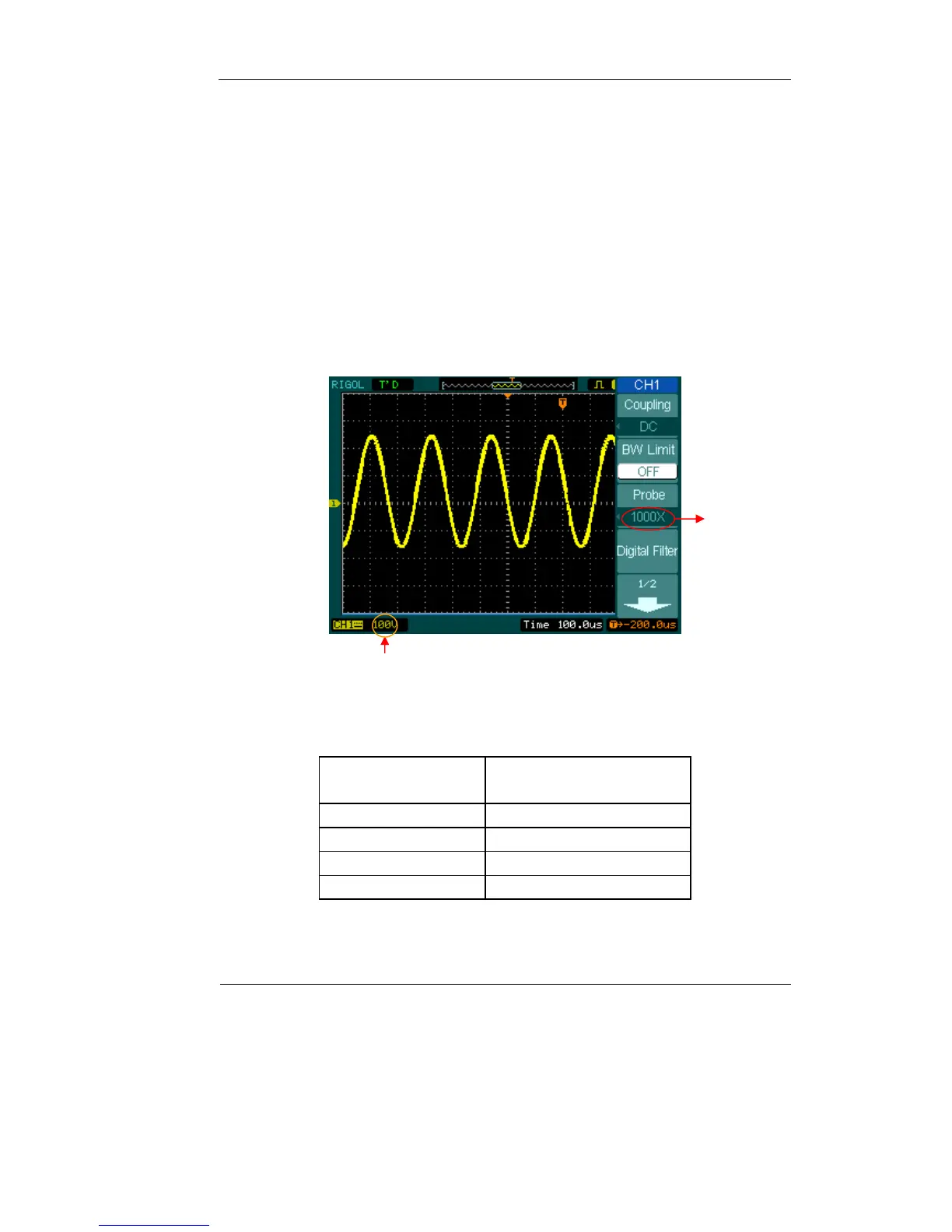
Figure 2-8 gives an example for using a 1000:1 probe and its attenuation factor.
Figure 2-8
Tab l e 2- 3
Probe attenuation
factors
Corresponding settings
1:1 1X
10:1 10X
100:1 100X
1000:1 1000X
Probe
attenuation
Vertical volt/div.












 To Next Page