RIGOL
© Copyright RIGOL Technologies, Inc. 2007. 2-63
User’s Guide for DS1000 Series
To Set Up the Display System
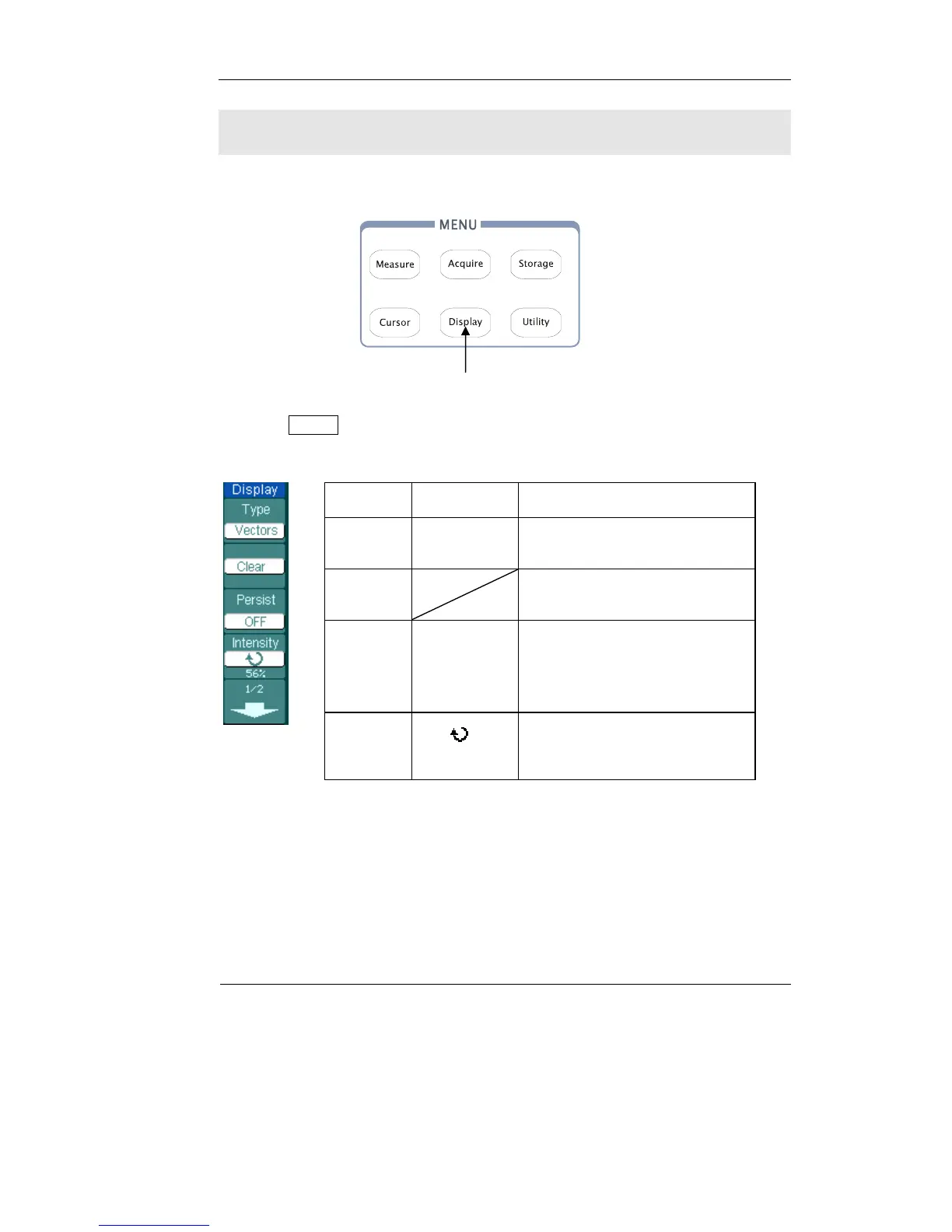
Figure 2-71 shows the menu button for the display system on the front panel.
Press the Display button to pop up the menu for the settings of the display system.
Figure 2-72 Table 2-42
Menu Setting Comments
Type
Vectors
Dots
Display waveforms as vectors
Display waveforms as dots
Clear
Clear all existing waveforms
from screen
persist
Infinite
OFF
The sample points remain
displayed until turn the
persistence “OFF”.
Turn off the persistence function
Intensity
<
percentage >
Set up waveform intensity
Display setup button
Figure 2-71












 To Next Page