RIGOL
© Copyright RIGOL Technologies, Inc. 2007. 2-1
User’s Guide for DS1000 Series
Chapter 2 : Operating Your Oscilloscope
By now you have got a brief understanding of DS1000 series with the VERTICAL,
HORIZONTAL, and TRIGGER groups of the front-panel buttons. You should also
know how to determine the setup of the oscilloscope by viewing the status bar.
This chapter takes you through all groups of front-panel buttons, knobs, and menus.
You will also further your knowledge of the operation hints by reading this guide.
We recommend you perform all of the following exercises so that you could get the
most out of the powerful measurement capabilities of your oscilloscope.
This chapter covers the following topics:
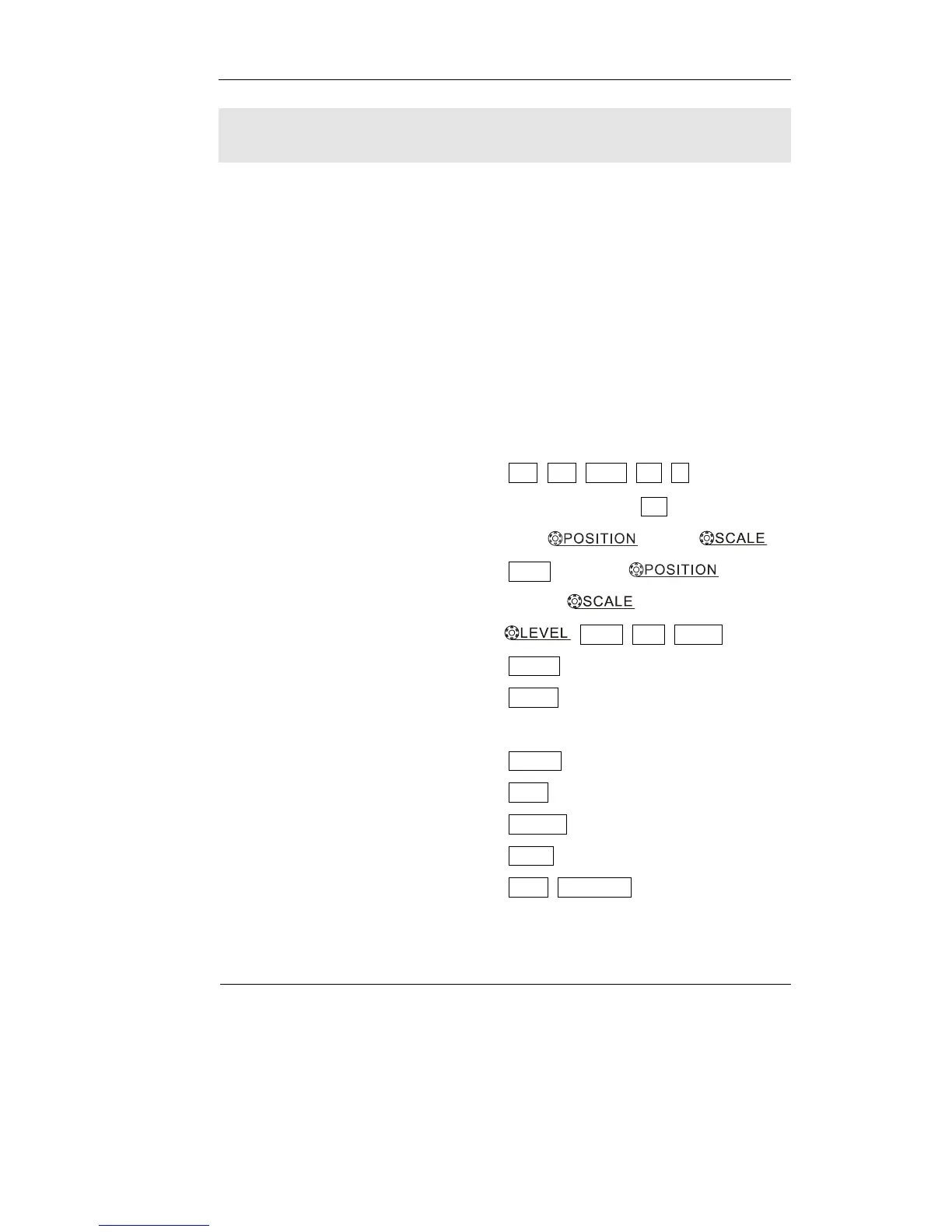
Understand the vertical system ( CH1, CH2, MATH, REF, LA (Mixed
Signal Oscilloscope), OFF,
Vertical , Vertical )
Understand the horizontal system ( MENU, Horizontal
,
Horizontal )
Understand the trigger system (
, MENU, 50%, FORCE)
To set up the sampling system ( Acquire)
To set up the display system ( Display)
To save and recall waveforms, CSV format, bmp format and other setups
( Storage)
To set up utility ( Utility)
To measure automatically ( Measure)
To measure with cursors ( Cursor)
To use run control buttons ( AUTO, RUN/STOP)












 To Next Page