RIGOL
© Copyright RIGOL Technologies, Inc. 2007. 1-15
User’s Guide for DS1000 Series
To Set Up the Horizontal System
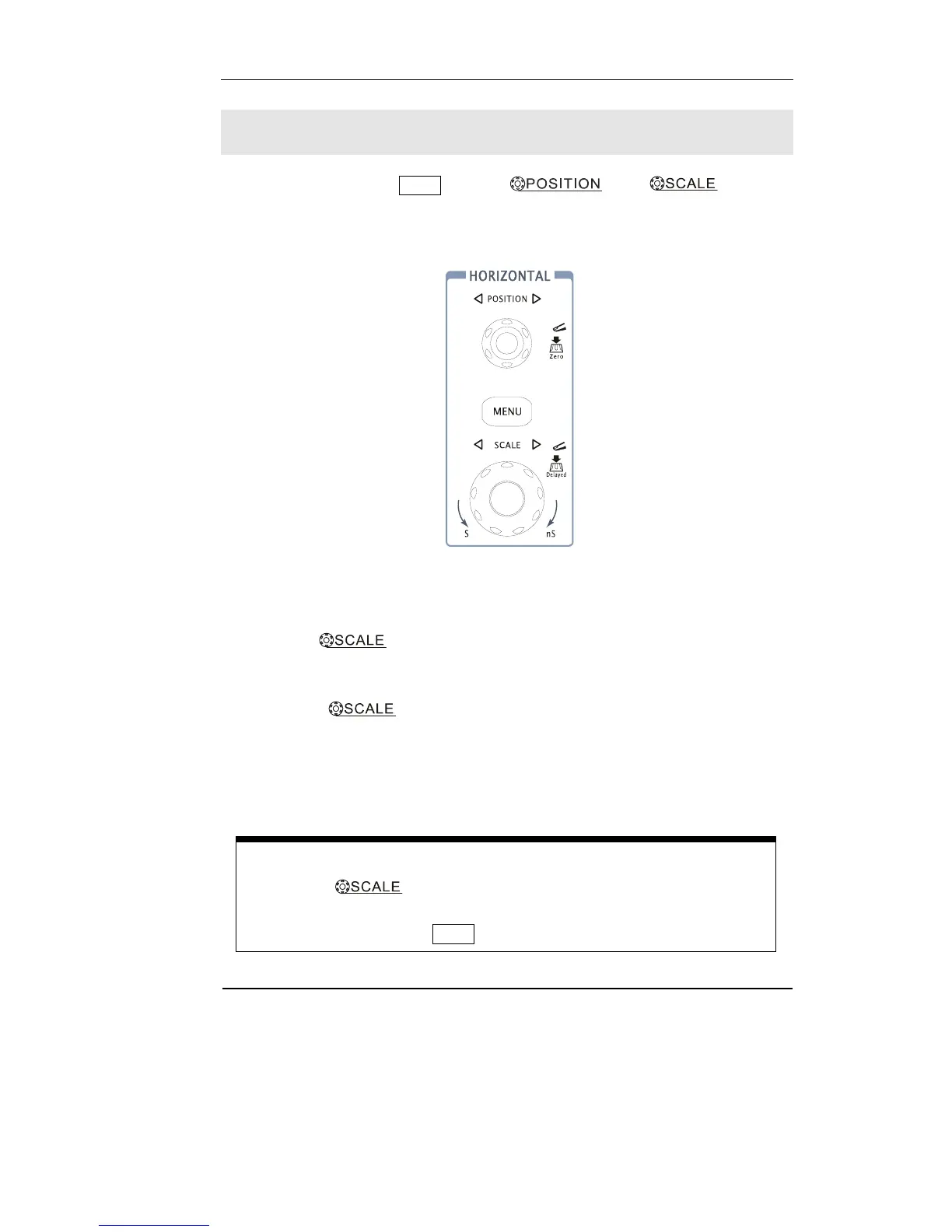
Figure 1-15 shows the MENU button, and knobs of
horizontal system. The following exercise guides you through these buttons, knobs,
and status bar.
Figure 1-15
1. Turn the
knob and notice the change it makes to the status
bar.
The horizontal
knob changes the sweep speed in a 1-2-5 step sequence,
and the value is displayed in the status bar. The time base ranges of the DS1000
series are listed as follows. The horizontal scan speed is from 5ns/div* to 50s/div.
* NOTE: The speed of horizontal scan varies by different models.
Delayed Scan Shortcut key
To press the
knob in the horizontal control area on the front-panel
is another way to enter or exit Delayed Scan mode and it is equal to the
following menu operations, MENU→Delayed.












 To Next Page