RIGOL
© Copyright RIGOL Technologies, Inc. 2007. 1-17
User’s Guide for DS1000 Series
To Trigger the Oscilloscope
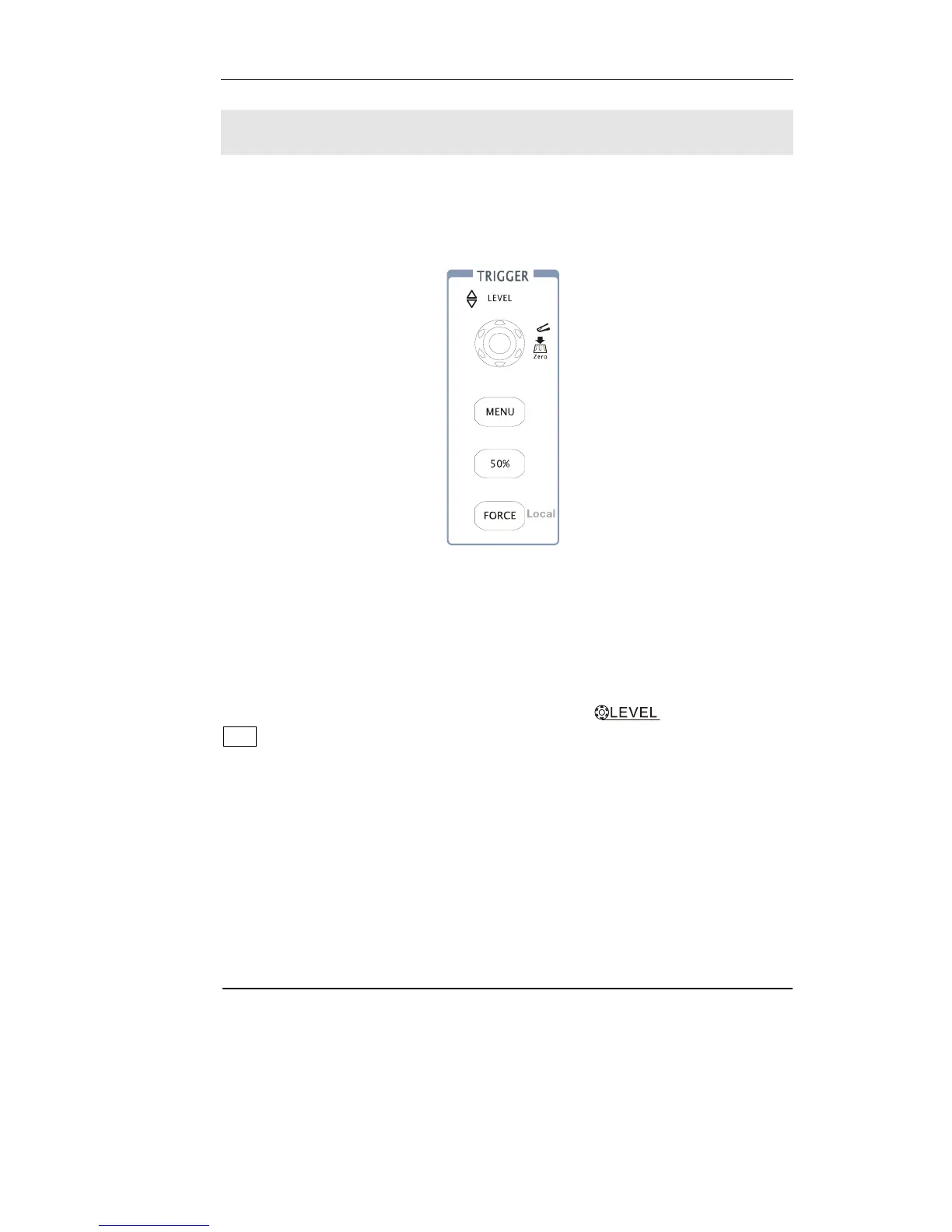
Figure 1-16 shows the trigger control area on the front panel, it has a trigger level
knob and three soft buttons. The following exercise guides you through these trigger
buttons, knobs, and status bar.
Figure 1-16
1. Turn the trigger Level knob and notice the changes it makes to the
display.
On the DS1000 series oscilloscopes, as you turn the
knob or press the
50% menu button, two things happen on the display for a short time. First, the
trigger level value is displayed at the bottom-left of the screen. If the trigger is DC
coupled, it is displayed as a voltage value. If the trigger is AC coupled or LF reject, it
is displayed as a percentage of the trigger range. Second, a line is displayed showing
the location of the trigger level (as long as AC coupling or low frequency reject are
not selected).












 To Next Page