RIGOL
2-2 © Copyright RIGOL Technologies, Inc. 2007.
User’s Guide for DS1000 Series
Understand the vertical system
Ⅰ. Settings of the channels
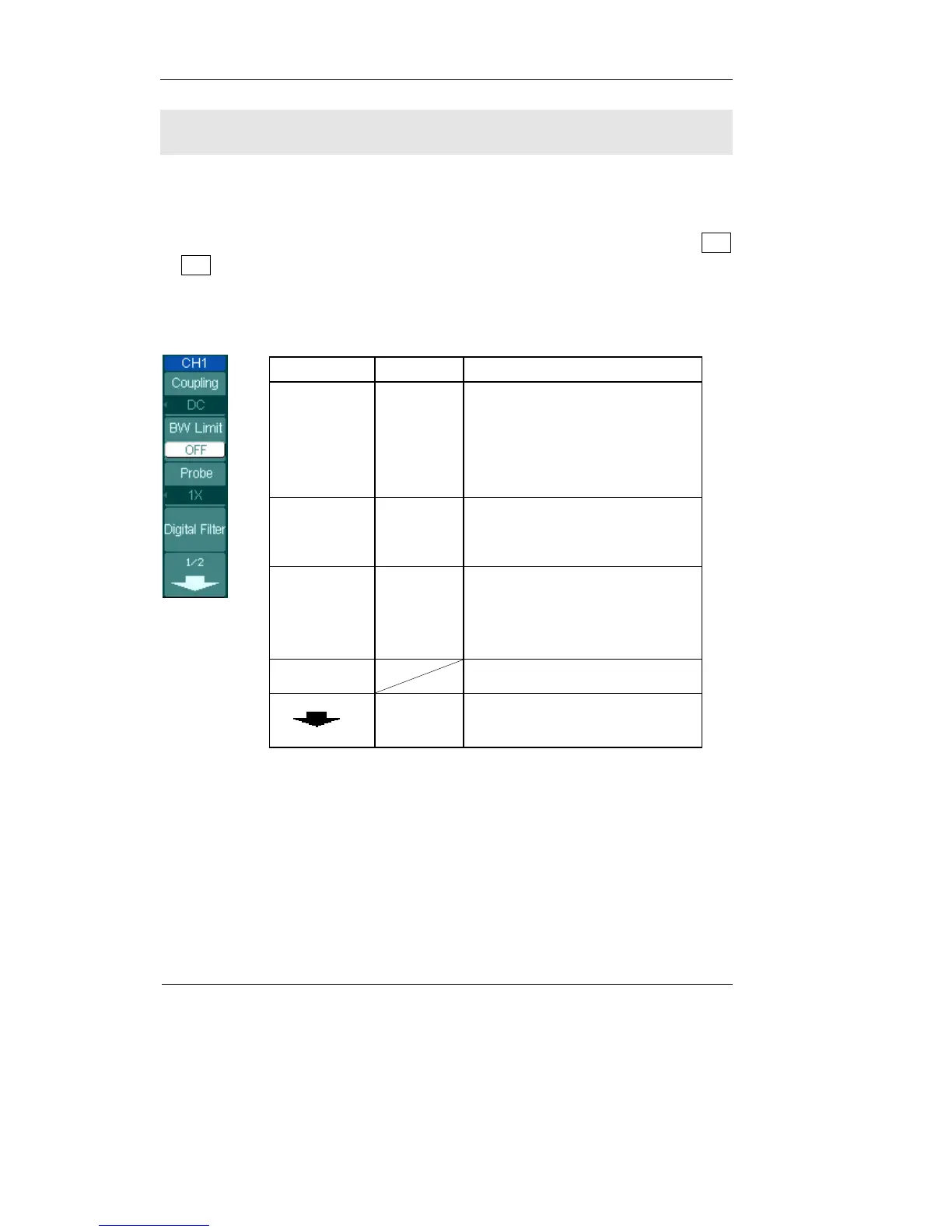
Each channel of DS1000 has an operation menu and it will pop up after pressing CH1
or CH2 button. The settings of all items in the menu are shown in the table below.
Figure 2-1 Table2-1
Menu Settings Comments
Coupling
AC
DC
GND
Blocks the DC component of the
input Signal
Passes both AC and DC
components of the input signal
Disconnects the input signal
BW Limit
ON
OFF
Limits the channel bandwidth to
20MHz to reduce display noise.
Get full bandwidth.
Probe
1X
10X
100X
1000X
Set this to match your probe
attenuation factor to make the
vertical scale readout correct
Digital filter
Setup digital filter (See table 2-4)
1/2
Go to the next menu page (The
followings are the same, no
more explanation)












 To Next Page