RIGOL
© Copyright RIGOL Technologies, Inc. 2007. 3-5
User’s Guide for DS1000 Series
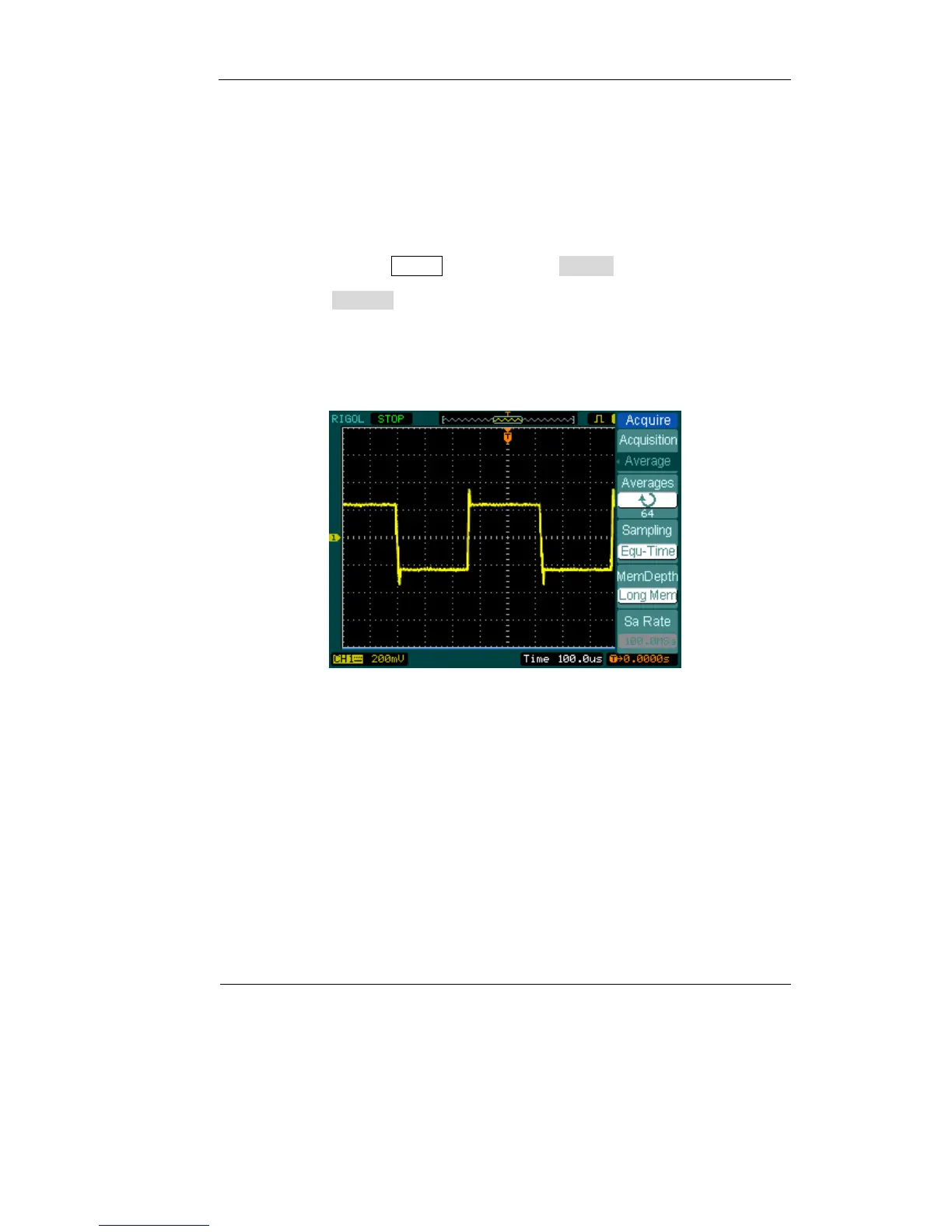
(1) If there is noise with the signal and the waveform looks too wide, in this case, you
can choose average acquisition. In this mode the waveform will be thin and easy
to observe and measure.
To use average follow these steps.
z Press soft button as Acquire→Acquisition→Average
z Toggle the Averages soft button to select the number of averages that best
eliminates the noise from the displayed waveform. It can be adjusted from 2-
256. (See Figure 3-3)
Figure 3-3
(2) To reduce the noise also can be achieved by reduce the intensity of the
waveform.
Note:
It is normal that the refresh rate will slow down when the average acquisition
mode is turned on.












 To Next Page