RIGOL
© Copyright RIGOL Technologies, Inc. 2007. 3-15
User’s Guide for DS1000 Series
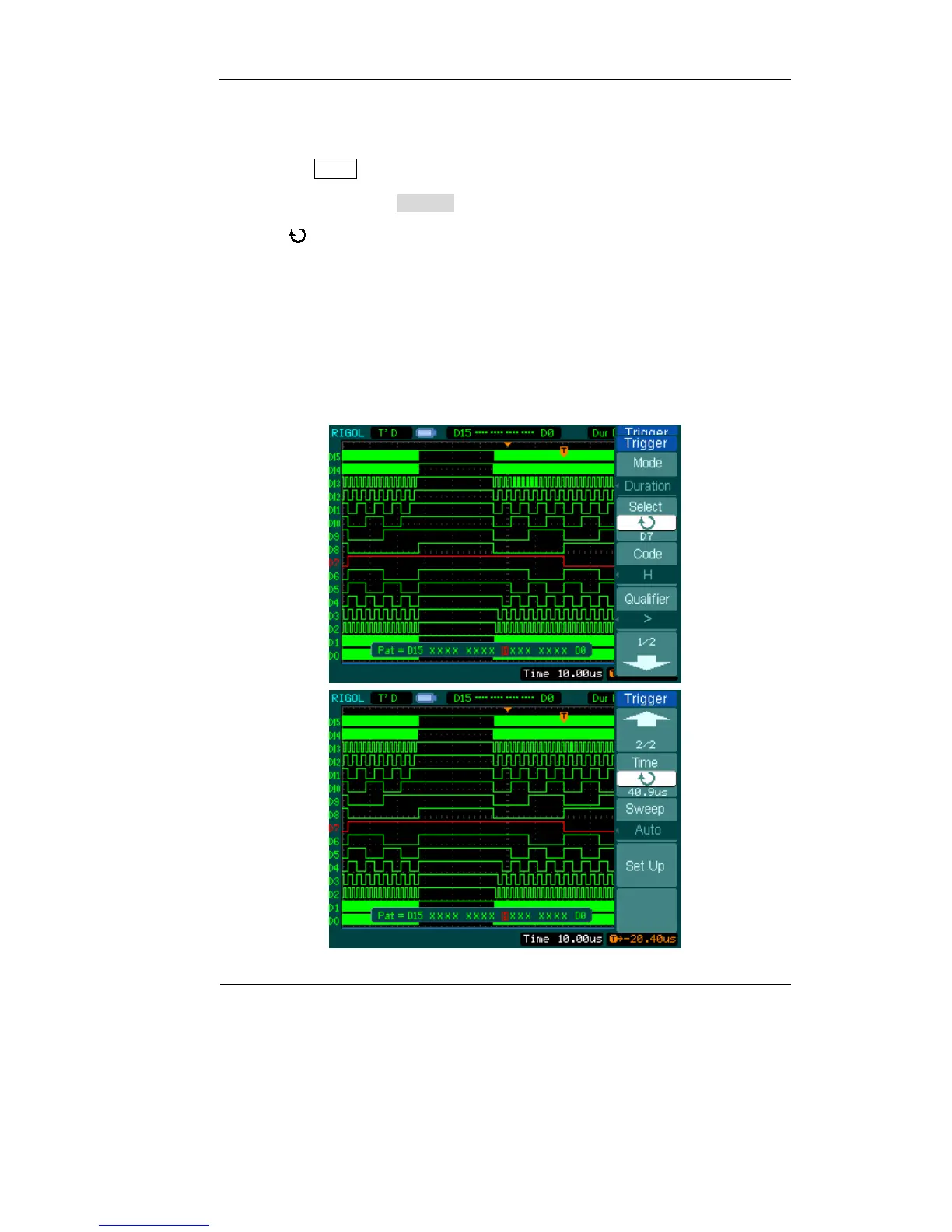
Duration
Do the steps as following:
1. Press the MENU key in the triggering control area to see the trigger menu
2. Press Mode to select Duration mode
3. Turn (
))knob to select the channel you want to set
4. Press Code to set Code Setting (H, L, or X)
5. Press Qualifier to set time limit terms
6. Press Time to set duration and limit symbol time
7. Press Sweep to select trigger mode to: Auto, Normal, or Single
8. Press Set Up to adjust the Holdoff time.
Figure 3-13
Figure 3-14












 To Next Page