RIGOL
1-8 © Copyright RIGOL Technologies, Inc. 2007.
User’s Guide for DS1000 Series
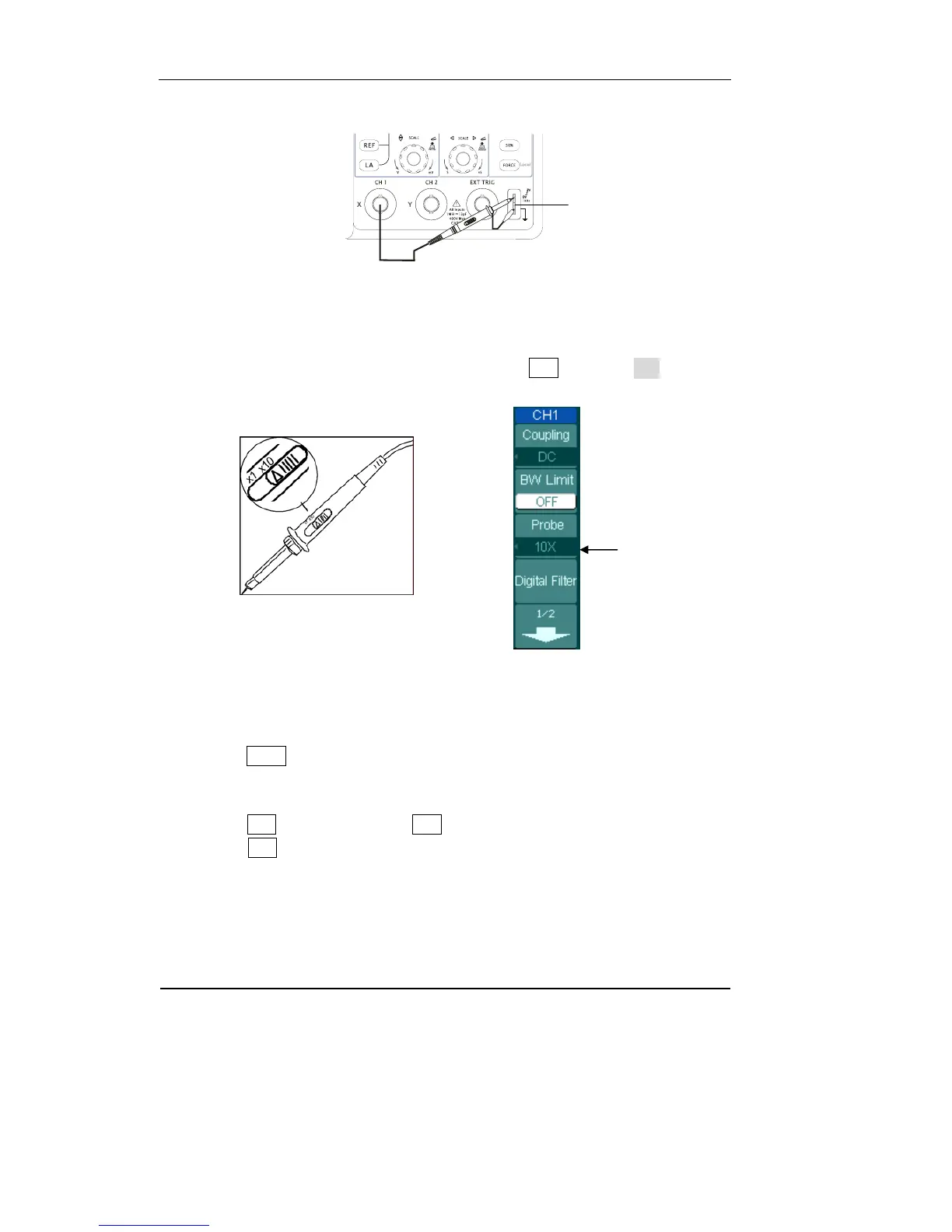
Figure 1-6
② Set the probe attenuation to 10X. To do this, push CH1→Probe→10X.
Figure 1-7 Figure 1-8
③ Push the AUTO button. Within a few seconds, you could see a square wave in the
display (approximately 1 kHz 3 V peak- to- peak).
④ Push the OFF button or push the CH1 button again to turn off channel 1,
push the CH2 button to turn on channel 2, repeat steps 2 and 3.
Probe compensator
Probe scale












 To Next Page