RIGOL
© Copyright RIGOL Technologies, Inc. 2007. 2-19
User’s Guide for DS1000 Series
Save to External Memory
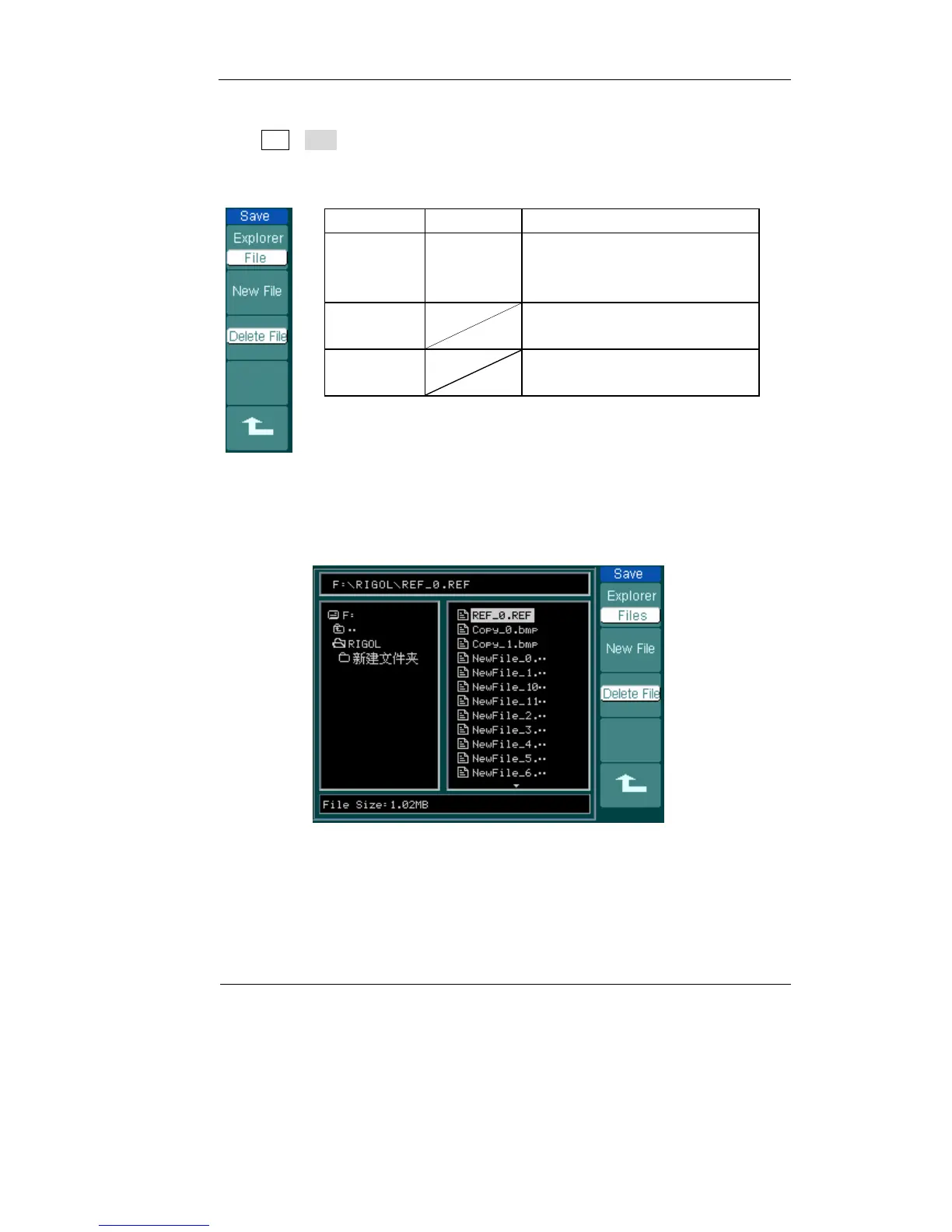
Press REF→Save and go to the following menu.
Figure 2-24 Table 2-12
Menu Settings Comments
Explorer
Path
Directory
File
Switch among Path, Directory
and File
New File
(Folder)
Set up new file in Path and File.
Set up new folder in directory.
Delete
File(Folder)
Delete file(Folder)
The figure of Save as following:
Figure 2-25












 To Next Page