RIGOL
2-22 © Copyright RIGOL Technologies, Inc. 2007.
User’s Guide for DS1000 Series
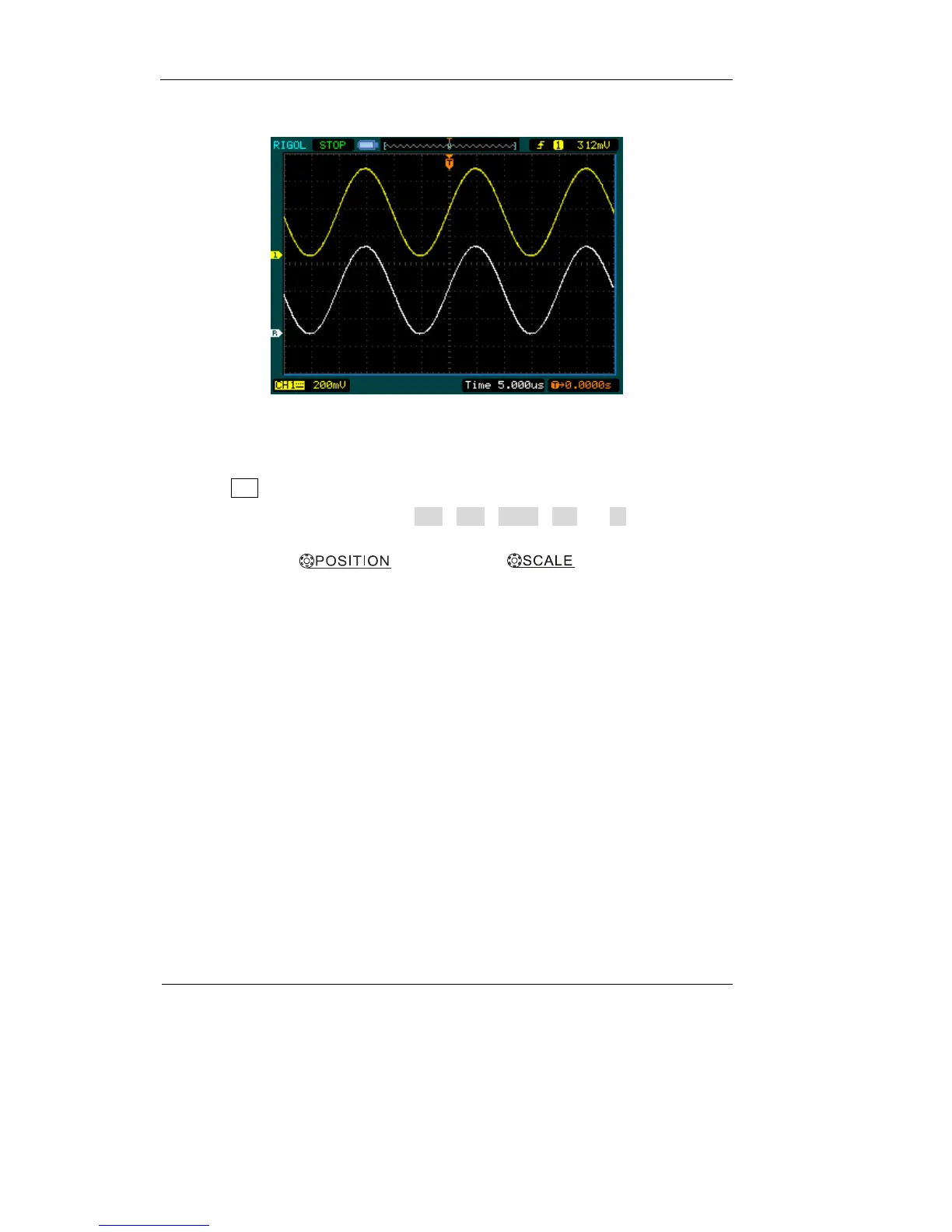
Displaying a Reference Waveform.
Figure 2-30
1. Push REF button to show the reference waveform menu.
2. Press soft button 1 to select CH1, CH2, MATH, FFT or LA (Mixed Signal
Oscilloscope) to choose the REF channel you want.
3. Turn vertical and vertical to adjust the REF
waveform to a suitable position.
4. Select the save location of REF waveform by press soft button No. 2.
5. Save the waveform being displayed on the screen as REF by press soft button
No.3.
NOTE:
The reference function is not available in X-Y mode.












 To Next Page