RIGOL
© Copyright RIGOL Technologies, Inc. 2007. 2-31
User’s Guide for DS1000 Series
Figure 2-37 Table 2-19
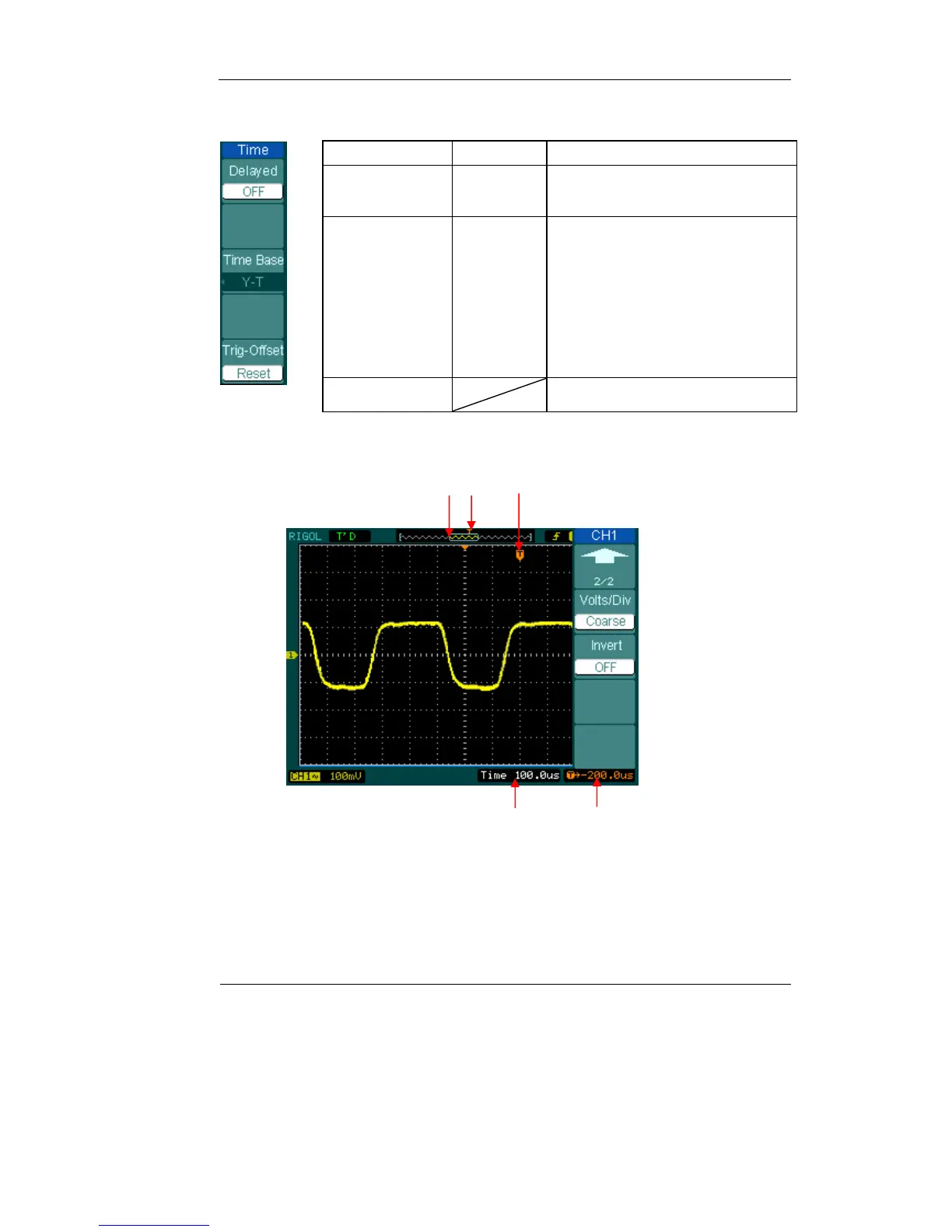
① ② ③
④⑤
Figure 2-38: Status bar and mark for Horizontal control
Menu Settings Comments
Delayed
ON
OFF
Turn on Delayed Scan mode
Turn off the Delayed Scan mode
Time Base
Y-T
X-Y
Roll
Show the relative relation between
vertical voltage and horizontal
time.
Show CH1 value at X axis; CH2
value at Y axis.
In Roll Mode, the waveform display
updates from right to left.
Trig-offset Reset Adjust to the center












 To Next Page