RIGOL
© Copyright RIGOL Technologies, Inc. 2007. 2-61
User’s Guide for DS1000 Series
z To reduce the displayed random noise, select the Average Acquisition. And this
mode would make the screen refresh slower.
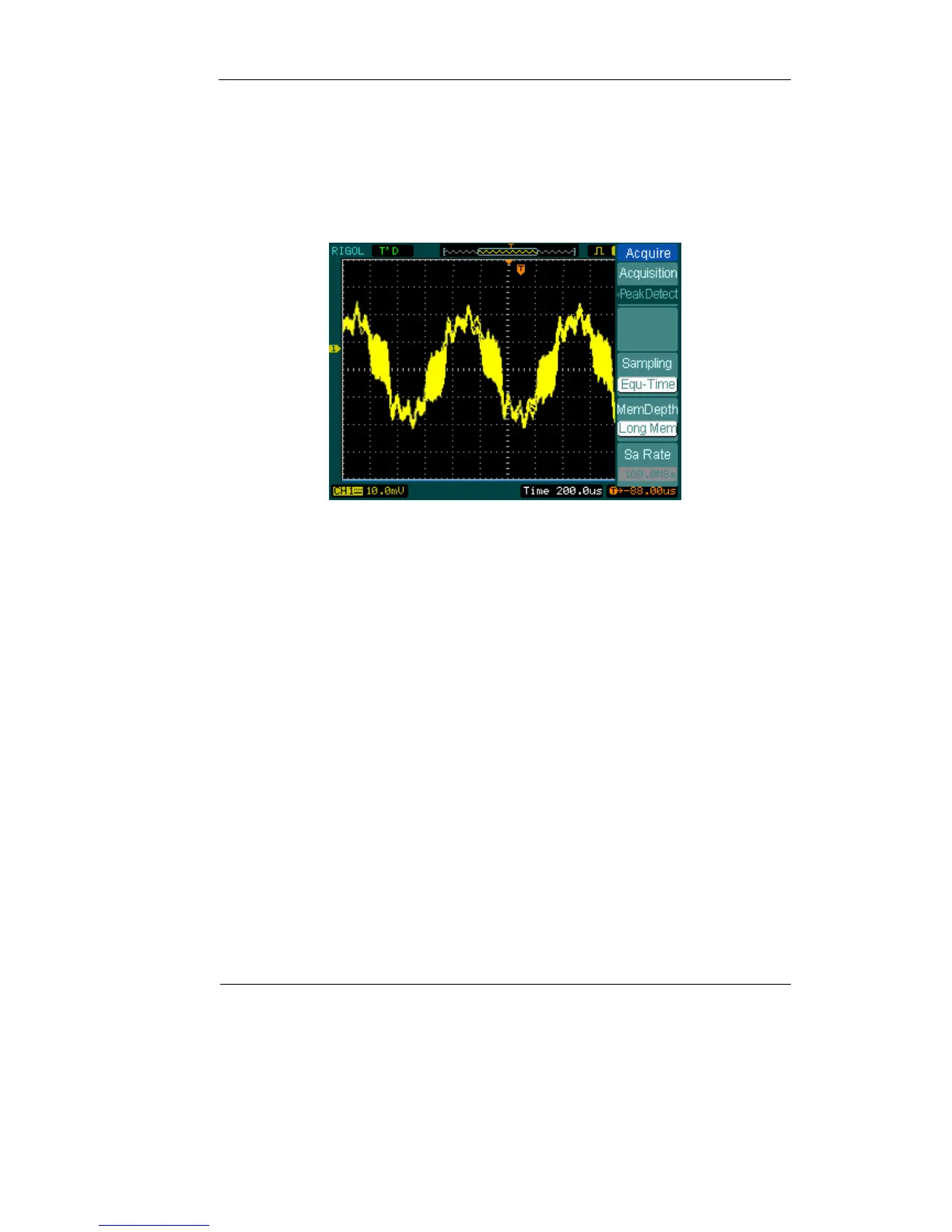
z To Avoid signal aliasing, select Peak Detect Acquisition.
Figure 2-70: Signal with Peak Detect Acquisition
The Peak Detect effect is shown as the figure above.
Stop Acquisition: When the scope is acquiring waveforms, the waveforms is in a
live status; when acquisition is stopped, frozen waveform will be displayed, the
position and scale can still be adjusted by vertical control and horizontal control.












 To Next Page