60
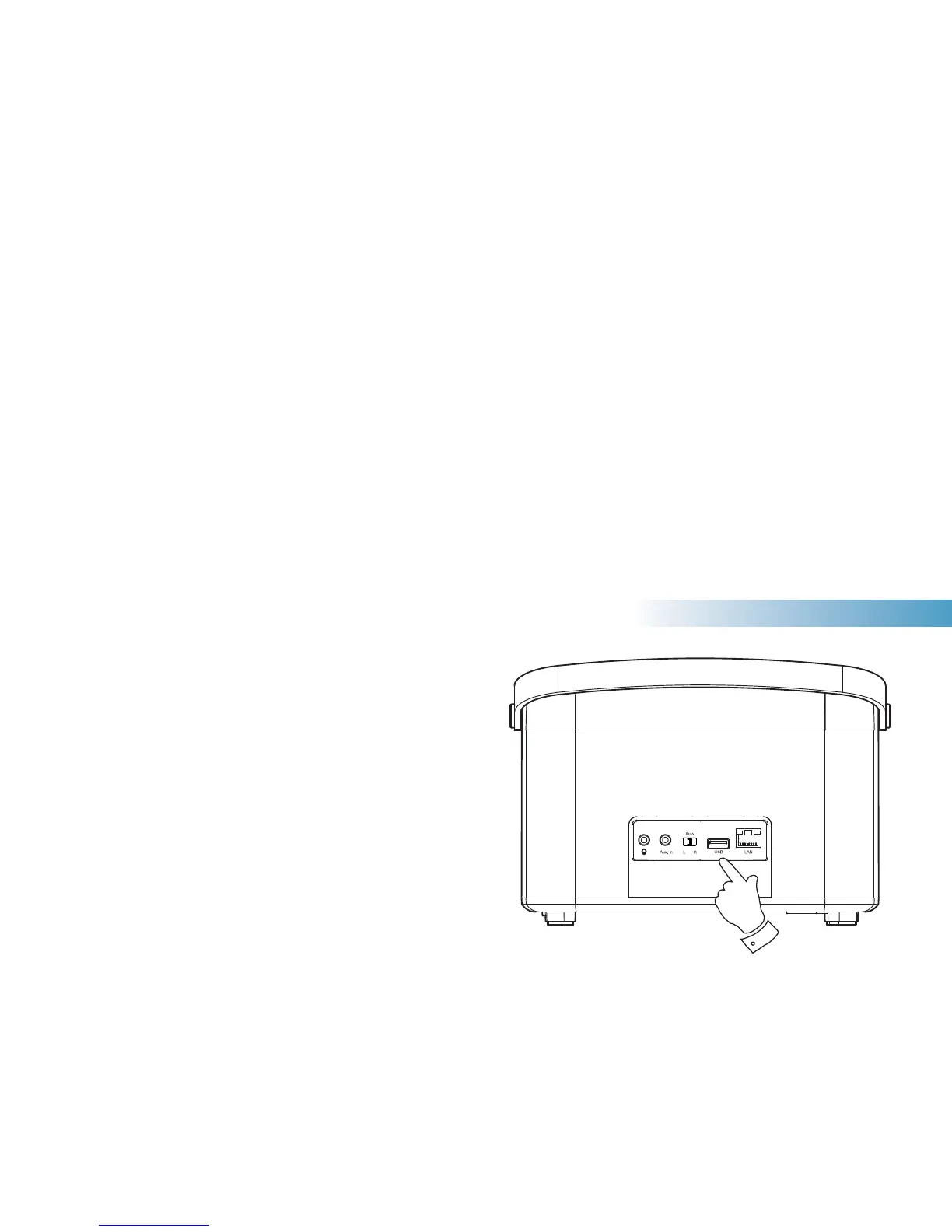
Using USB memory devices
This section describes how to use your radio to access and playback your
audio fi les via USB memory devices. USB memory devices plug into the
rectangular slot on the back of the radio.
Important: Your radio is only designed to work with USB fl ash memory
devices. It is not intended to be connected to hard disk drives or any other
type of USB device.
The R100 radio has been tested with a range of USB memory devices of
up to 128GB capacity. USB memory must use the FAT 16 or FAT 32 fi ling
system in order to operate with your radio. Your radio is unable to play
from media formatted using the exFAT or NTFS formats.
It is possible to use SD, SDHC and SDXC cards for media storage and
playback when held in a suitable USB adaptor. However, due to the
wide variation of such adaptors, it is not possible to guarantee that all
adaptor / card combinations will work in the radio.
Audio formats supported are MP3, WMA, AAC, FLAC, ALAC and WAV.
USB playback does not support fi les encoded using WMA Lossless,
WMA Voice, WMA 10 Professional, nor fi les of any format which have
DRM protection.
Recommendations:
Unless you have only a few fi les on the USB memory device, do not
place all fi les in the root folder.
The number of items (fi les / sub-folders) in any folder should be less
than 2000.
Searching and playback will be more responsive if the number of fi les
in any one folder is limited (we suggest not more than 250).
It is recommended that the USB memory is reformatted in your computer
before adding your music fi les.
The maximum depth of folder nesting permitted is 8 folder levels (but
playback is only from the currently selected level).
Shuffl e and Playlist functions are limited to 500 tracks.
Cautions:
In order to minimise the risk of damage to your radio or your USB
memory, please place the unit so that the memory device cannot
easily be knocked while it is inserted in the socket.
Remove the USB memory before carrying the unit or if not using the
USB feature for a prolonged period.
Place the unit in Standby mode before removing your USB memory
device.
The USB connection is intended only for fl ash memory devices. The
use of hard disk storage media is not supported.
Playback via USB of fi les stored on MP3 players is not guaranteed.
Music Player



 To Next Page