73
Connecting Bluetooth devices
1. Ensure that the Bluetooth capability on your phone, tablet or PC is enabled. You
may need to refer to the user documentation for your device, since the method
will vary with each device.
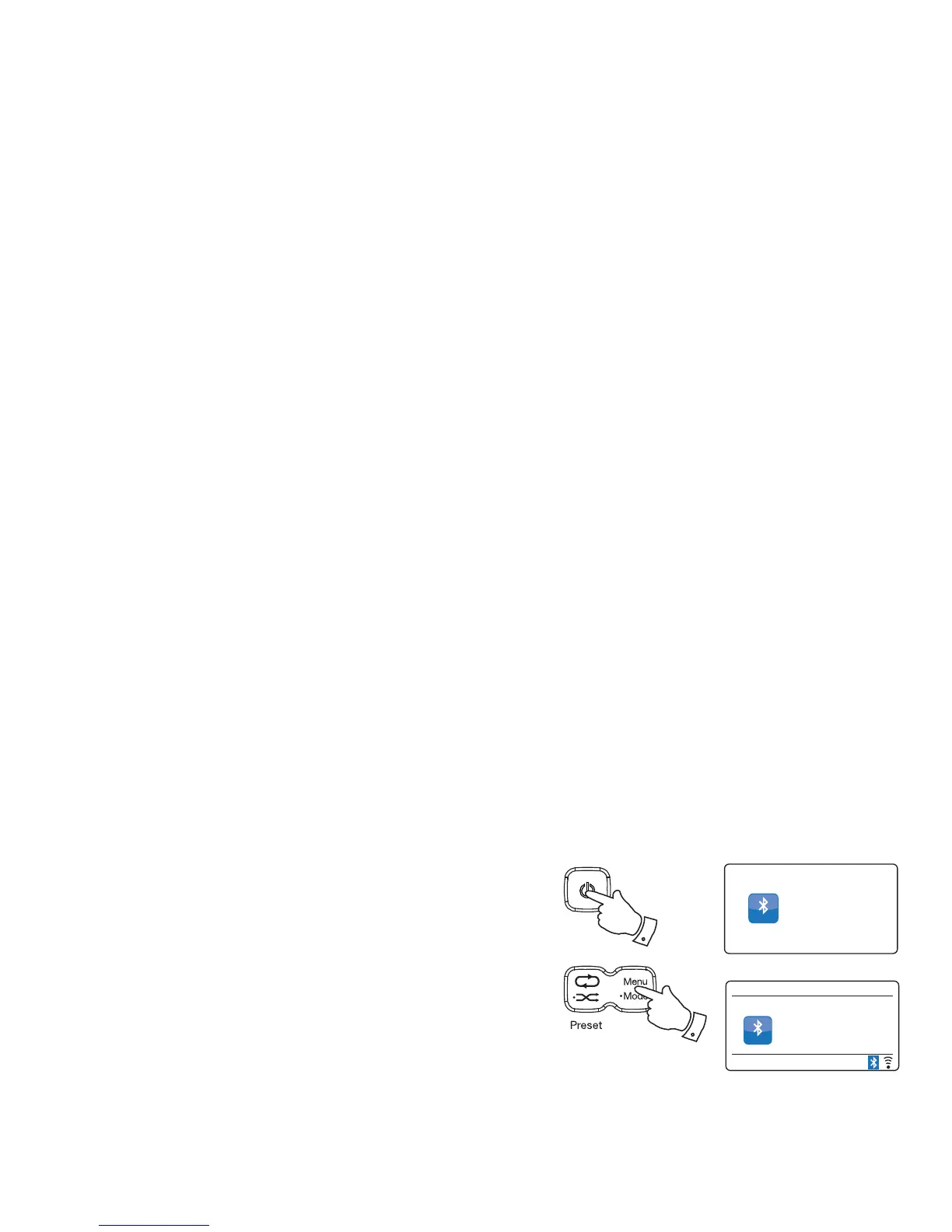
2. Press and release the On/Standby button to switch on the radio.
3. Press and hold the Mode button on your radio and select the Bluetooth mode
(see page 6). Your radio will show that it is 'discoverable' and will show 'Please
connect with a device to R100' on the display. The Bluetooth indicator will fl ash.
4. Using the Bluetooth settings of your phone, tablet or PC direct it to search for
'discoverable' devices. After a few seconds, you should see a device named 'R100'.
Just occasionally it may take longer for the radio to be found by your device.
5. Select 'R100' to cause your phone, tablet or PC to pair with your radio and to
establish a connection.
6. Once the connection is established, a message will be displayed confi rming the
name of the connected device and the Bluetooth indicator will remain steady.
You can now begin playing music from your smart-phone, tablet, etc.
Some Bluetooth devices may require a 'Passkey' (an authentication key) in order to
establish a link between devices. A passkey is similar to a password, although you only
need to use the passkey once to establish a link. If your device asks for a passkey to
be able to pair with your radio then enter a code of 0000 (four zeroes).
12:34
Magic Lantern
Bluetooth
Connected:
Julia’s iPod touch
Bluetooth
Bluetooth
Audio
Bluetooth
2
3
Bluetooth mode
The Bluetooth mode on your radio allows you to play audio, play sound from video fi les and stream music from Bluetooth capable devices such as
your moblie phone, computer, tablet etc. through your radio's loudspeakers.
● When a Bluetooth enabled device such as your R100 radio is in a 'discoverable' state other Bluetooth devices can detect, pair with or connect
to it.
● 'Bluetooth pairing' occurs when two Bluetooth enabled devices agree to establish a connection and communicate with each other.



 To Next Page