46 / 207 - EN -
9.2. Setting the direction of rotation
Direction of
rotation
Selector switch
position
Description
None
Neutral/
Position 0
Set the selector switch on the side of the machine to the middle
position.
The selector switch must always be set to the middle position
before and after operation.
Clockwise Selector switch
to the left
Set the selector switch on the side of the machine to the left position.
The wheel head rotates clockwise (to the right) after pressing
the foot pedal.
Anticlockwise Selector switch
to the right
Set the selector switch on the side of the machine to the right position.
The wheel head rotates anticlockwise (to the left) after pressing
the foot pedal.
Changing the direction of rotation during operation:
1. Put the foot pedal in the OFF position and wait for the turntable to stop.
2. Set the selector switch to position “0”.
3. Set the selector switch to the other direction.
9.3. Operating the foot pedal
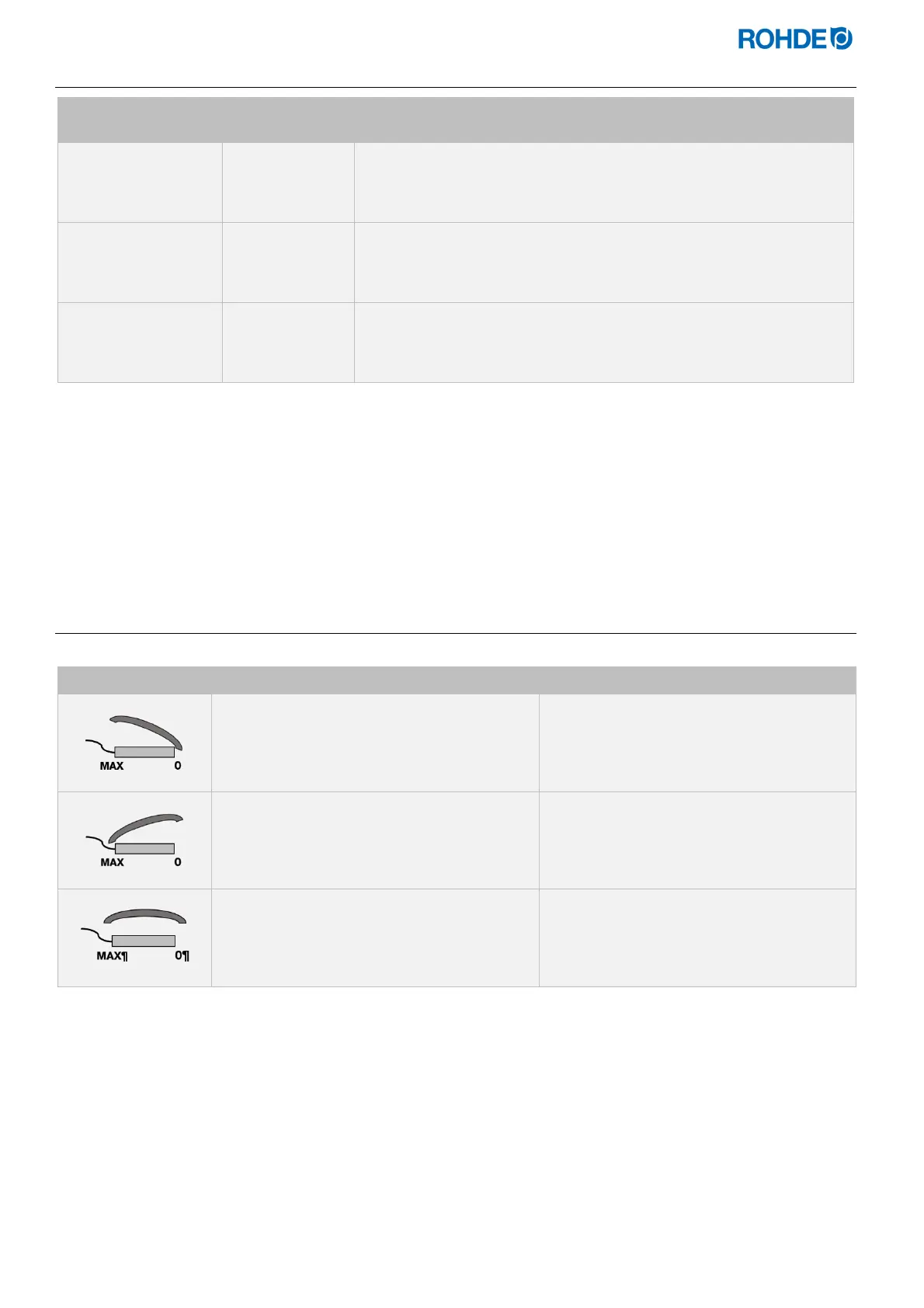
Operation of the foot pedal:
Position on the foot pedal Action at the pottery wheel
Pedal in position 0 (rest position)
No rotation (standstill)
Pedal at maximum position
Maximum possible speed
Pedal in any position between
“0” and “MAX”
Speed continuously adjustable between the
rest position and maximum speed
I
nstructions for use:
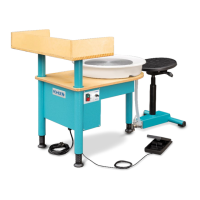
To operate the pottery wheel, the jack plug of the foot pedal must be plugged into the machine and then
pressed.
The speed of the turntable is continuously regulated by pressing the foot pedal.
The foot pedal can also be raised so that it can be operated by hand.
The foot pedal remains permanently in the selected position when pressed.
The foot pedal must be put in the rest position before and after operation.


 To Next Page
 Loading...