Network Video Recorder User Manual
16
speed; zoom, focus and iris are adjustable; run the preset, cruise, track and auto scan, etc.
Refer to Chapter 3.1.3 PTZ Control.
Record: Select the record channel and start manual recording.
Playback: Click this button to playback the recorded files; click the relevant buttons on the
screen to control playback.
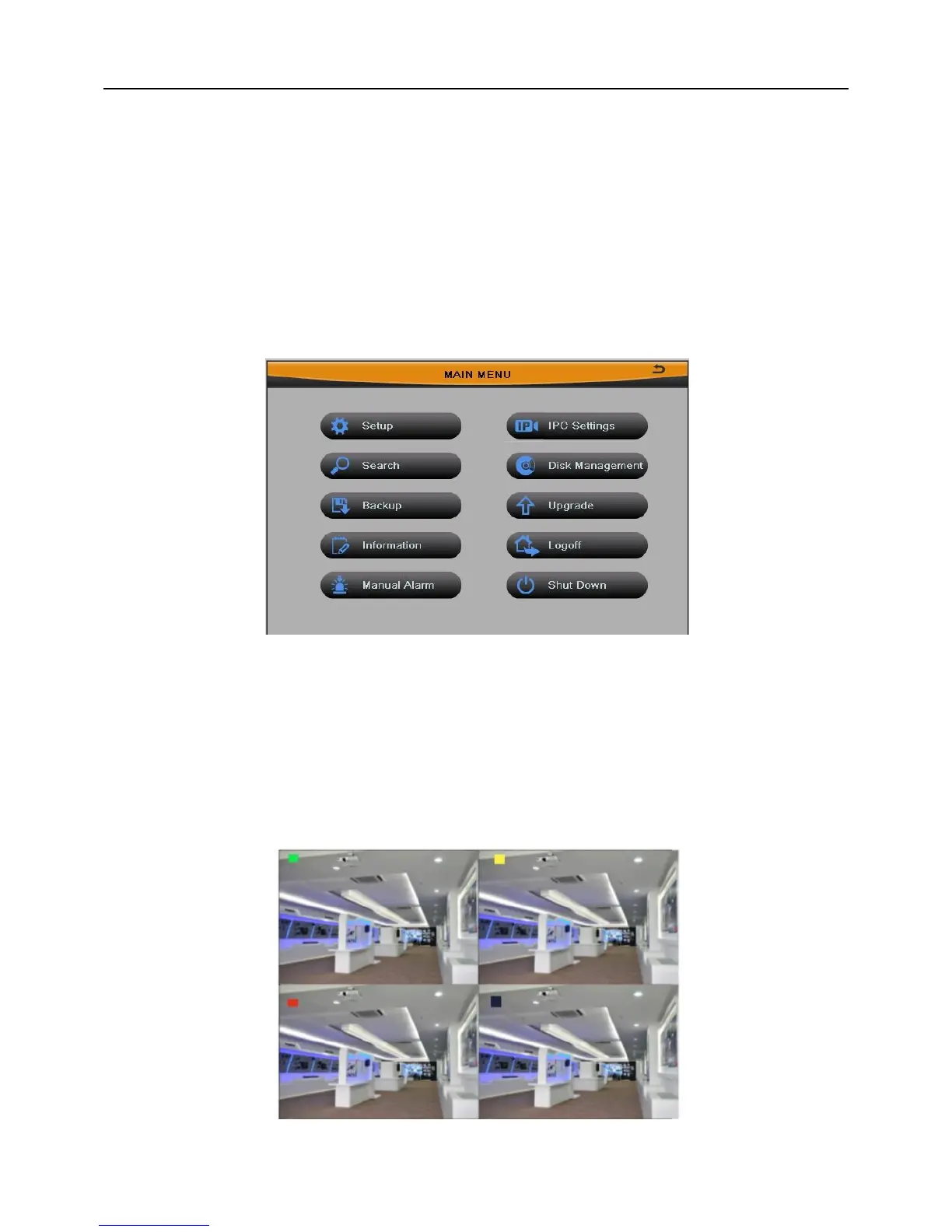
Main Menu: Click this button to enter the main menu. It contains Setup, Search, Backup,
Information, Manual Alarm, IPC Settings, Disk Management, Upgrade, Logoff and Shut
Down, as shown in Fig 3-2.
Fig 3-2
Pressing the MENU button on the front panel or remote controller can also enter the
main menu.
3.1.1 Live Preview
Fig 3-3



 To Next Page